Grades 3–8
Online Roller Coaster STEM Project
Grades 3–82 hrsNGSS aligned
Students design, test, and improve their own roller coaster in Qweebi's online Makerspace while learning gravity, potential energy, and kinetic energy.
- No supplies needed
- No downloads or installs
- Ready-to-run lessons
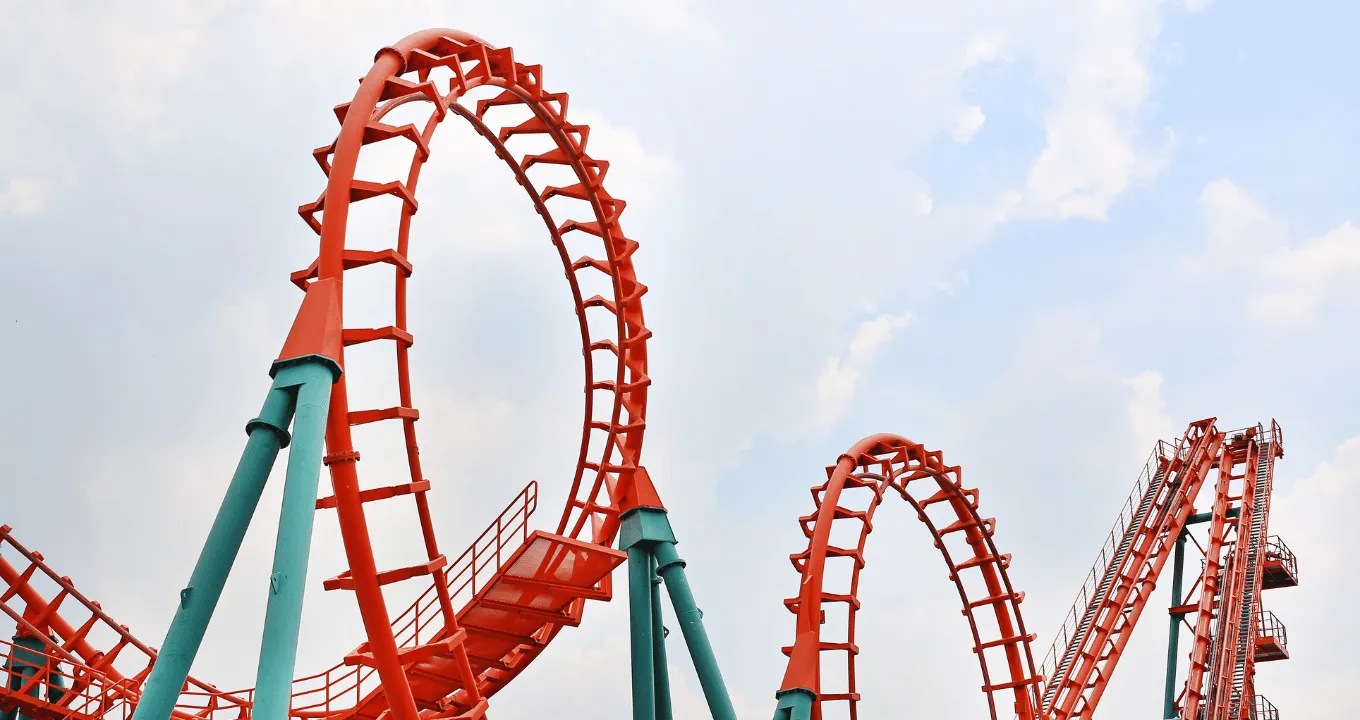
Works on Chromebooks, Windows, and Mac
Project Snapshot
Grade Level
Grades 3–8
Duration
2 hrs
Teacher Prep
Under 30 minutes
Career Connection
Mechanical Engineer
Core Concepts
Gravity, Potential Energy, Kinetic Energy
Standards
NGSS: 4-PS3, MS-PS3, 3-5-ETS and more
How This Project Works in Class
In 2 hours, students go from watching real roller coasters in action to investigating the science behind them, then building and sharing their own coaster.
- 1
Intro to Roller Coasters
The Hook · 15 min
Students watch a video of the world's tallest roller coaster, meet a mechanical engineer who designs them, and preview the final design challenge.
- 2
Learn the Science
Science Bootcamp · 45 min
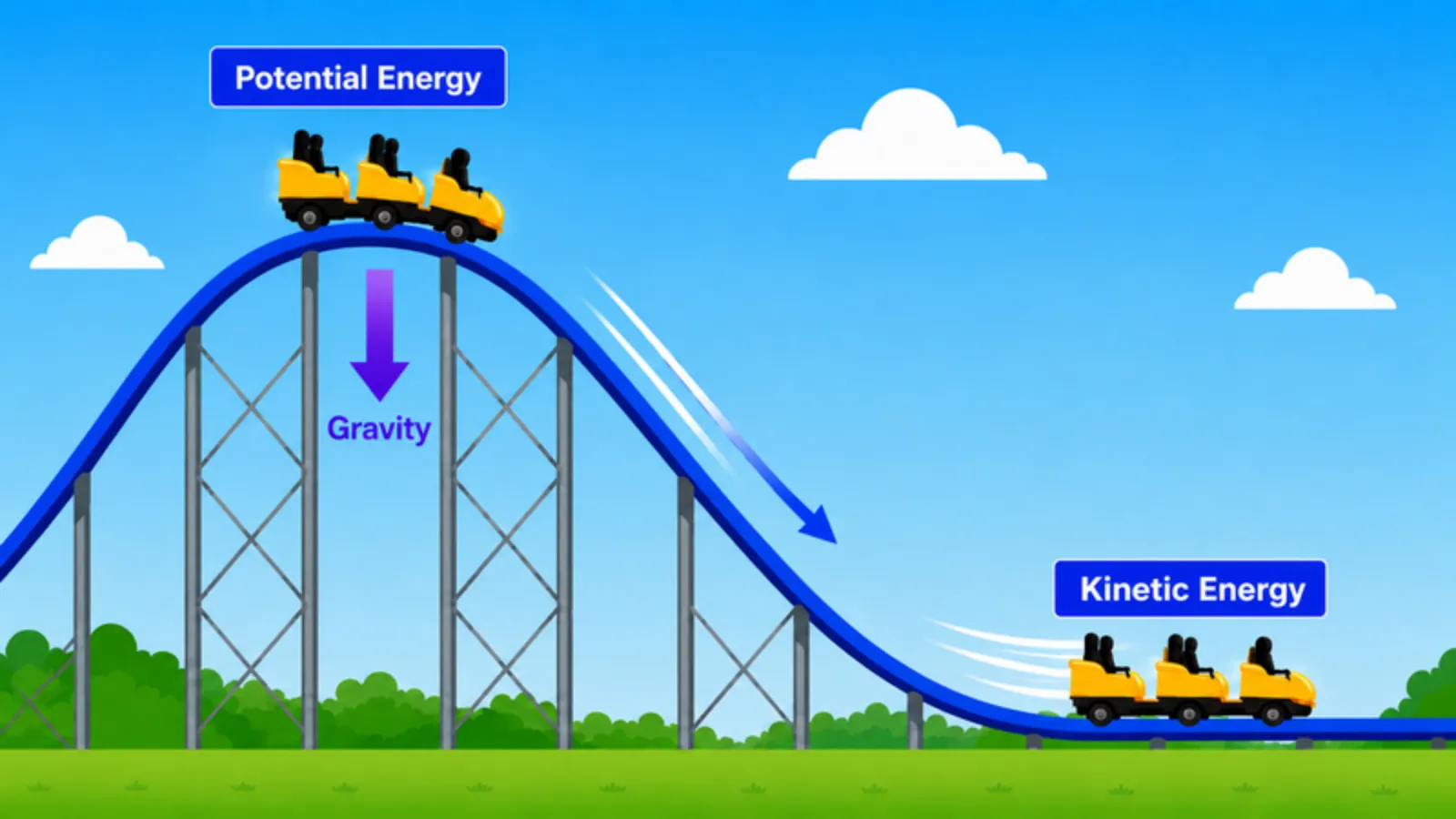
Students investigate how roller coasters move without engines, climb hills, and stay on track while learning gravity, potential energy, and kinetic energy.
- 3
Design Your Roller Coaster
Final EDP Challenge · 45 min
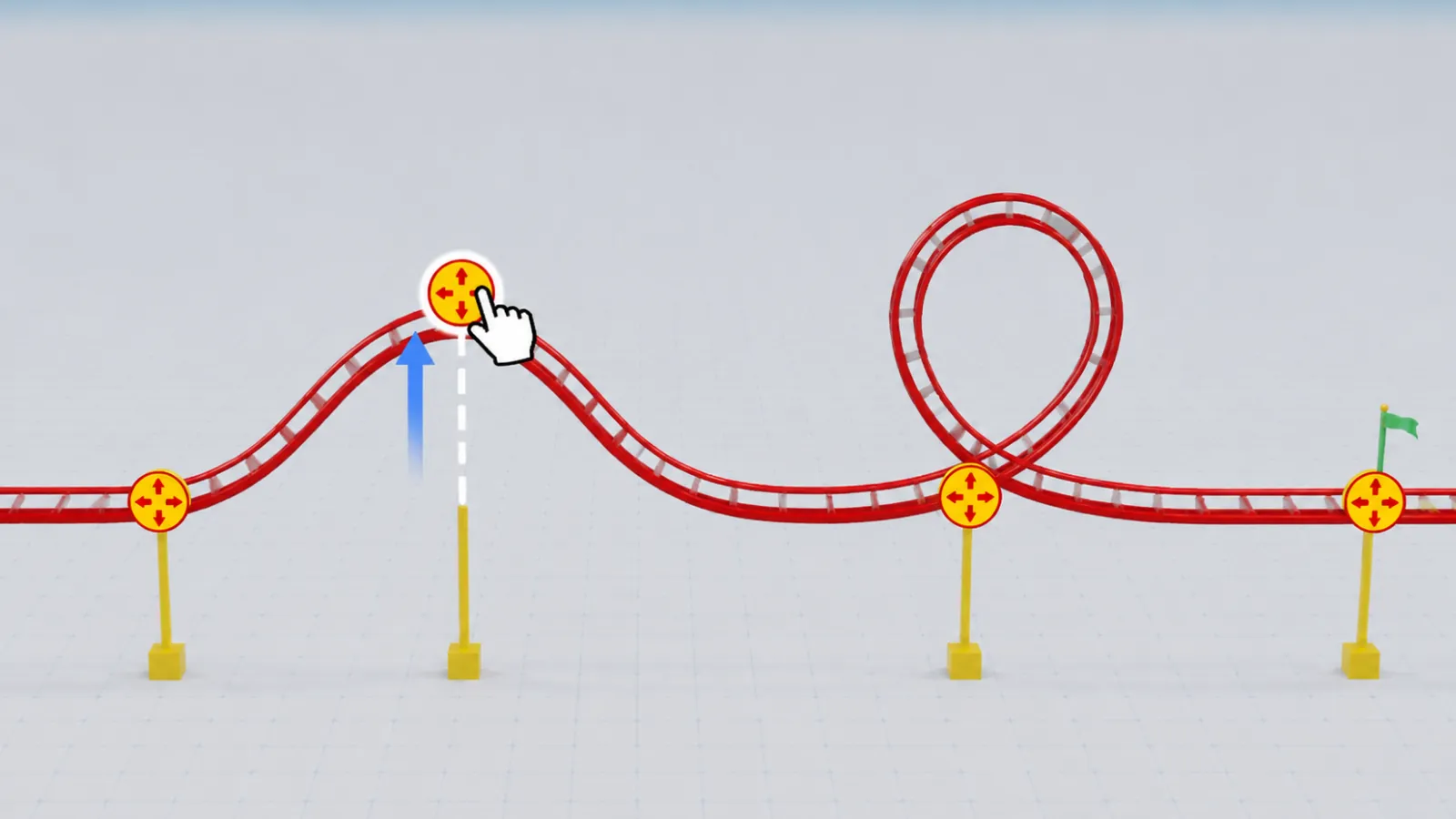
Students use the Engineering Design Process to plan, build, test, and improve their roller coaster in Qweebi.
- 4
Record a Show-and-Tell Video
Reflection · 15 min
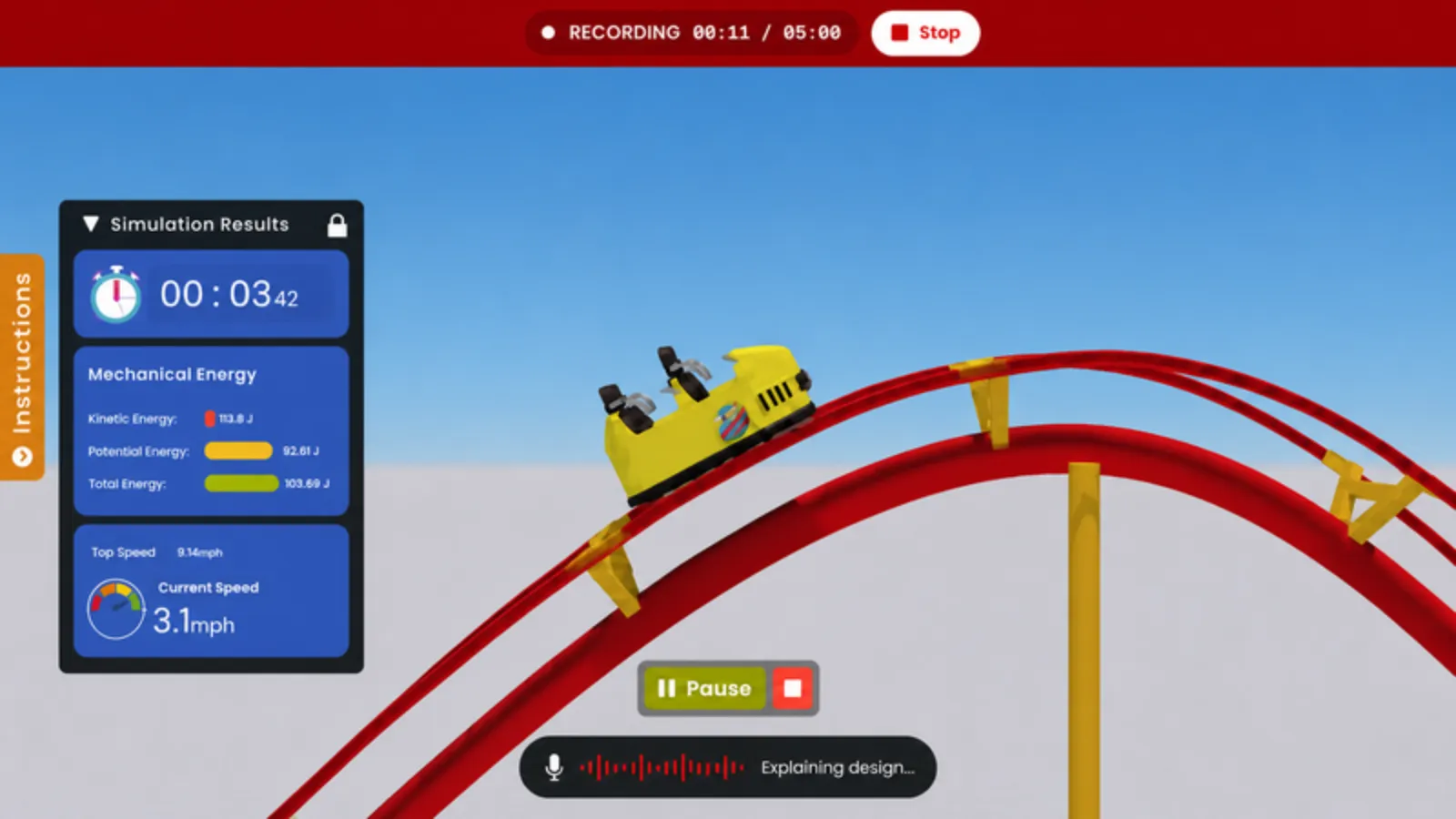
Students record and submit a short video showing their coaster in action, describing their design challenges, and sharing what they learned.
What Teacher Resources Are Included
Everything you need to prep, launch, and run the Roller Coaster project with confidence.
Teacher Slides
Ready-to-present Google Slides with built-in speaker notes.
Student Journals
Google Docs journals where students record observations, explanations, and reflections.
Built-In Qweebi Challenges
Interactive challenges build science intuition and prepare students for the final design challenge.
Step-by-Step Teacher Guide
A clear guide walks you through how to launch and run your Qweebi project.
What Other Teachers Are Saying
More than 500 teachers have brought the Roller Coaster project to their classrooms.
- Low prep
"This project is super hands-on, engaging, and requires no setup or prep. It's truly a dream come true for a teacher working with STEM projects!"

Amber Davies
STEM Teacher, Grades 3–8
Hartington-Newcastle Public School
Nebraska, USA
- Student engagement
"My 6th graders absolutely loved it! They experimented, iterated, and competed, which made the Roller Coaster project one of the most engaging activities in my curriculum."

Kim Smith
STEM Teacher, Grades K-8
Saint Raphael Private School
New Jersey, USA
- Leaderboard
"The Roller Coaster Project strikes the perfect balance between being challenging and rewarding. The leaderboard sparked healthy competition and encouraged students to continuously improve their designs."

Dane Huskisson
STEM Teacher, Grades K-5
Paradise Honors Elementary
Arizona, USA
Frequently Asked Questions
Can I try the Roller Coaster project for free?
What grade levels is this project best for?
How long does the project take?
Do I need any supplies or kits?
What devices does it work on?
Do I need a STEM background to teach this project?
Ready to Run the Roller Coaster Project With Your Students?
Try it free with your class — minimal prep, no supplies, and nothing to lose.