4 Digital Halloween STEM Activities for Grades 3–8
Four Halloween STEM activities students do entirely on a computer — design, build, code, test, and improve. No candy, no pumpkins, no prep. Grades 3–8.
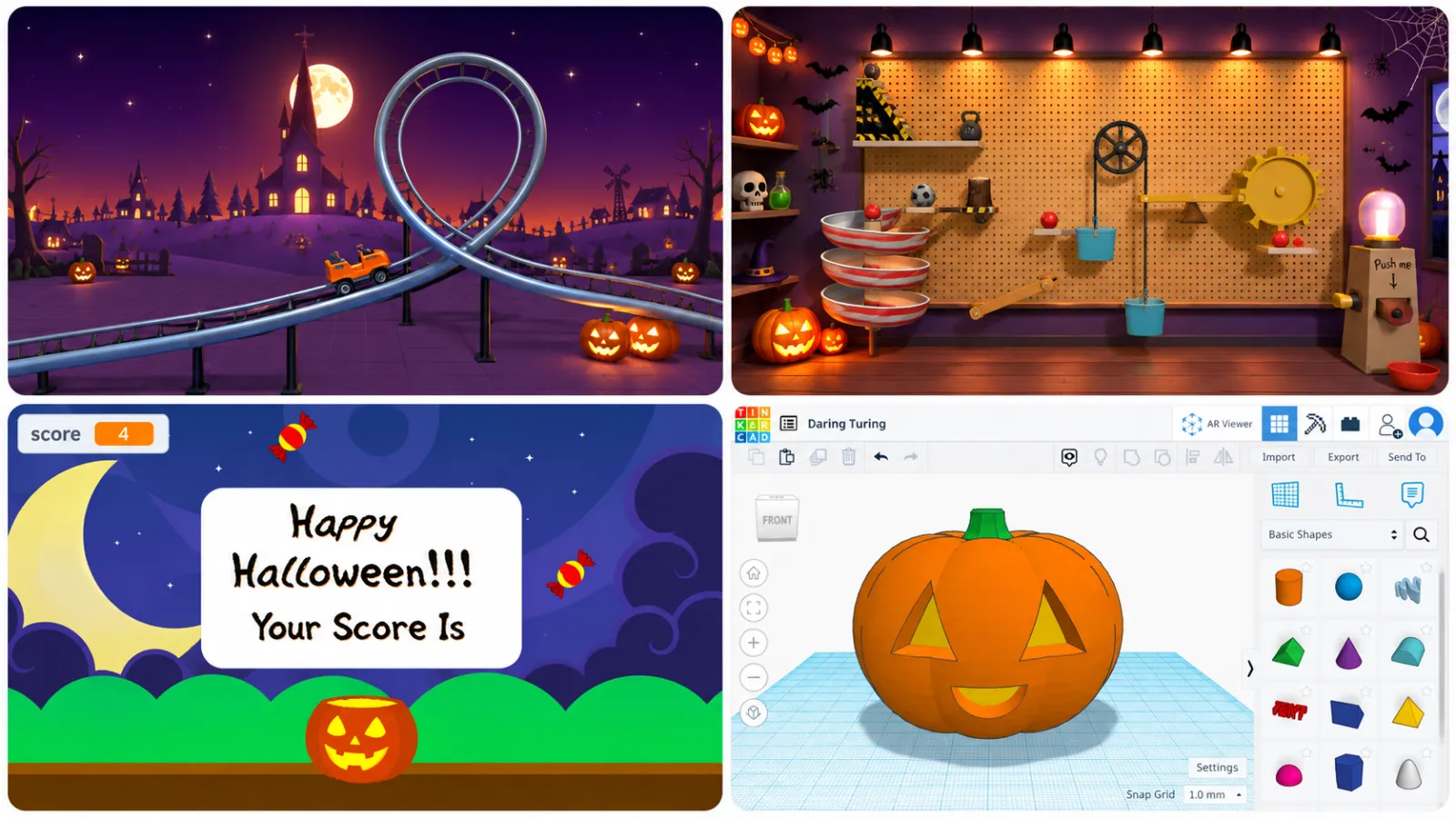
Most Halloween STEM activities involve candy, pumpkins, cardboard, or tape. These take a different approach: students design, build, code, test, and improve Halloween-themed projects entirely on a computer.
That means no supply run, no piles of materials, and no cleanup afterward. These four activities cover engineering, physics, coding, and 3D design — and each gives students something they actually create, rather than simply watch or play.
| Project | Main STEM focus | Time | Supplies |
|---|---|---|---|
| Design a Haunted Roller Coaster | Physics + engineering | ~2 hrs | None (Qweebi) |
| Build a Spooky Rube Goldberg Machine | Simple machines + EDP | ~2 hrs 50 min | None (Qweebi) |
| Code a Trick-or-Treat Game | Coding | ~1.5 hrs (varies) | None (Scratch) |
| Design a 3D Jack-o’-Lantern | 3D design + spatial reasoning | ~1.5 hrs (varies) | None (Tinkercad) |
1. Design a Haunted Roller Coaster
Best for: Grades 3–8
Time: ~2 hours (intro + science bootcamp + challenge)
Supplies: None (Qweebi)
Concepts: potential and kinetic energy, gravity, engineering design
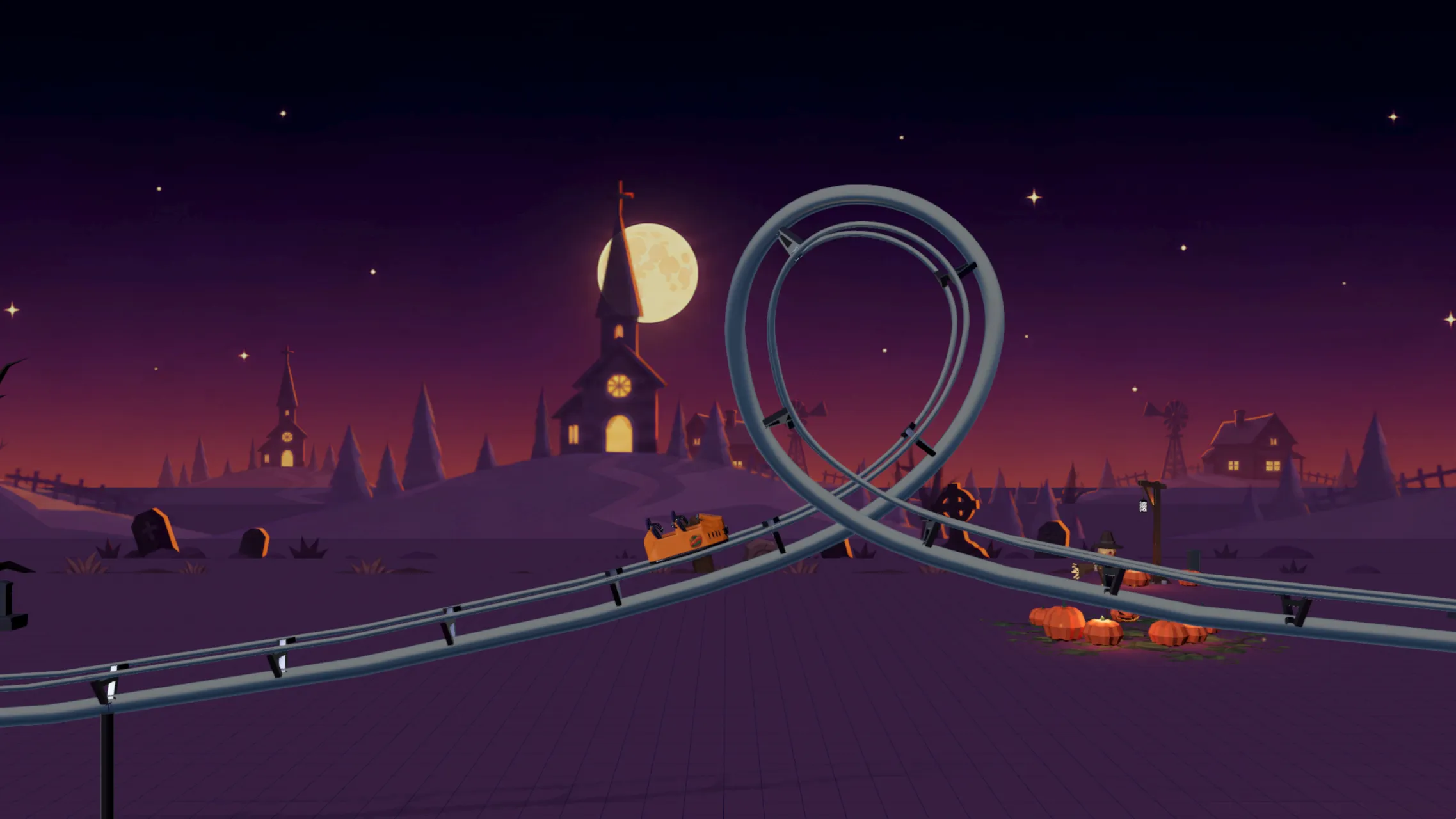
Turn roller coaster engineering into a Halloween challenge. Students design and test their own coaster in Qweebi’s online Makerspace. The Halloween theme gives the project a spooky amusement-park feel, but the engineering challenge stays exactly the same.
Students design a roller coaster that travels from start to finish while meeting three criteria:
- Duration: the ride must last at least 13 seconds
- Thrill factor: the coaster must complete a full loop
- Safety factor: the coaster must stay on the track the entire time
Students run the coaster, see whether it passes all three, and redesign the track when it doesn’t. Because rebuilding happens digitally, they can test and improve repeatedly without needing new materials each time.
Halloween theme goes live September 30. Explore the regular Roller Coaster project now, and use the Halloween-themed version with your class starting September 30.
Explore the Roller Coaster project →
2. Build a Spooky Rube Goldberg Machine
Best for: Grades 3–8
Time: ~2 hrs 50 min (intro + science bootcamp + challenge)
Supplies: None (Qweebi)
Concepts: simple machines, energy, chain reactions, engineering design
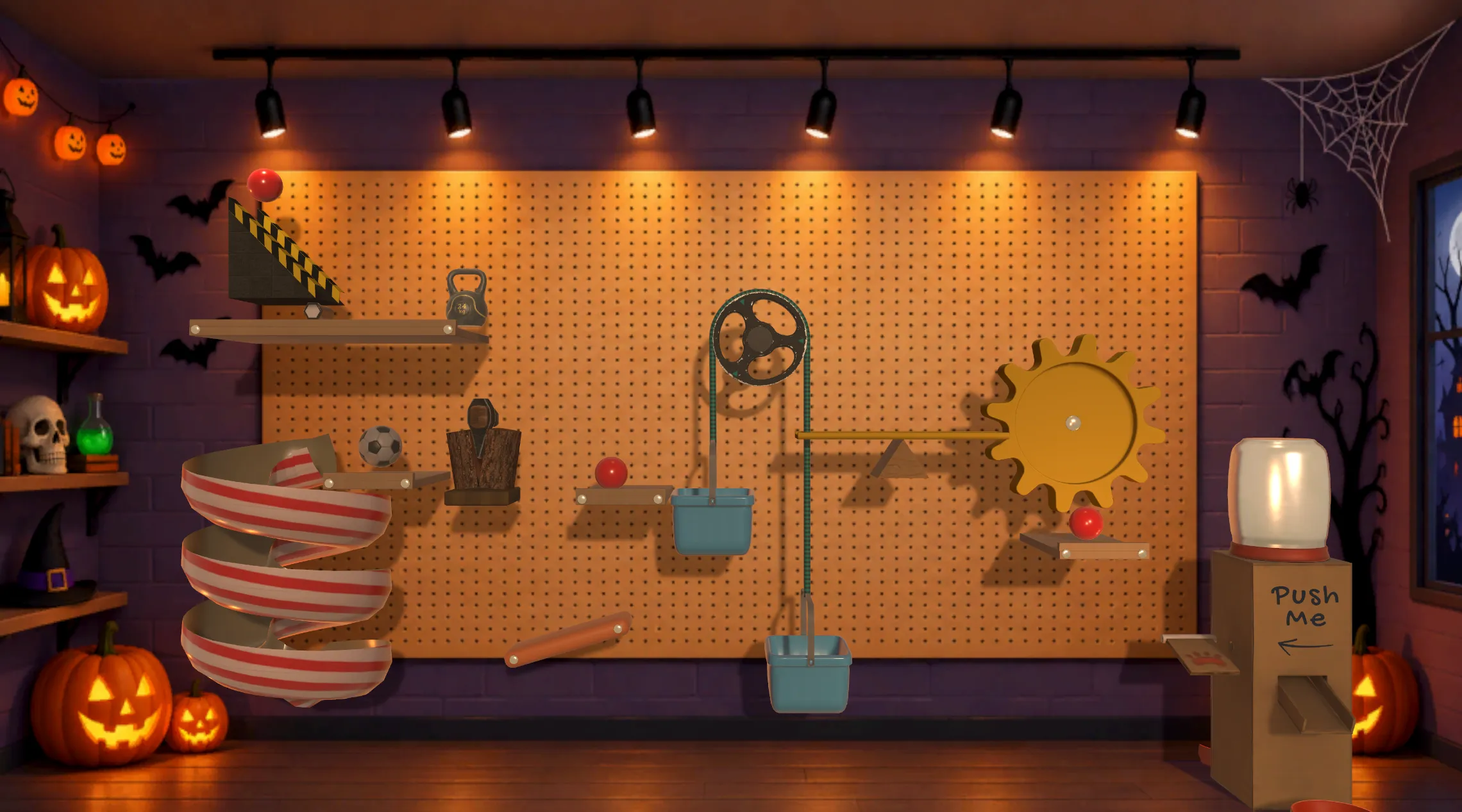
Rube Goldberg machines already feel a little chaotic. A Halloween setting makes them even more fun. Students design a chain-reaction machine on Qweebi’s digital pegboard and use simple machines to complete the mission of feeding a pet. The Halloween version changes the environment, not the underlying engineering challenge.
For Grades 3–5 — in Rube Goldberg Machine I, students must:
- use at least 3 simple machines
- run the machine for at least 7 seconds
- start the machine and let it finish with no human intervention
- successfully complete the task of feeding the pet
Students can then keep experimenting with additional simple machines and longer chain reactions.
For Grades 6–8 — in Rube Goldberg Machine II, the design criteria become more challenging. Students must:
- use at least 4 simple machines
- create at least 3 different types of energy transformations
- run the machine for at least 13 seconds
- let the machine complete the task with no human intervention after it starts
Students test the full chain reaction, spot where it breaks down, and redesign until every criterion is met.
Halloween theme goes live September 30. Explore the regular Rube Goldberg projects now, and use the Halloween-themed environment with your class starting September 30.
Grades 3–5: Explore Rube Goldberg Machine I →
Grades 6–8: Explore Rube Goldberg Machine II →
3. Code a Trick-or-Treat Game in Scratch
Best for: Grades 3–8
Time: ~1.5 hrs (varies)
Supplies: None (Scratch)
Concepts: coding, variables, conditionals, cloning
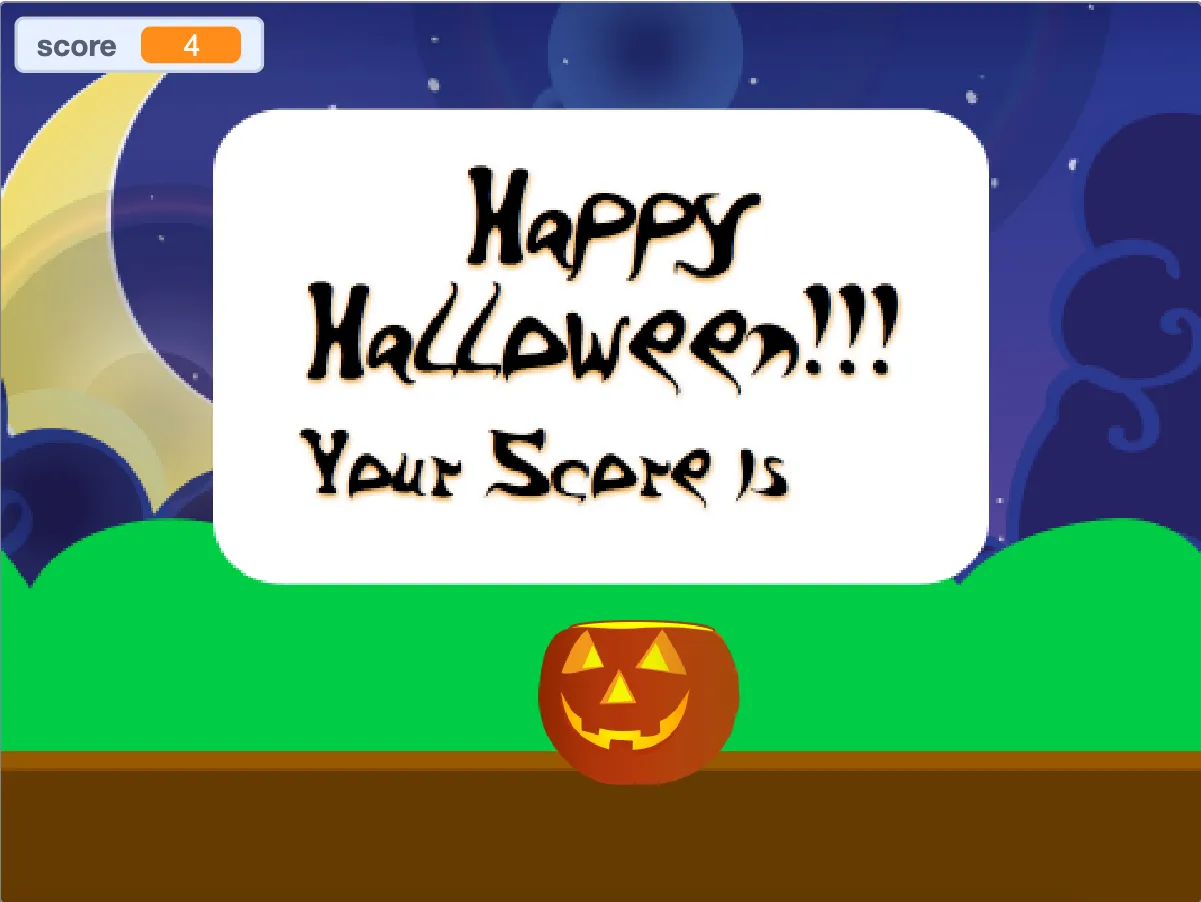
For a Halloween coding activity, students build their own Trick-or-Treat game in Scratch. CreateCodeLoad provides a free Halloween Scratch lesson where students program candy to fall toward a pumpkin and try to catch it.
Along the way, students work with concepts including:
- cloning
- conditional logic
- mouse movement
- variables
- scoring
The lesson includes a starter project and step-by-step instructions, so teachers don’t need to build the activity themselves.
Once the basic game works, ask students to make it their own. They could make it progressively harder, change how scoring works, add different types of candy, introduce obstacles, redesign the characters or background, or add a win or game-over condition. Students can play-test each change, debug problems, and keep improving their version.
Try the free Halloween Scratch lesson →
4. Design a 3D Jack-o’-Lantern in Tinkercad
Best for: Grades 3–8
Time: ~1.5 hrs (varies)
Supplies: None (Tinkercad)
Concepts: 3D design, spatial reasoning
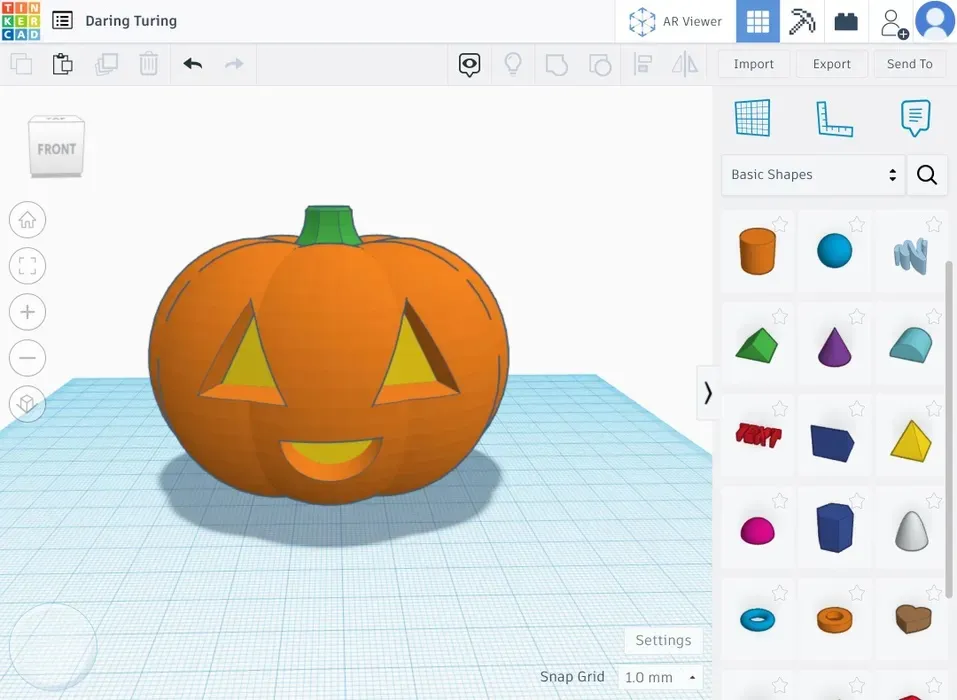
Students don’t need a real pumpkin to design one. In this Tinkercad activity, students use the Scribble tool to create a three-dimensional jack-o’-lantern entirely on-screen. The tutorial introduces the basic modeling technique; students can then customize the face and inspect their design from different angles.
There’s no need to 3D print the finished model. The digital design itself is the activity.
Ask students to create a jack-o’-lantern that meets three constraints:
- include at least three cut-outs in the face
- make sure the openings cut completely through the pumpkin
- keep the final model as one connected piece
Before finishing, students should rotate the model and inspect it from multiple angles to make sure it passes each check. They can then improve their design by changing the expression, proportions, or complexity of the cut-outs.
Watch the step-by-step Tinkercad Jack-o’-Lantern tutorial →
Why try digital Halloween STEM activities?
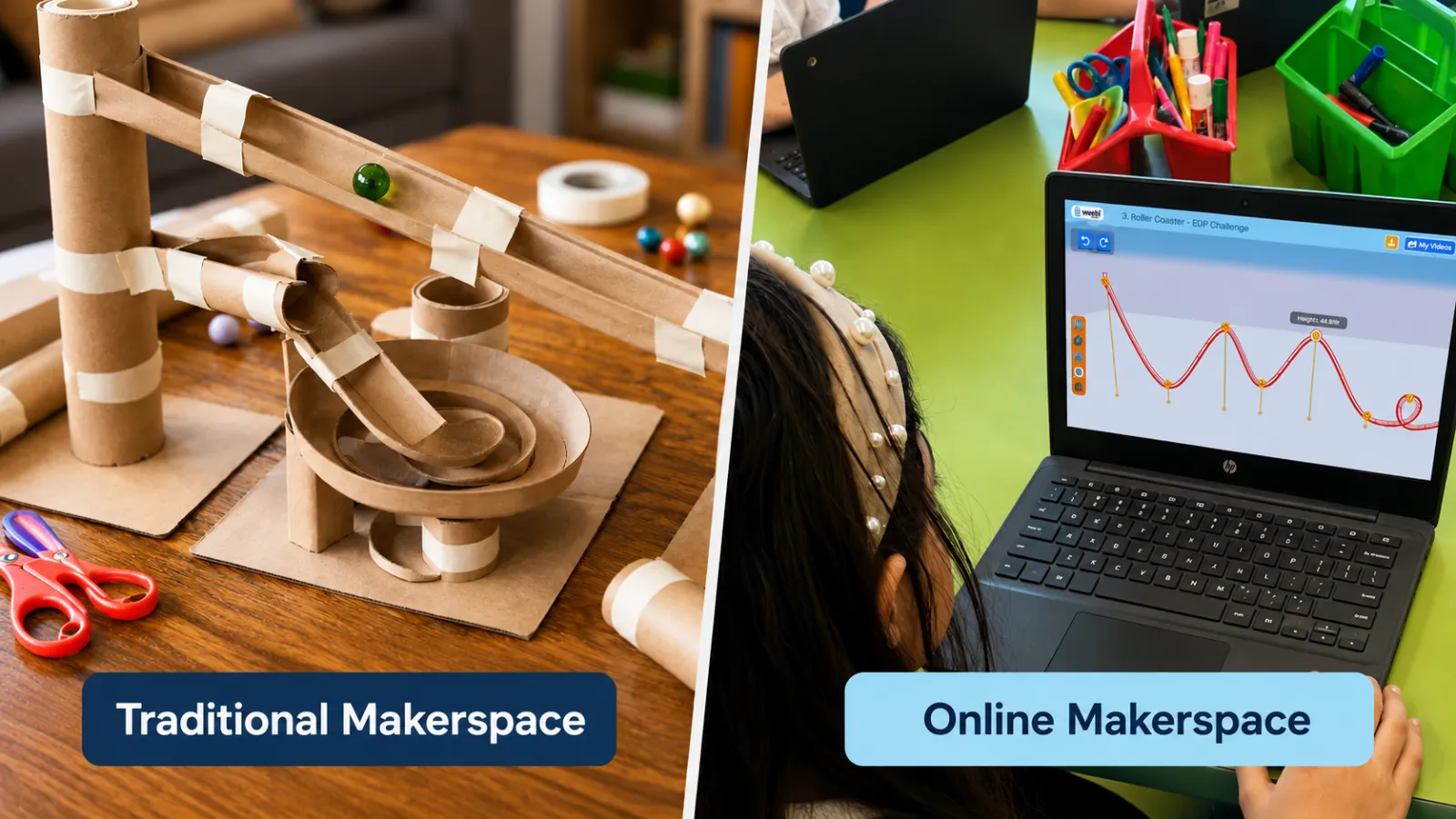
Physical Halloween STEM projects can be fantastic. But they also tend to arrive with a materials list.
Digital projects give teachers another option when there isn’t time to buy supplies, prep stations, or clean everything up afterward. Students still make real choices, create something of their own, run into problems, and revise their work — the building just happens on the screen. And because redesigning doesn’t mean another set of materials, students often spend more of the period actually iterating.
Looking for Halloween STEM without the supplies?
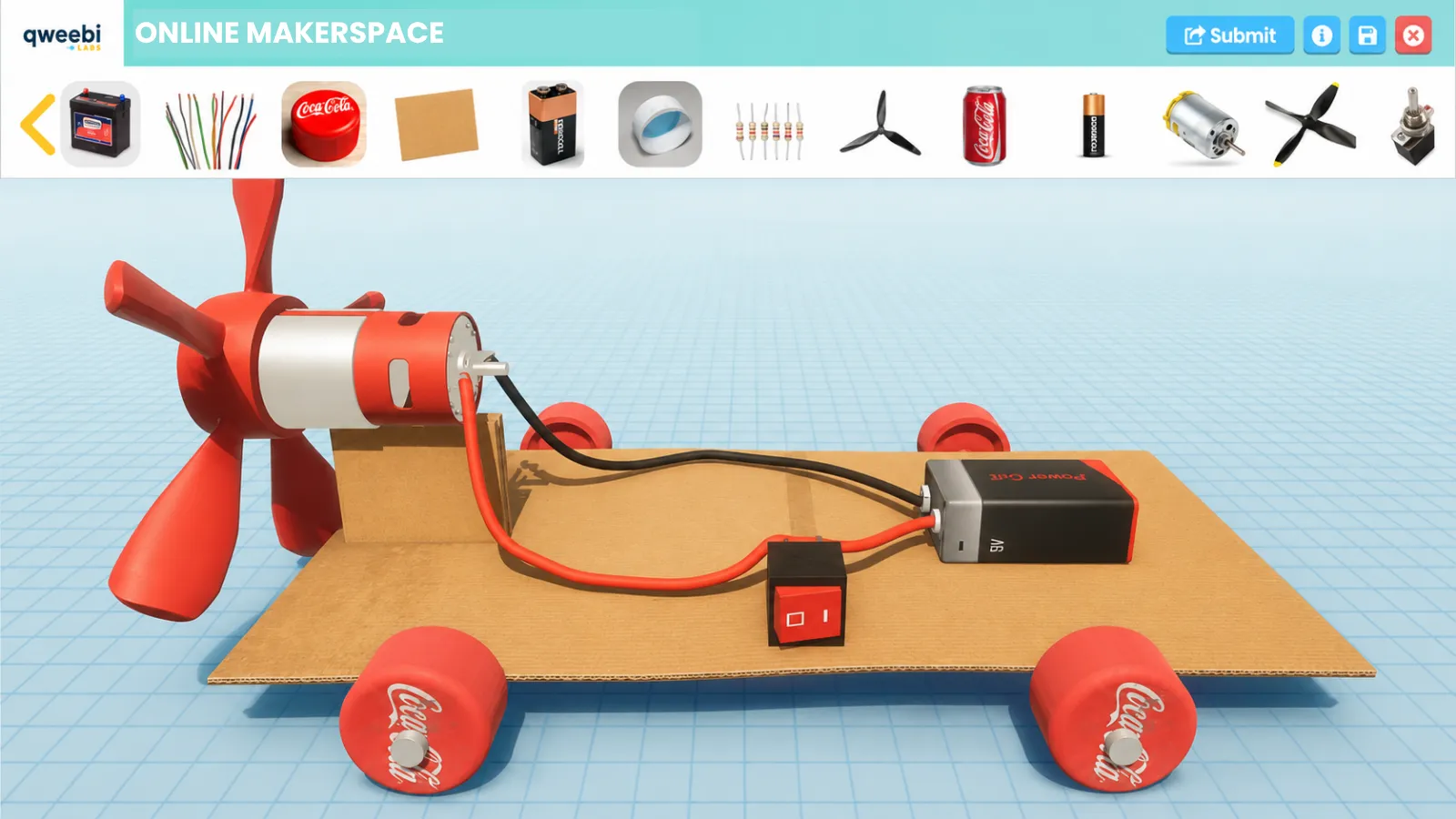
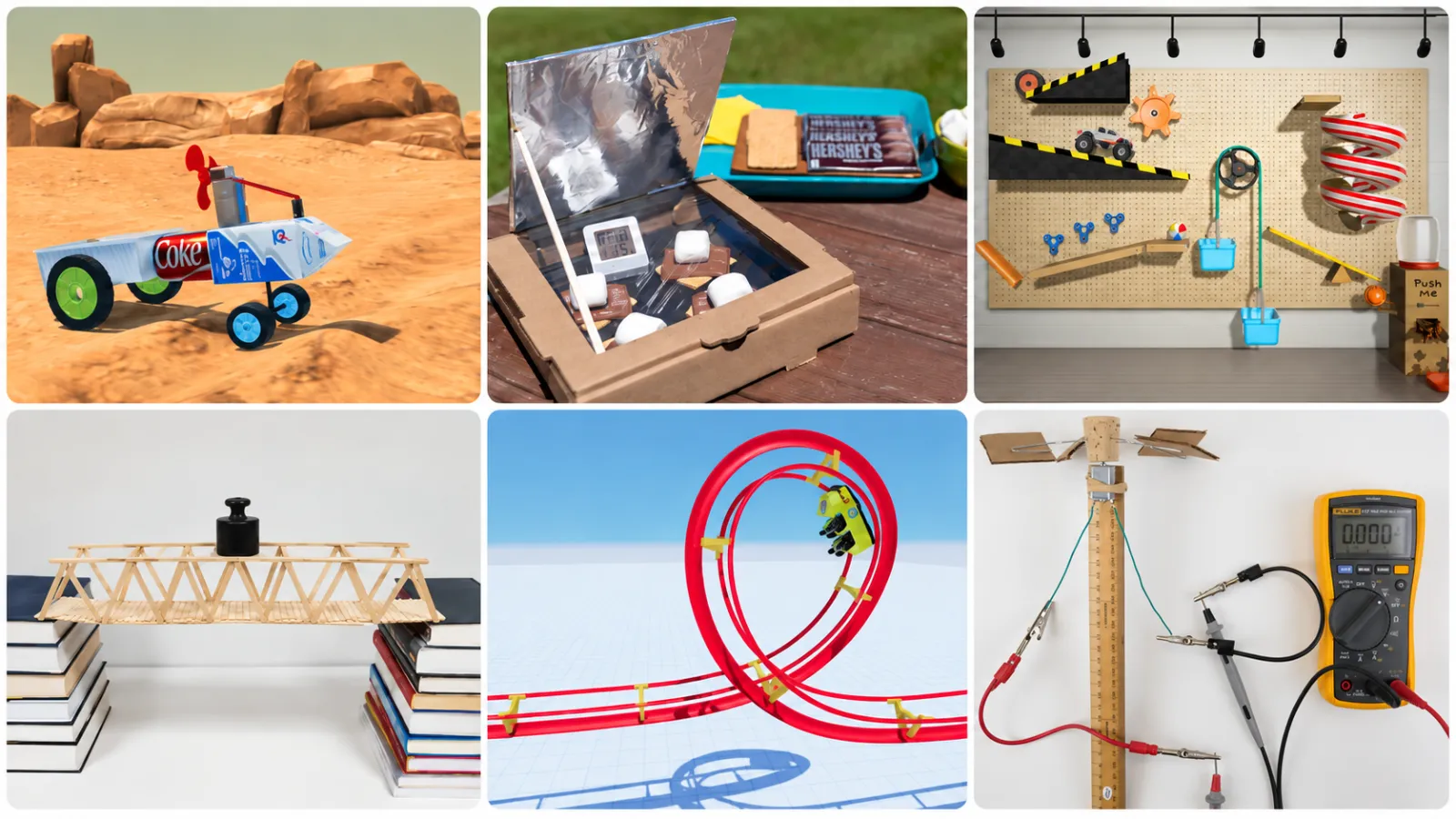
Qweebi is an online makerspace where students design, build, test, and improve STEM projects directly in their browser — no kits, no supplies, no cleanup. Projects come with ready-to-run teacher lessons, student activities, and open-ended design challenges built for grades 3–8.
Ready to bring hands-on STEM to your classroom?
Try 2 Qweebi projects free and see how students design, build, test, and improve, without kits or supplies.