Online Makerspace vs. Traditional Makerspace: Which Is Right for Your Classroom?
A no-spin comparison of online vs. traditional makerspaces — cost, space, prep, iteration, and what students build — to help you choose what fits your class.
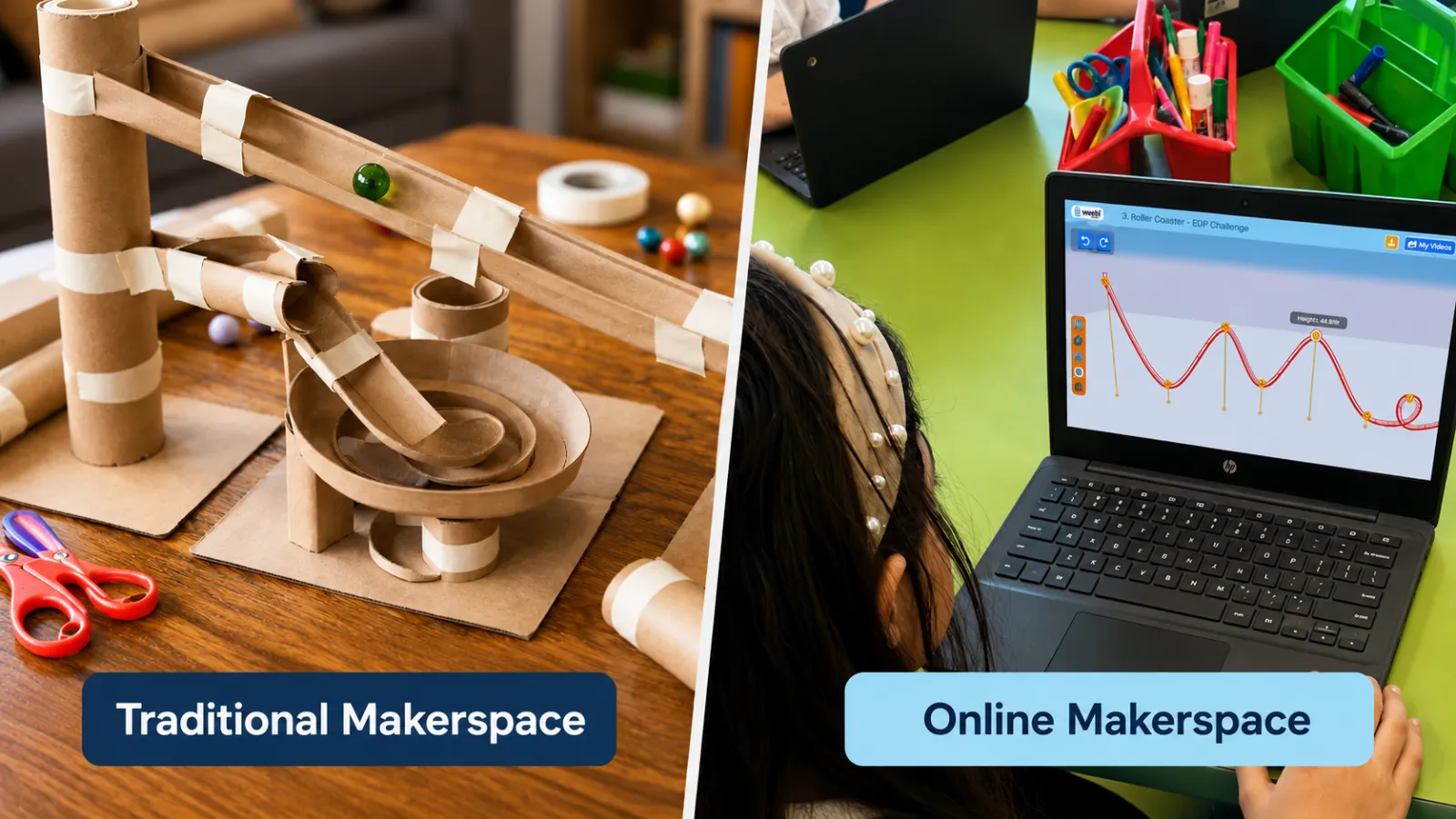
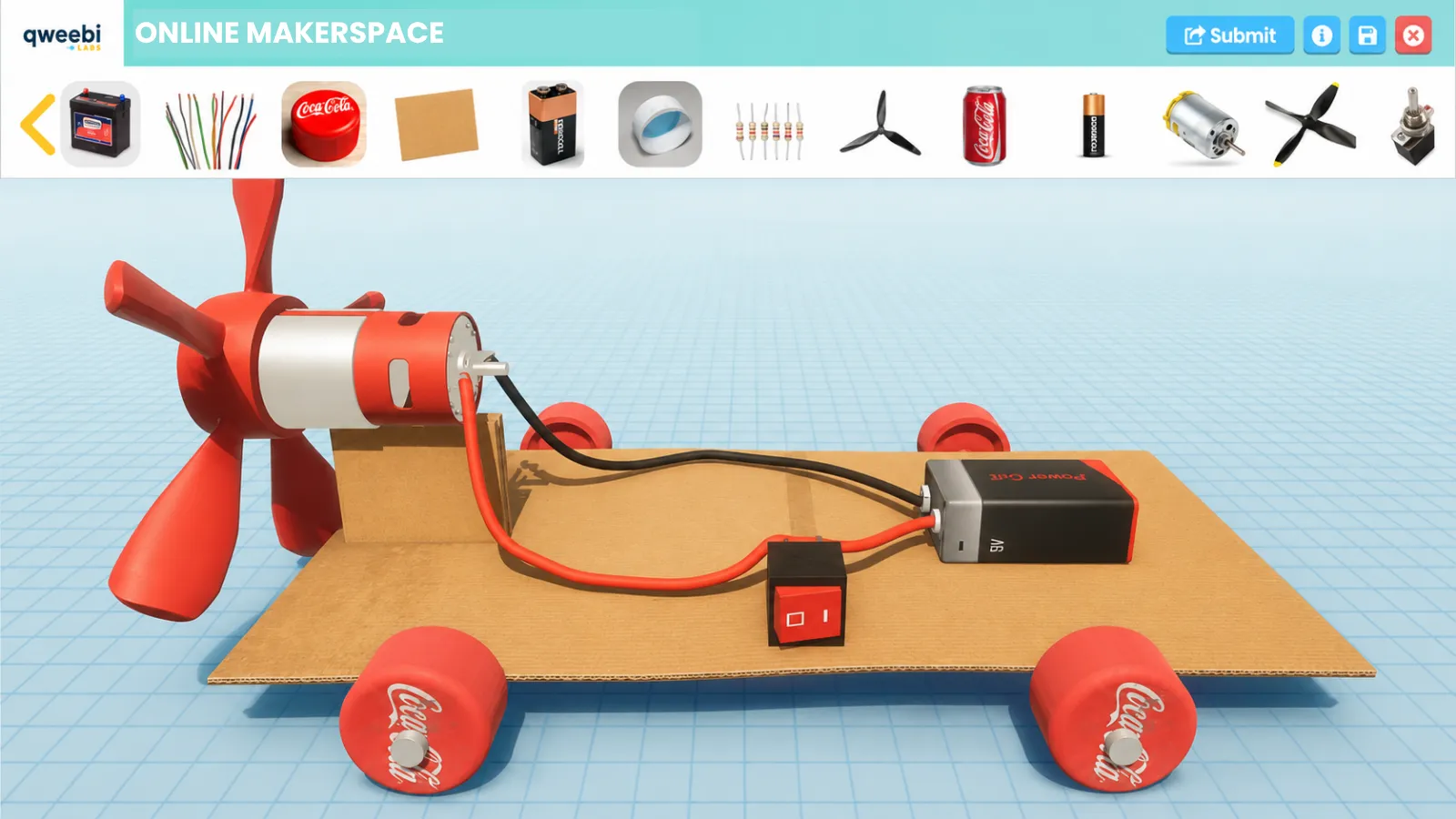
“Makerspace” used to mean one thing: a room full of tools, supply bins, and half-finished cardboard projects. Now it can also mean a browser tab. If you’re deciding between a traditional, physical makerspace and an online one — or wondering whether the online version even counts as “real” making — here’s an honest side-by-side, without pretending one wins every time.
The quick answer: they’re both makerspaces, and they’re good at different things. The right choice depends less on which is “better” and more on what your classroom actually has — budget, space, prep time — and what you want students to walk away with. (New to the term? Here’s what an online makerspace actually is.)
The side-by-side
| Traditional makerspace | Online makerspace | |
|---|---|---|
| Startup cost | High — furniture, tools, 3D printers, consumables | Low — runs on devices you already have |
| Physical space | Needs a dedicated room or a supply cart | None — works on any Chromebook or laptop |
| Prep & cleanup | Significant, every session | None |
| Materials | Ongoing supply budget and restocking | Zero physical supplies |
| Iteration speed | Slow — a rebuild costs time and materials | Fast — redesign and retest in seconds |
| Whole class building at once | Limited by stations and materials | Yes — every student, simultaneously |
| Physical take-home artifact | Yes | No — the build is digital |
| Hands-on tool skills (soldering, sawing, 3D printing) | Yes | No |
| Can a substitute run it? | Rarely | Easily |
| Accessibility | Physical dexterity and mess-tolerance can be barriers | Self-paced, no dexterity barrier |
Where a traditional makerspace shines
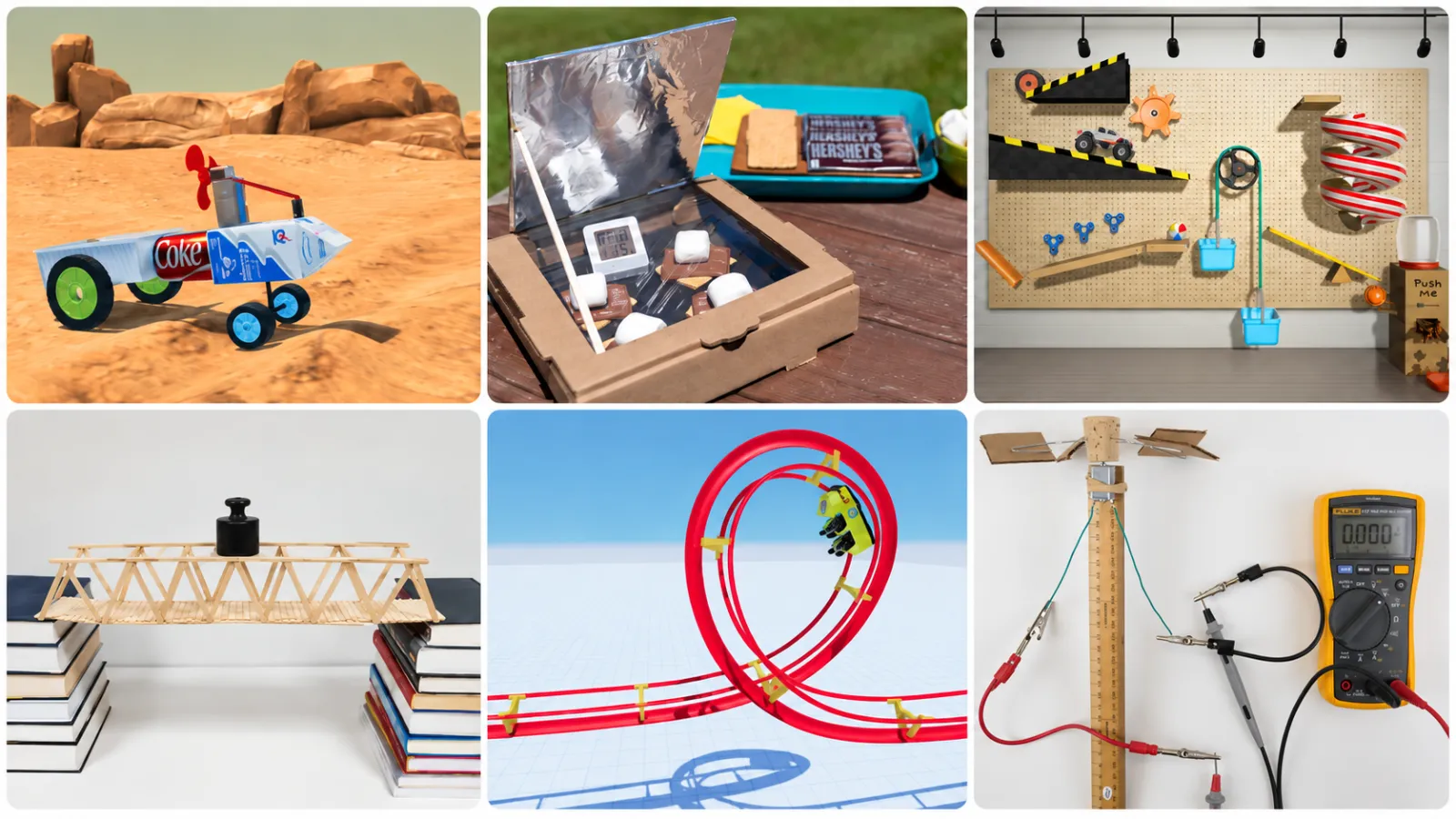
There’s no substitute for holding what you built. A physical makerspace gives students a real artifact to take home, and it’s the only way to teach genuine tool skills — soldering, wiring, woodworking, running a 3D printer. The tactile, sensory side of making is real learning, and the “wow” of a finished physical build is hard to beat. If you have a dedicated lab, a supply budget, and time in the schedule for setup and cleanup, a physical makerspace is a powerful thing.
Where an online makerspace shines
Its whole advantage is friction. There’s no cost beyond the devices you already have, no room to find, no supplies to reorder, and nothing to clean up. Every student builds at the same time instead of rotating through stations. And because a redo costs seconds instead of a fresh box of materials, the engineering design loop — design, build, test, improve, repeat — actually happens, over and over, in a single class. It runs on the Chromebooks already in the room, a substitute can run it, and no student is left out because they’re less comfortable with a glue gun.

The honest answer: it’s usually not either/or
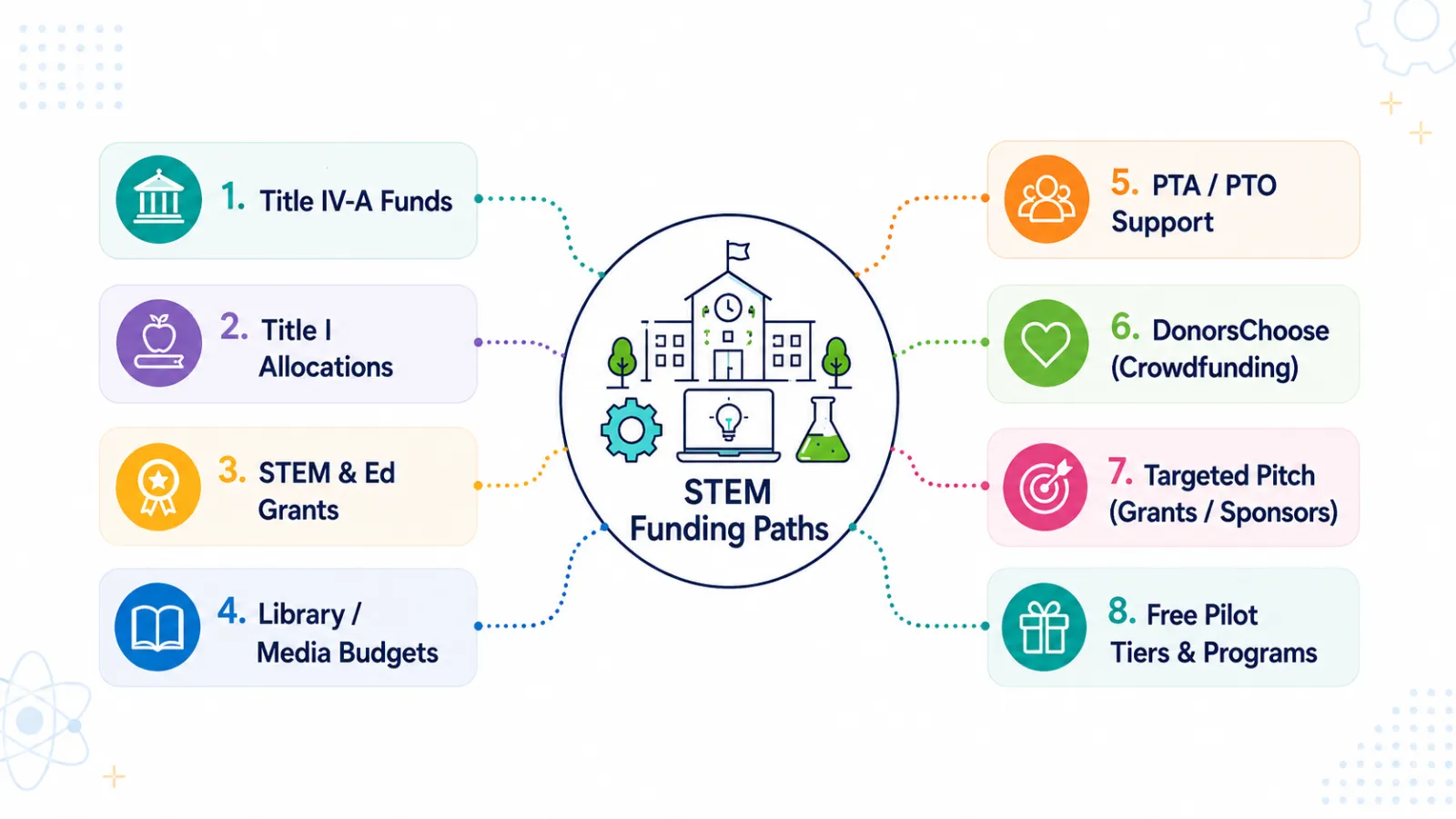
Plenty of teachers use both. A common pattern: the online makerspace is the everyday, every-student, every-week tool because it’s frictionless and scales to a whole class, while the physical makerspace comes out for the occasional tactile project when there’s time, tools, and budget for it. And for a lot of teachers, the online version is simply how they get started with making at all — when a physical lab isn’t realistic, it’s the path that doesn’t require a grant, a spare room, or a free prep period.
Which is right for your classroom?
Lean online if you have no dedicated space, a tight or nonexistent budget, limited prep time, want every student building every week, or need something a sub can run without a materials list.
Lean traditional (or both) if you have a dedicated lab or cart, a supply budget, time for setup and cleanup, and you specifically want students producing physical take-home builds and learning hands-on tool skills.
Either way, the goal is the same: get students designing, building, testing, and improving like real engineers. If the lower-friction path to that sounds like the right fit for your classroom, an online makerspace is built to do exactly that — no kits, no supplies, no cleanup.
Ready to bring hands-on STEM to your classroom?
Try 2 Qweebi projects free and see how students design, build, test, and improve, without kits or supplies.