How One Middle School Teacher Builds a 3-Year STEM Progression
A middle school STEAM teacher shares how she builds a 3-year coding and robotics progression for the same students, with Mars Rover as a key milestone.
I keep the same students for three years — sixth grade, then seventh, then eighth. That’s not something most STEM teachers get, and I’ve built my whole curriculum around it. Nothing I teach in sixth grade is a one-off. It’s the first step in a sequence that keeps building for three years, and Mars Rover is one of the projects I use to make that progression real.
My role, for context
I’m the STEAM teacher for sixth, seventh, and eighth grade at Central Middle School — this is my third year here, after ten years teaching in my previous district, where I first started using Qweebi. My background is as a computer programmer, which shows up in how I teach. In addition to teaching three STEAM classes I also teach Geometry to a small group of advanced students and have lunch duty every day.
I see students in marking-period rotations — 47-minute classes, five days a week, for about nine teaching weeks at a time. There are four marking periods a year, so I’ll have one group of sixth graders, one group of seventh graders, and one group of eighth graders in any given marking period, then a new set of three groups next marking period.
A curriculum built for variety, on purpose
Some kids love technology and dislike hands-on building. Some love hands-on building and dislike technology. Some want to work with a partner; some prefer to work alone. I learned that teaching the same age group for ten years in my last district, so when I started at Central, I asked my principal directly: would you rather these kids go deep on a few things, or get exposure to a lot of different things? He said a lot of different things — they hadn’t had a real STEAM program before. So that’s how I built it: a deliberate mix of hands-on and technology, individual and team work, so that if a student doesn’t like what we’re doing this week, it’s only a week or two before we’re onto something else. Since students use their own creativity, even with coding and robotics, they usually enjoy the projects because they can make it their own creation. My philosophy is to engage students with curiosity to develop makers, doers and thinkers.
Because I keep them for three years, I can actually build a progression
My eighth graders this year were my sixth graders when I started. That means I can build real skill progression instead of starting from scratch every year. Coding starts with Scratch in sixth grade. In seventh grade, it moves to physical computing with MakeCode and micro:bits. By eighth grade, they’re doing Snap coding with Hummingbird kits. Alongside that, I run a full design track with TinkerCAD and 3D printing, and a robotics and machine-learning track in seventh grade using Finch robots and Google’s Teachable Machine. Qweebi is where the science and engineering side lives — potential and kinetic energy in Roller Coaster, Newton’s second law in Mars Rover.
Where Mars Rover fits
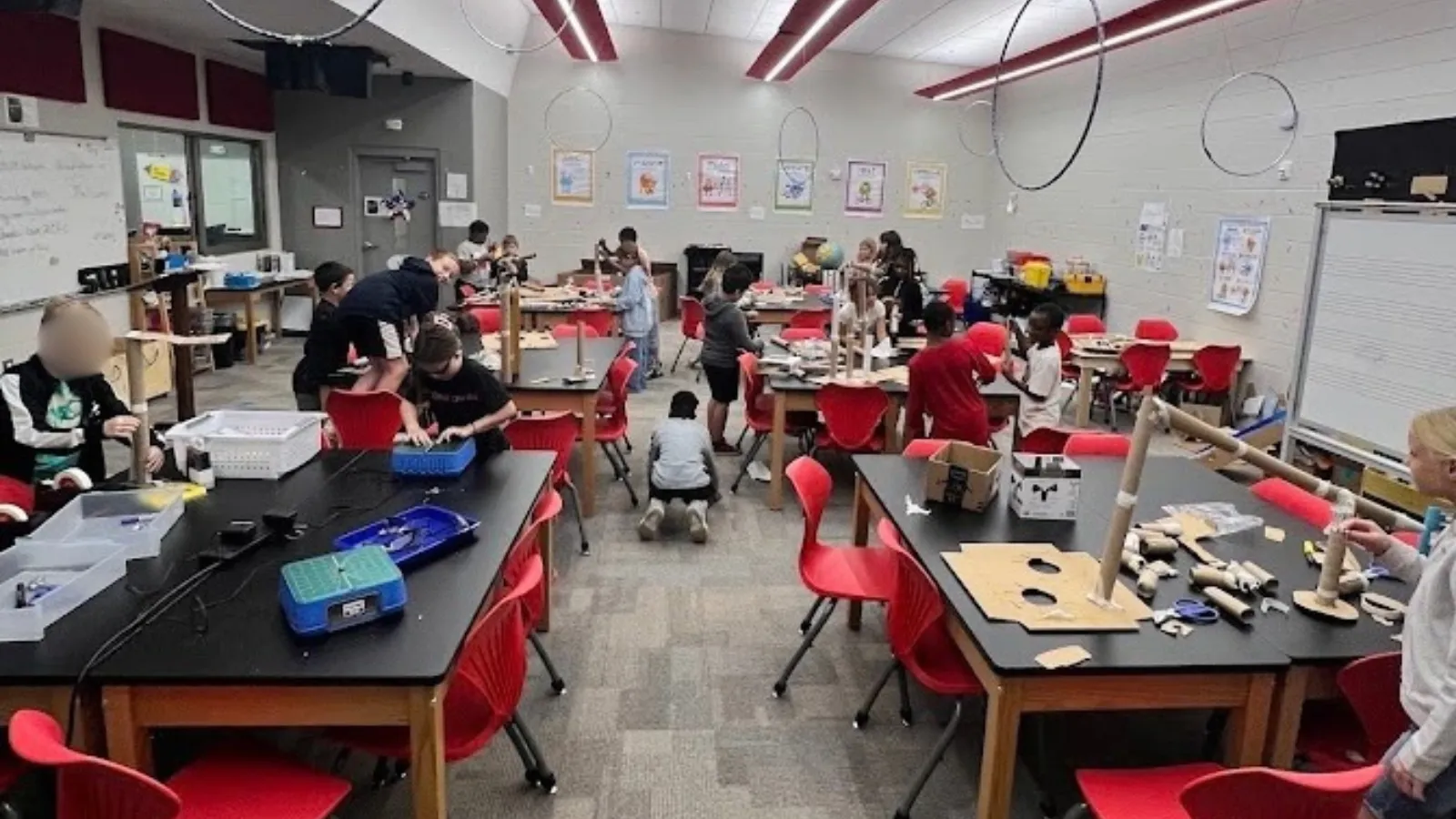
In sixth grade, I start every marking period with two days of hands-on teamwork — building the tallest tower they can out of pipe cleaners, stacking cups with string and rubber bands. It’s low-stakes, and it lets me see who works well together before anything is graded. The third day is when Mars Rover starts. It’s the shift from working in small teams to working individually on their Chromebooks, and I think that contrast matters — they’ve just spent two days depending on each other, and now it’s just them and their rover.
What I want out of it is for them to actually connect what they’re doing with what they’re learning in science class — to see Newton’s second law and force as something real, not just a definition. I tell them constantly: change one variable at a time, then test it. They want to change the motor and the tires in the same breath. Learning to slow down and isolate variables is as much the lesson as the rover itself.
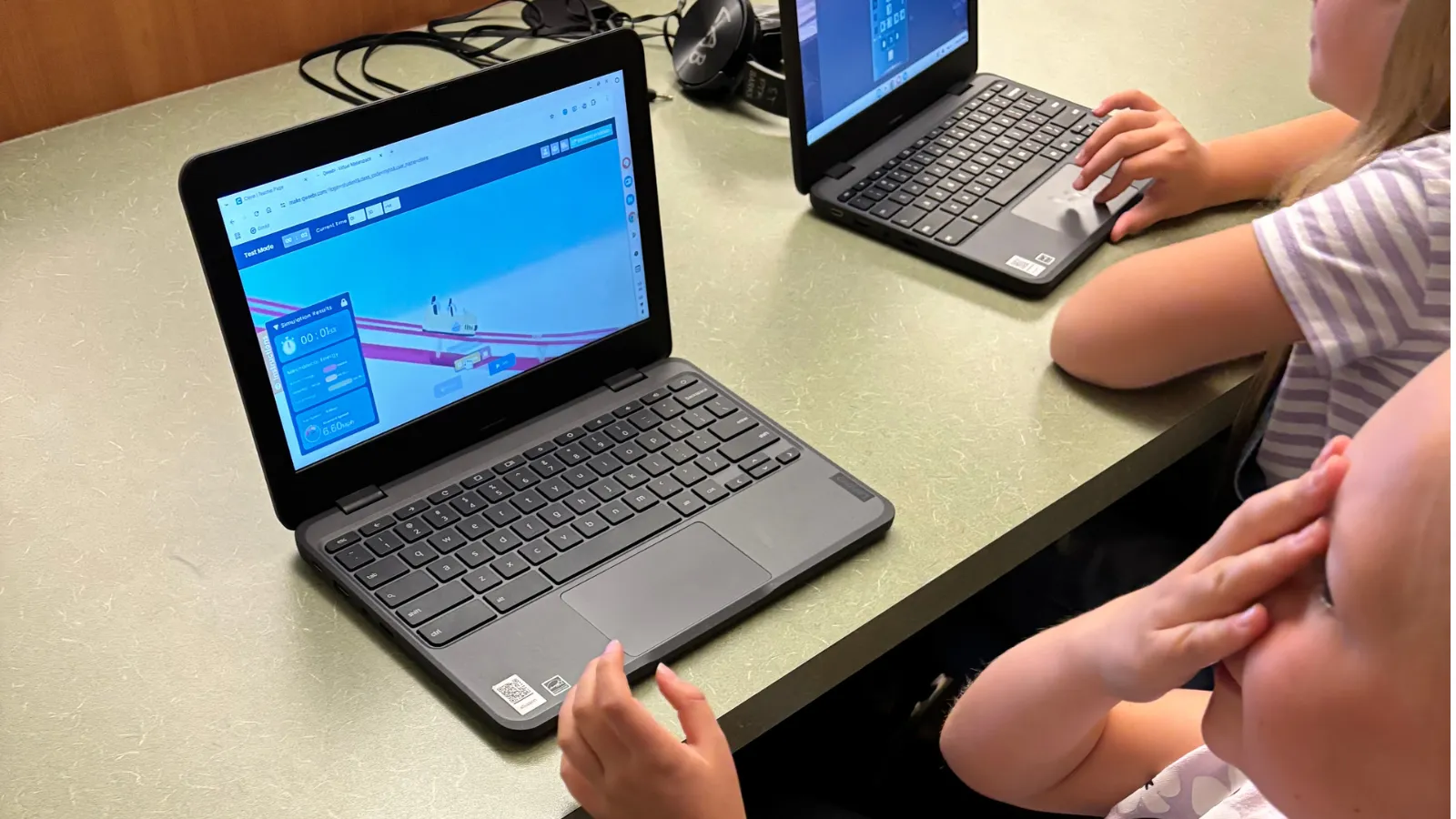
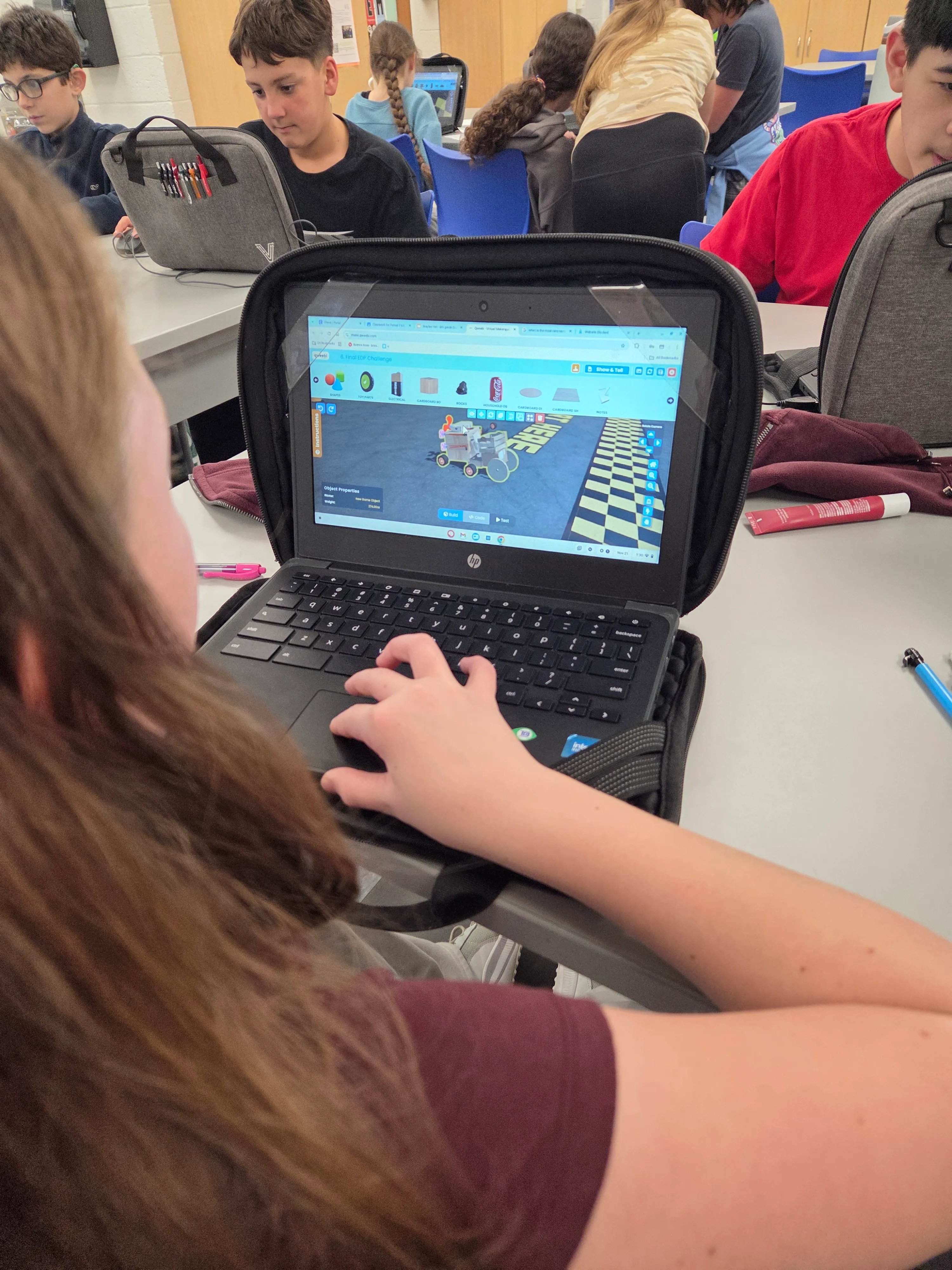 A student testing a Mars Rover build on a Chromebook, with classmates working in the background.
The moment that makes it worth it
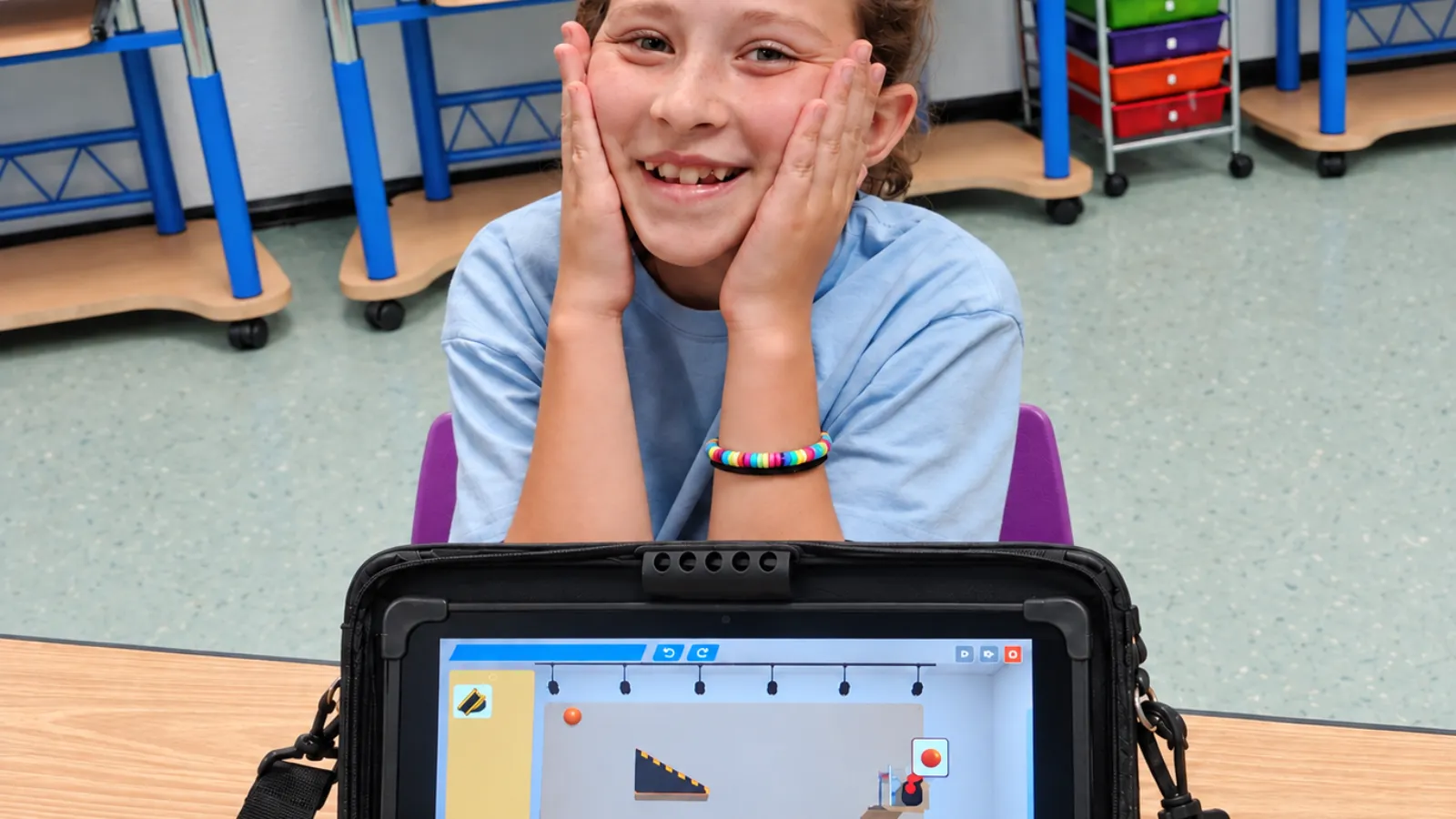
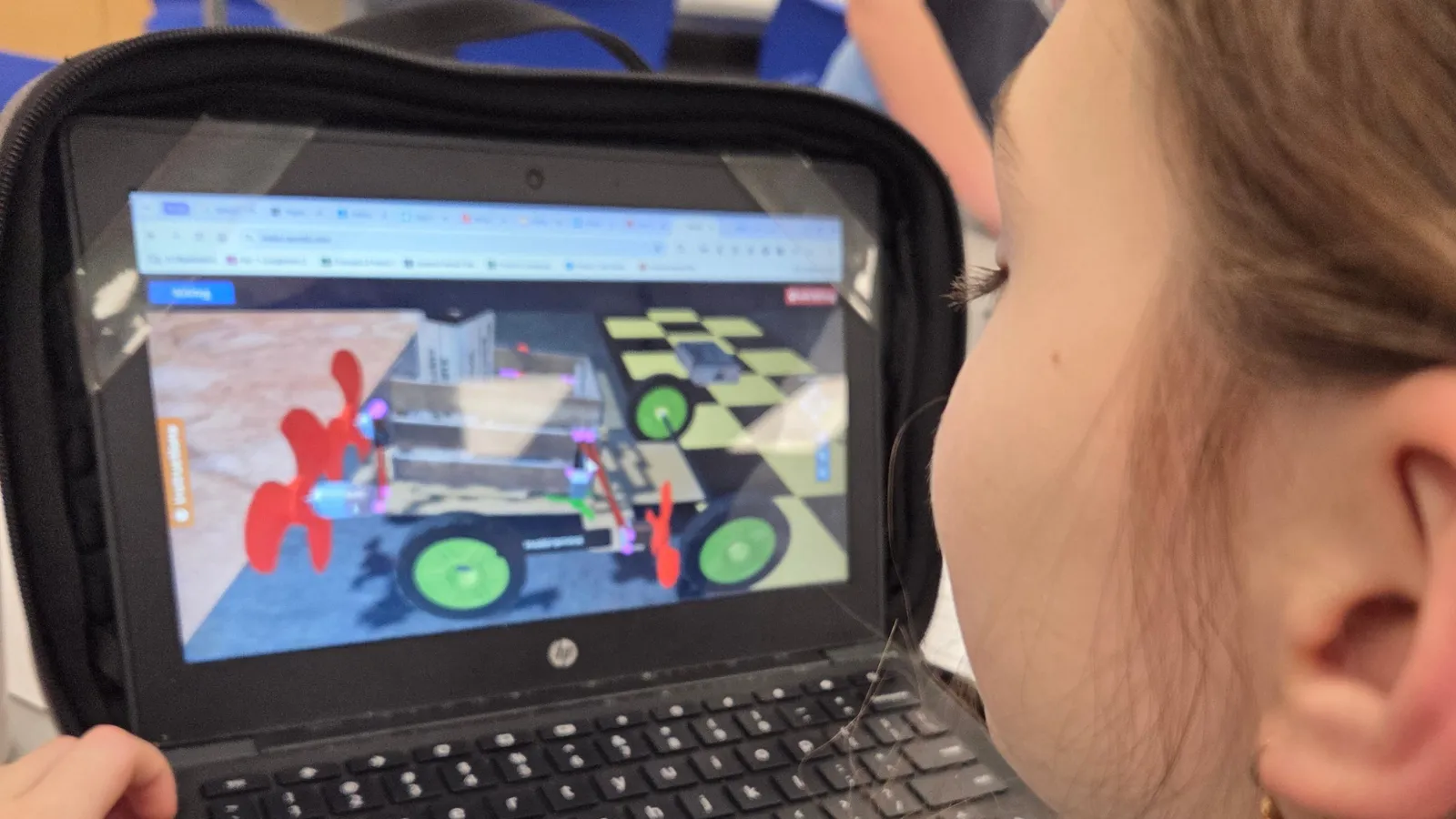
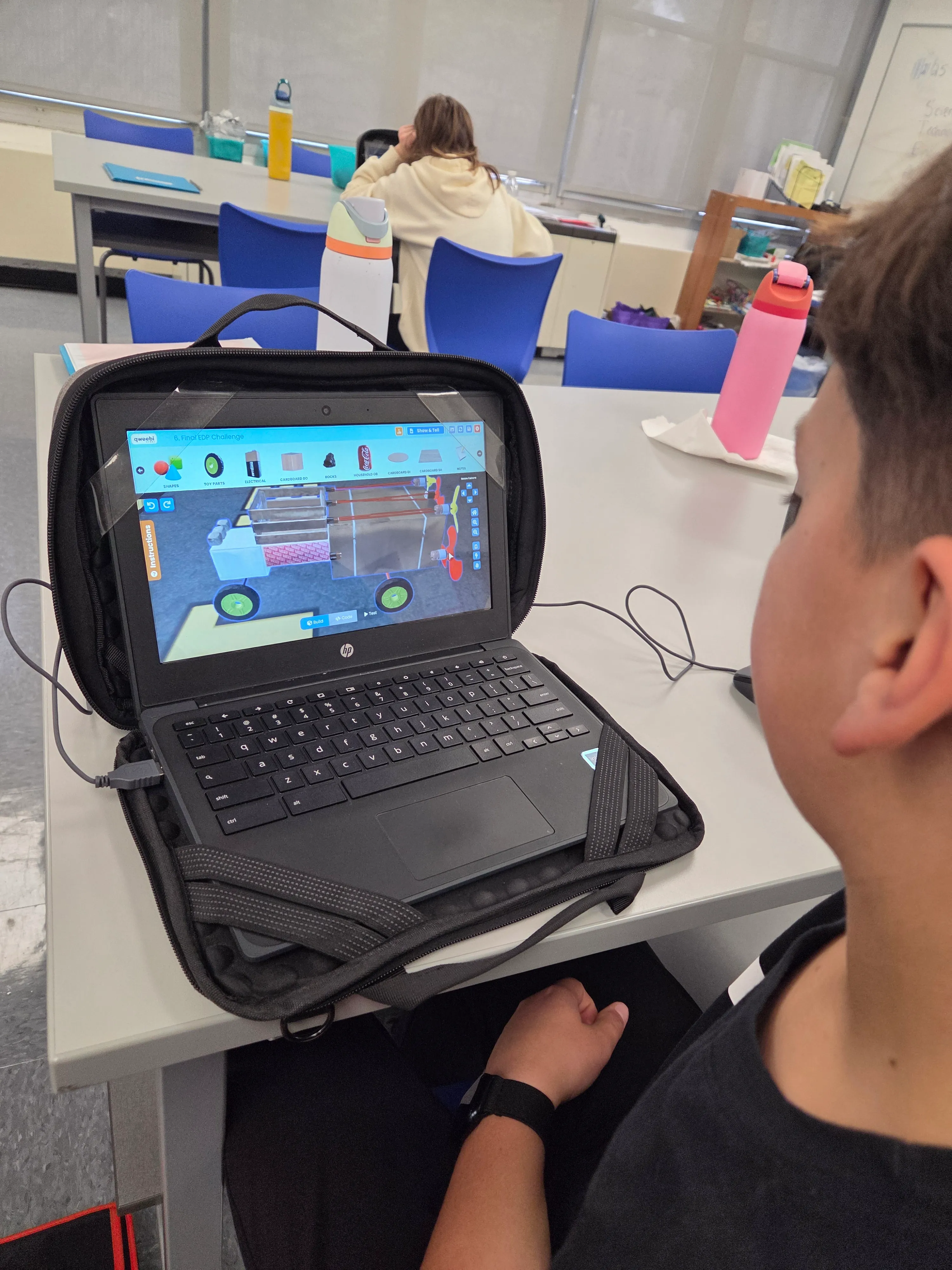 A student working on a Mars Rover build in Regina’s classroom.
When a rover finally crosses the finish line — carrying the rocks, not flipping, not falling apart — they’re thrilled. Some of them scream with joy. It’s real trial and error to get there, so when it works, it lands. I’ve had students who kept working on their rover at home, or during lunch, without being asked to. Teachers have told me they’ve caught kids working on it during other classes when they shouldn’t be. I don’t love that part, but I understand it.
Even though the project is individual, the room doesn’t feel that way. Kids are constantly looking at each other’s rovers, asking how someone got theirs to work, helping each other troubleshoot wiring or gluing. There’s always an expert somewhere in the room, and word travels fast.
How I assess it
Students submit a design journal and a show-and-tell video. I grade the journal on completeness — if they’ve documented their trials and answered the questions, that’s most of the grade. For the video, I care about whether they worked through the script: what they built, what worked, what didn’t. If a rover doesn’t cross the finish line, they can still earn strong points by explaining what they’d change if they had more time. Success gets the highest grade, but thinking clearly about failure counts too.
The videos themselves have become their own small thing in my room. Middle schoolers don’t want their friends listening in while they record, so a lot of them record in the hallway — my principal has walked by and asked me why there are kids standing in the hallway talking to themselves. Some do it at home instead. Either way, I hear a lot of background noise in those videos, and it’s always a little funny.
Sharing it beyond my classroom
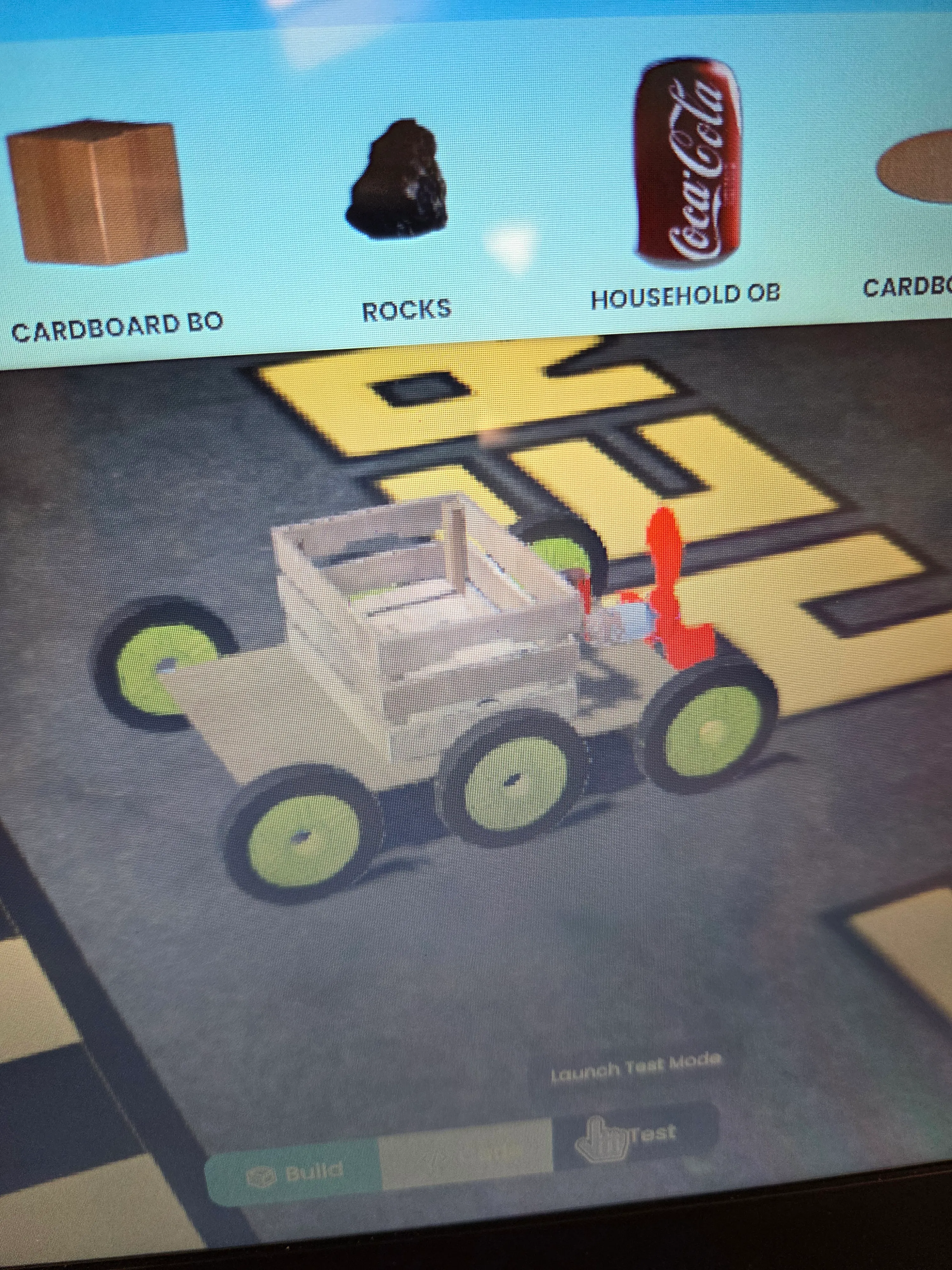 Household objects a student gathered to build a Mars Rover in Regina’s classroom.
I’ve shown Qweebi to parents at Back-to-School Night — I don’t have time to show individual student work in a 15-minute session, but I describe it as a maker space: I don’t have unlimited motors and propellers to hand every student, but Qweebi lets them build and test as if I did. My principal has walked through my room during a Mars Rover unit and been impressed — mostly by how realistic it feels. Real circuitry, real troubleshooting, kids helping each other work through it. That’s the part that seems to land with adults who see it.
My advice to another middle school teacher
Test out everything you’re going to ask your students to do. I’ve built every project myself — Rube Goldberg, the Mars Rover tutorials, Roller Coaster — so when a student gets stuck, I’ve usually been stuck in the exact same spot. That matters more than people think. You can also rely on other students too because they enjoy helping each other out.
Beyond that: make it your own. I skip some of the teacher slides that don’t fit how I run my room, and I don’t play every tutorial video out loud since a lot of kids would rather work through them at their own pace. Whatever your teaching style, start with tutorials to get kids oriented, then let them build and create with what they’ve learned. That’s when even kids who don’t think of themselves as coders buy in — once they’re making something they actually care about.
What you need
-
Any Chromebooks, Windows, or Mac computers — Qweebi runs in the browser
-
A Qweebi account (Mars Rover can be one of your 2 free projects)
-
A handful of class periods, adaptable to your own pacing
-
No physical supplies to buy, store, or clean up between back-to-back classes
Ready to try the Mars Rover Transporter Project in your class?
Students design, build, test, and improve in Qweebi, with minimal prep and no supplies.