How One K-5 Teacher Runs STEM for 600 Students With Almost No Budget
A K-5 technology teacher with almost no budget shares how she runs Roller Coaster, Rube Goldberg, and Farm Robotics with her 3rd-5th graders.
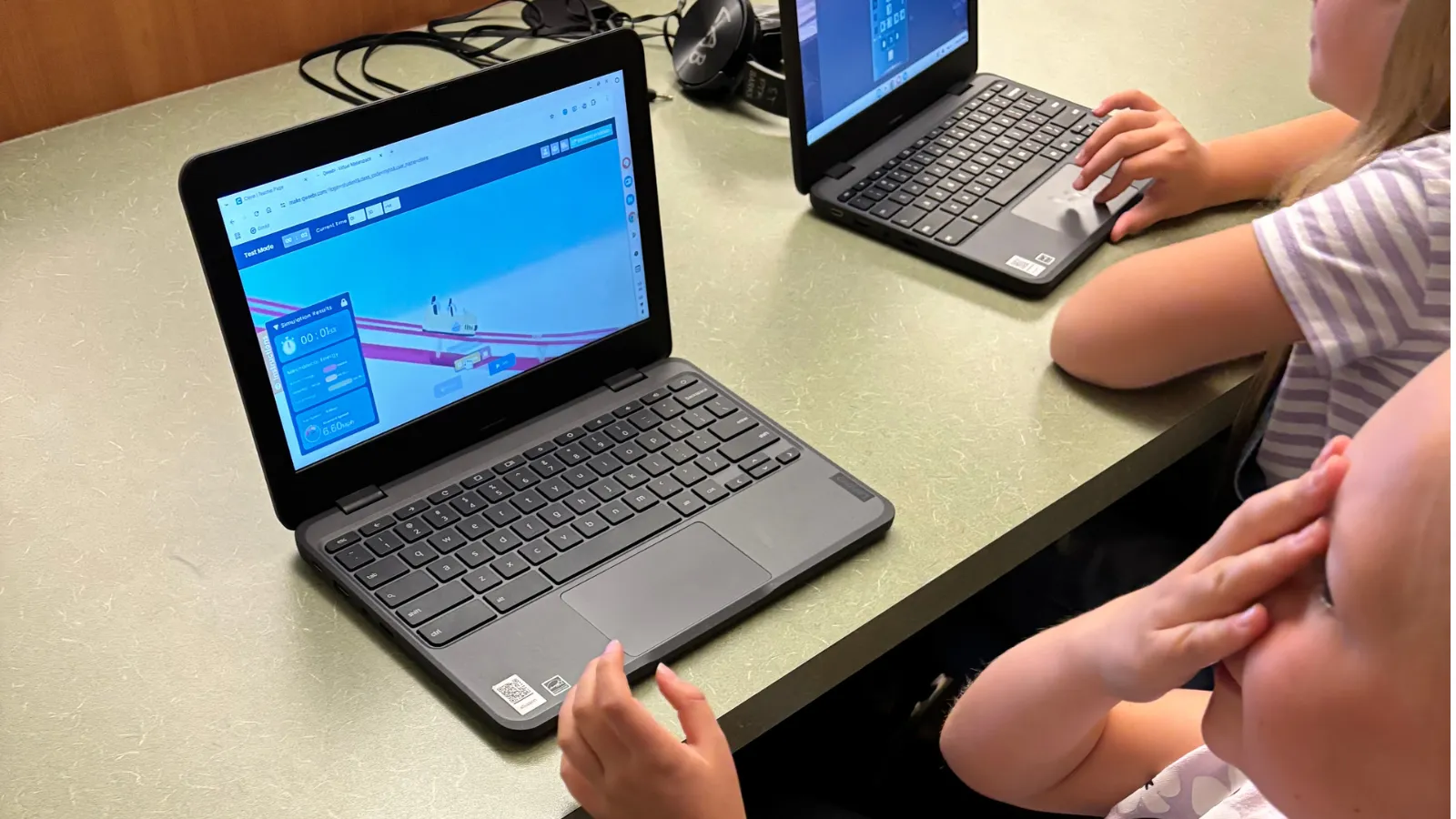
When I was hired, I was told I’d be teaching keyboarding — technically that’s still my job title. I was given no curriculum, no budget, and pretty much one instruction: figure it out. Five years later, I see almost 600 K–5 students, and I run hands-on STEM projects with all of them — without ever having had money to buy a single supply.
My classroom, for context
I’m what’s called a classified employee — a paraprofessional, not a certified teacher. In my district that means I have all the same expectations as a classroom teacher — I build lessons, I run a classroom, I’m accountable for how the kids behave in my room — but I’m not certified, and I don’t grade. It’s considered a “special,” the same category as PE, music, or library.
I see K through 5 on a four-day rotation, so most classes come to me four to five times a month — somewhere around 36 sessions a year, though it varies with field trips and breaks. My older grades run about 27-28 students a class; younger grades are 20-25. Most days I get 45 minutes with each class. Wednesdays are a short day — only 30 minutes — so those are tight.
The part that surprises people is the budget. There isn’t one. Whatever I use in my room has to be free, because I can’t justify spending my own money on supplies, and the school doesn’t have it to give. That’s not a complaint about my school specifically — it comes down to state funding, and in Idaho, that funding is thin across the board.
Before Qweebi, hands-on STEM basically wasn’t possible
I tried a few hands-on things before I found Qweebi — building with blocks, a few LEGO builds where kids had to construct something like a house. But I don’t have the room for STEM supplies. Half my classroom is technology and keyboarding, and the other half is set up for LEGO Club, which I also run after school, so I keep that space separate on purpose.
And logistically, it’s close to impossible with my schedule. I’m back-to-back all day, no time between classes — so even a simple hands-on project means setting everything up, running it, and then leaving time to clean up before the next class walks in, over and over, for every single class I see. A classroom teacher who sees one group of kids all day can set up once. I can’t.
I found Qweebi through a teacher Facebook group — someone asked what free online resources people were using, and “Qweebi” kept showing up in the replies. I looked it up, tried it, and loved it enough that I started posting about it in the group myself, telling other teachers they had to check it out.
How I run it
I’ve run three projects with my 3rd-5th graders so far: Roller Coaster, Rube Goldberg, and Farm Robotics (PickBot). I stick closely to the built-in lesson plan — it tells me how many minutes each section should take and gives me the talking points, so when I introduce a project I keep the kids’ computers closed and just talk them through it using the slides. Trying to talk to a room of students who are already on their computers doesn’t work, so I don’t even try.
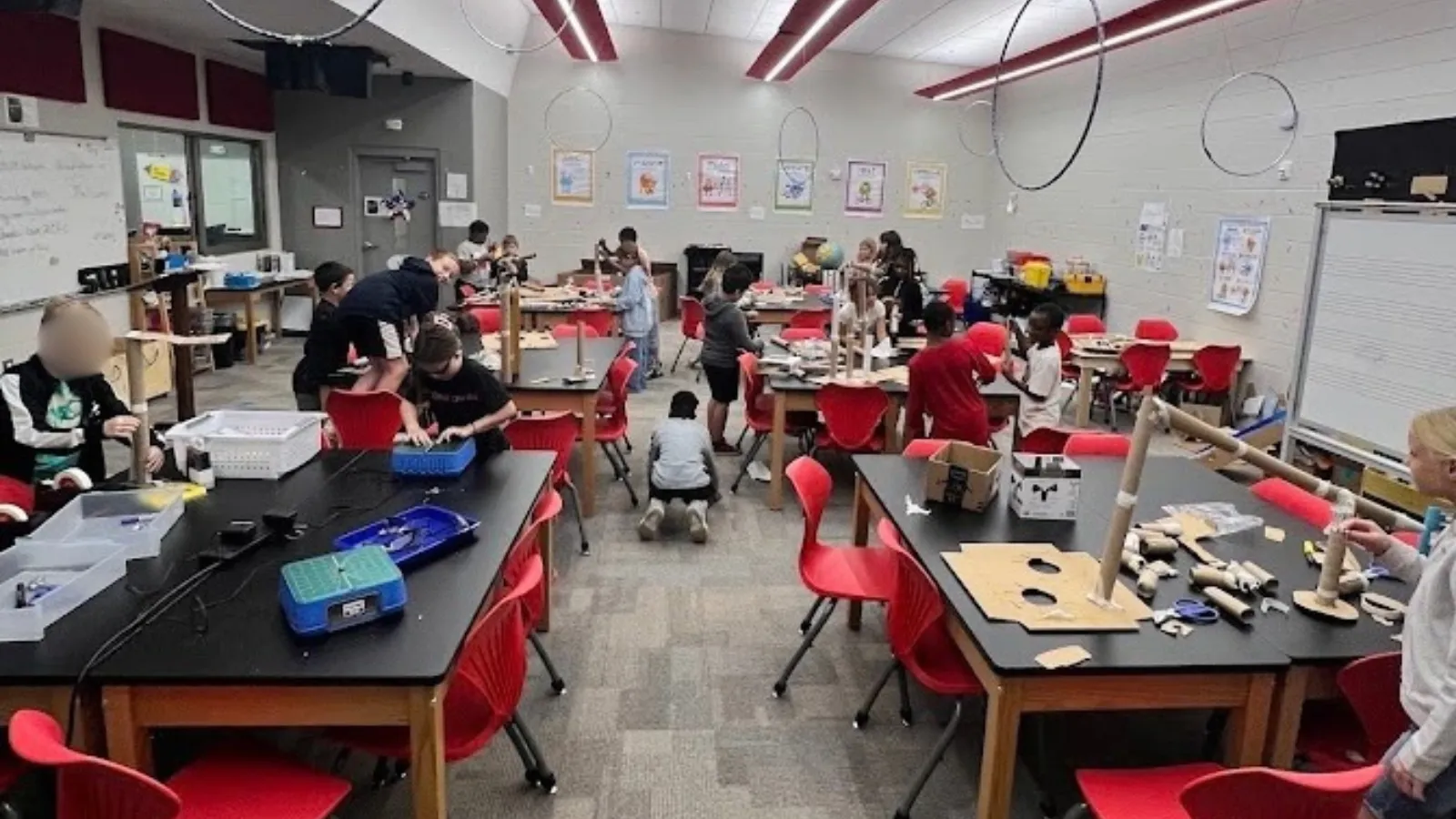
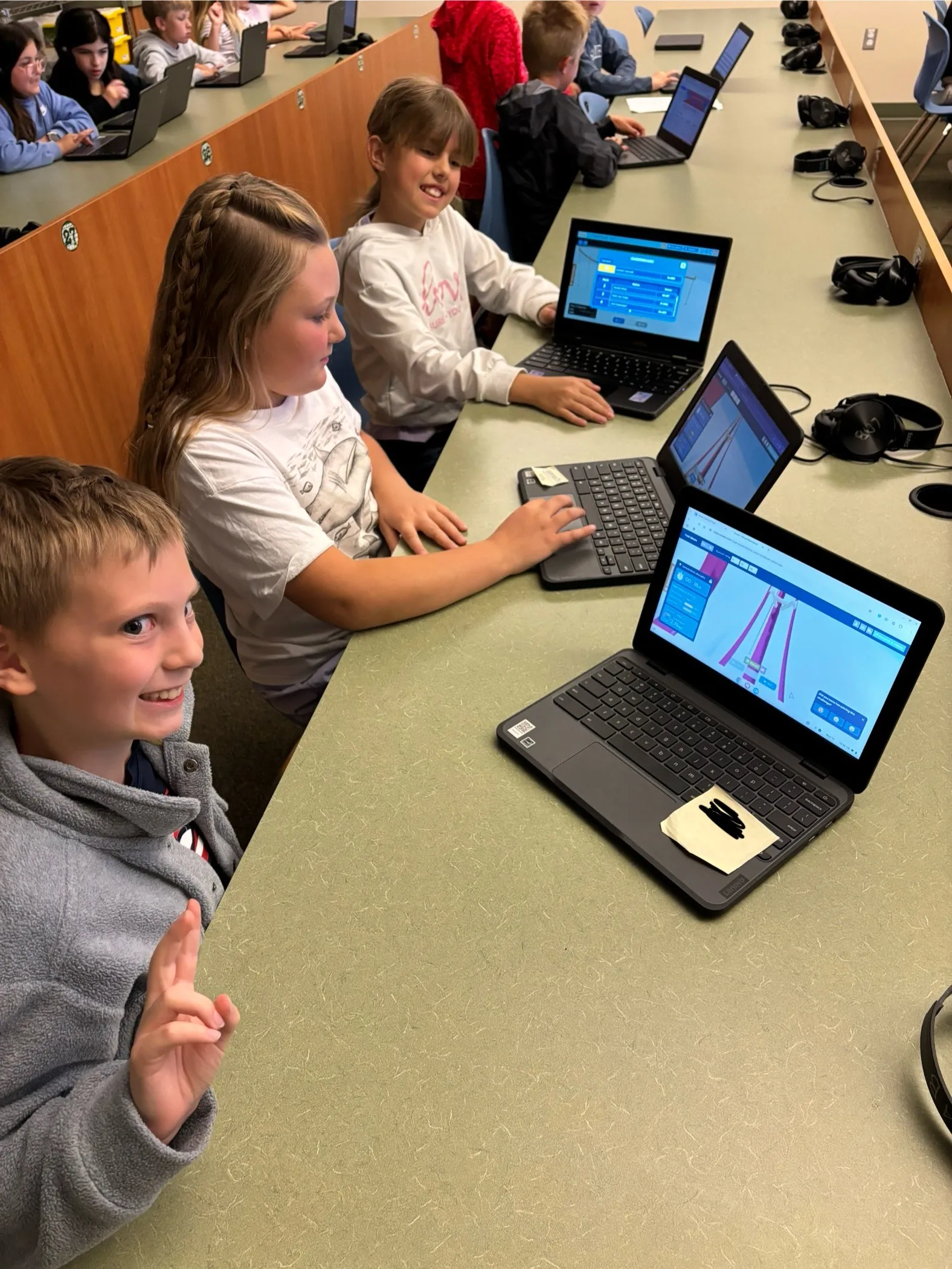 Claire’s students working through a Roller Coaster session on their Chromebooks — one row of a much longer bank of desks.
Roller Coaster has been the clear favorite with my students — I think just because it’s simple, and kids love a thrill ride. It turns into a running competition: whose coaster is longest, whose is fastest. When a coaster crashes, they think it’s the funniest thing in the world.
Rube Goldberg is where I hear kids bragging about tool count — “I used 27 tools” — comparing machines with each other at their tables.
Farm Robotics (PickBot) was the hardest — it has a coding piece, and only three or four students actually finished it last year. But I loved it, because our town is a farming community, and I got to ask my students whose families farm whether a tool like this could actually be useful on their farm. Connecting the project to something real in their own town was one of my favorite moments teaching it.
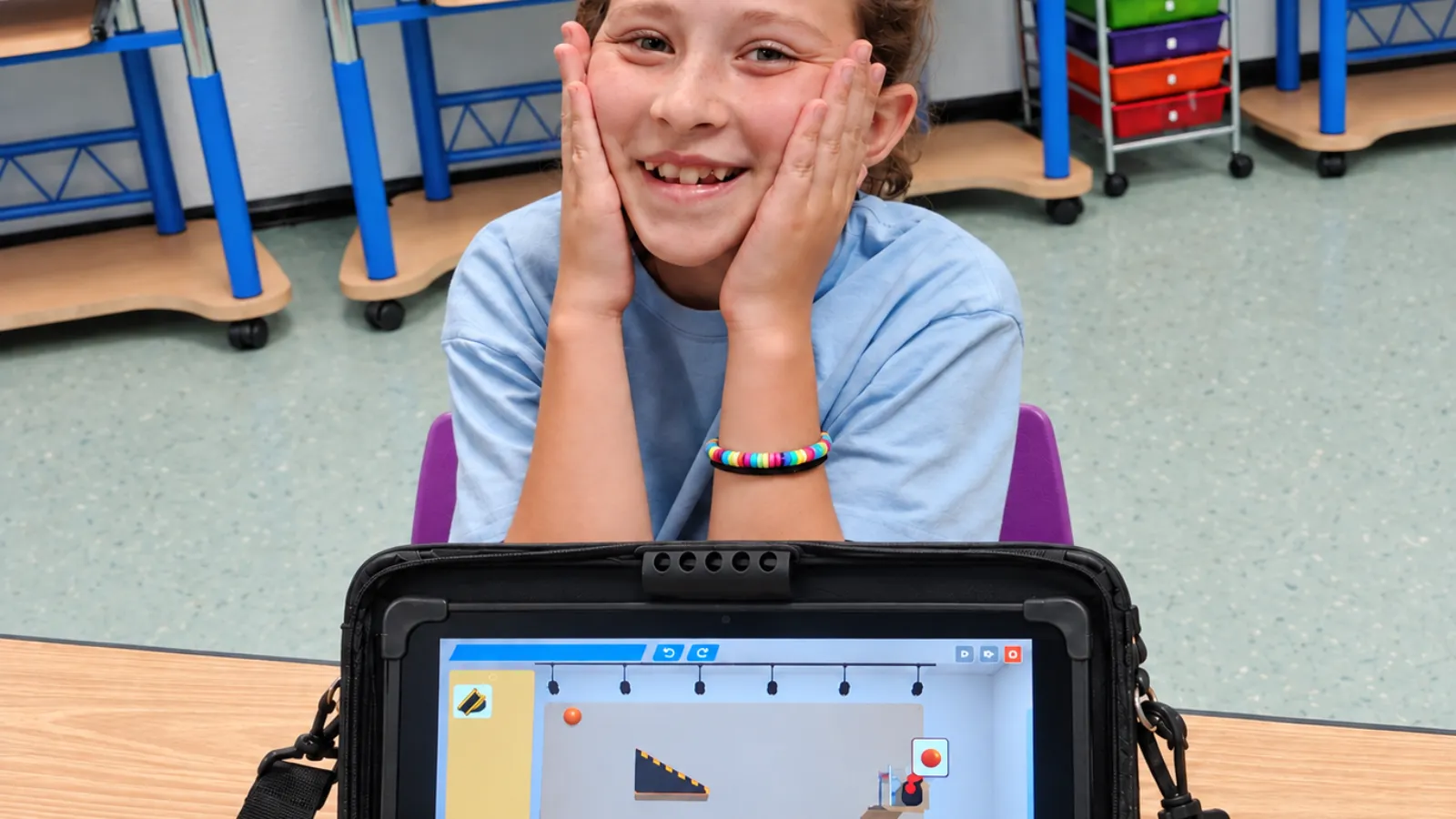
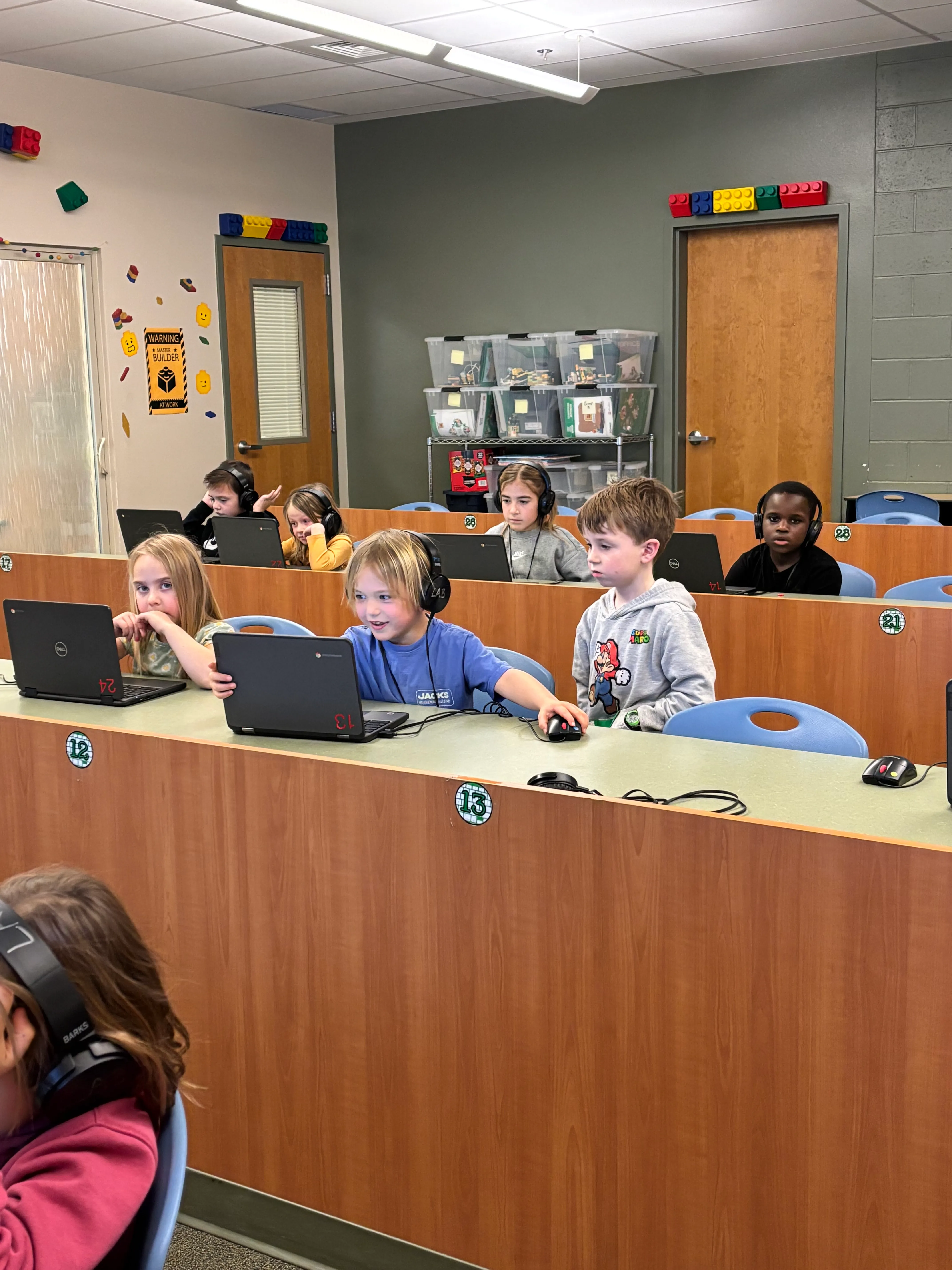 Students at work in Claire’s classroom.
Working around a crowded network
The biggest technical hiccup isn’t login — it’s bandwidth. When 20-plus kids try to load a project at the same time, the network gets crowded and things slow down or stall. My workaround is to stagger it: one row logs in, then the next row, instead of the whole class at once. Sometimes turning our internet off for a minute and back on clears it too.
I’m looking forward to Clever this year. Before that, I was using Google Classroom, which meant manually adding every new student myself — and when I’d forget, a kid would show up with no account. Clever updates automatically, so that friction should mostly disappear.
If you’re a teacher in my position
My advice to another teacher with no budget and a big student load: try Qweebi, and get into the teacher Facebook groups — that’s genuinely how I found the tools that have made the biggest difference in my classroom. Look into grants too, even small ones. Last year I got a $50 grant, and while it’s not much, it bought new headphones, and I was genuinely grateful for it.
Other teachers have noticed. A 5th-grade teacher at my school — whose class my own son happens to be in — keeps asking what website we use. I keep it to myself a little, honestly, because I like that it’s my thing to run. I’ve also shared it with other keyboarding teachers across my district, and they’ve loved it too.
What you need
-
Any Chromebooks, Windows, or Mac computers — everything runs in the browser
-
A free Qweebi account (Roller Coaster, Rube Goldberg, and Farm Robotics can each be one of your 2 free projects)
-
30–45 minute class periods, adaptable across K–5
-
No supplies, no storage, no cleanup between back-to-back classes — the part that made this possible on no budget
Ready to bring hands-on STEM to your classroom?
Try 2 Qweebi projects free and see how students design, build, test, and improve, without kits or supplies.