Grades 3–5
Online Farm Robotics PickBot Project
Grades 3–52 hrs 45 minsNGSS aligned
Students program, test, and improve their own farm robot in Qweebi's online Makerspace while learning sequences, algorithms, and loops.
- No supplies needed
- No downloads or installs
- Ready-to-run lessons
Works on Chromebooks, Windows, and Mac
Project Snapshot
Grade Level
Grades 3–5
Duration
2 hrs 45 mins
Teacher Prep
Under 30 minutes
Career Connection
Agricultural Robotics Engineer
Core Concepts
Sequences, Algorithms, Loops
Standards
CSTA: 1B-AP-08, 1B-AP-10, 1B-AP-11, 1B-AP-15
How This Project Works in Class
In under 3 hours, students learn how robots help solve real-world farming problems, then use block coding to program, test, improve, and share their own farm robot.
- 1
Meet Farm Robots
The Hook · 10 min
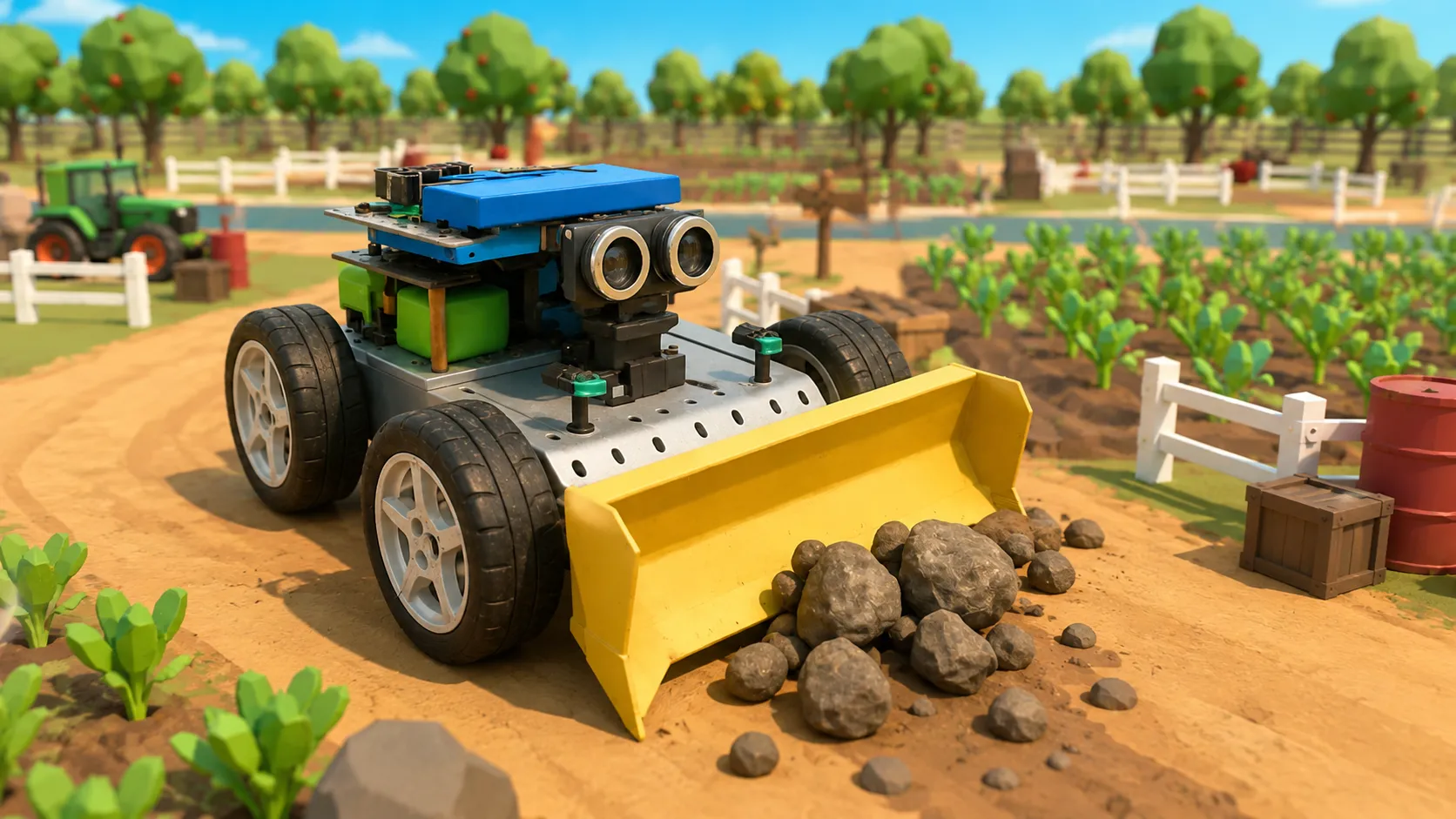
Students watch a farm robot clearing rocks, discuss how robots help farmers with difficult and repetitive tasks, and preview the final challenge.
- 2
Learn to Program Robots
Coding Bootcamp · 75 min
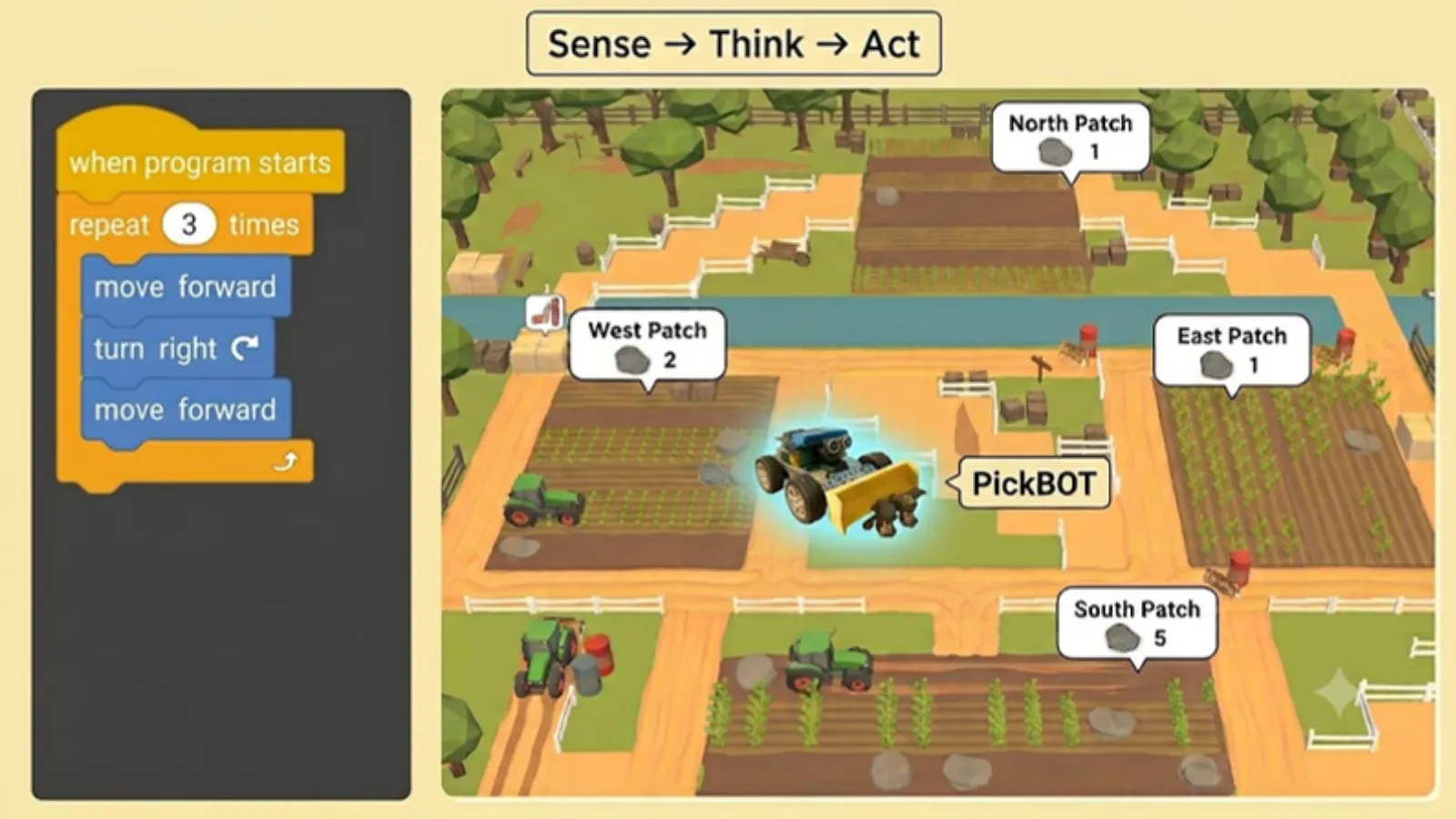
Students learn what a robot is, use the Sense-Think-Act framework, and practice giving robots clear instructions using sequences, algorithms, and loops.
- 3
Program Your Farm Robot
Final EDP Challenge · 40 min
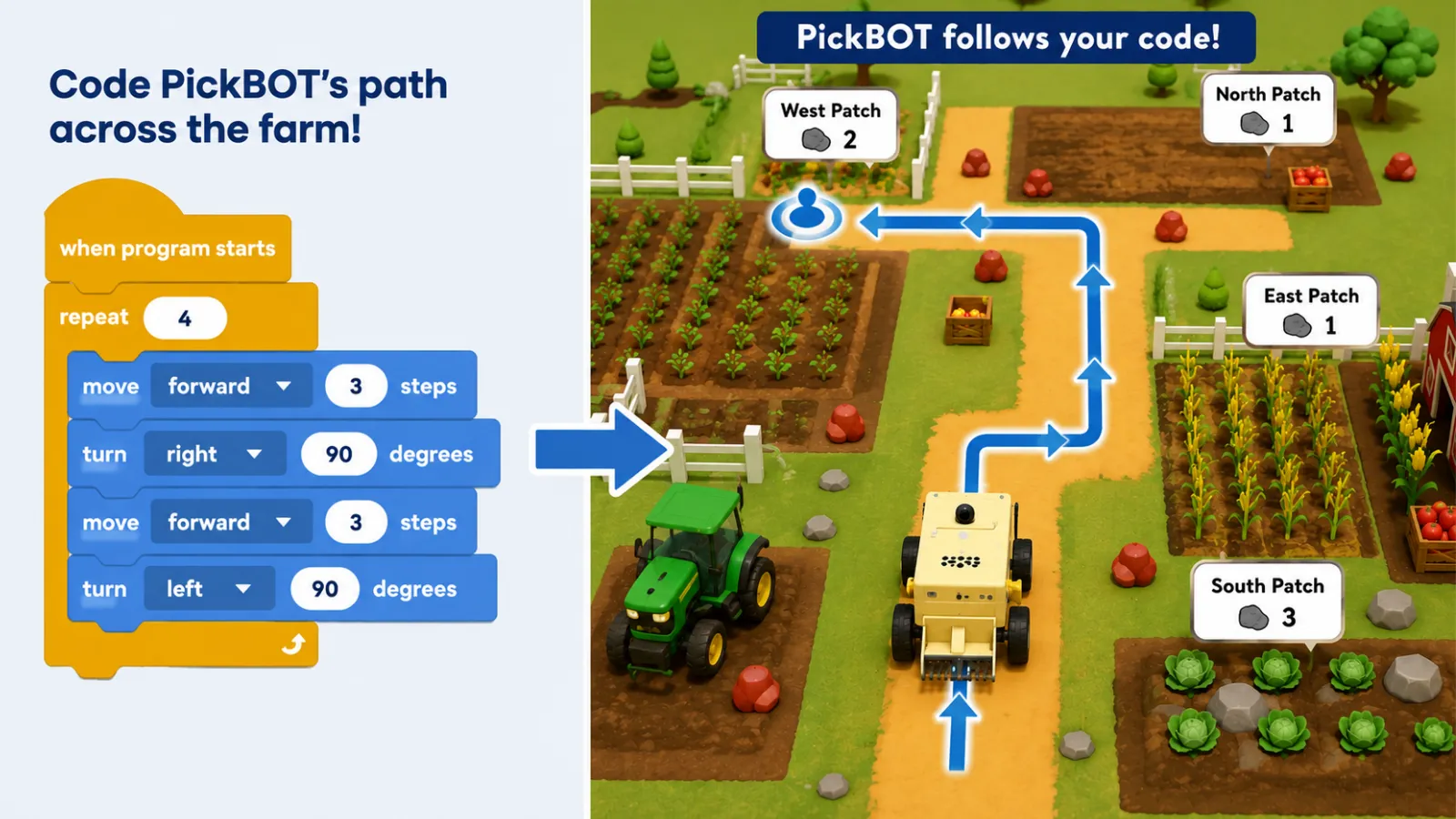
Students use the Engineering Design Process to program PickBOT's path across the farm so it can clear rocks from farm patches.
- 4
Improve and Share Your Program
Reflection · 40 min
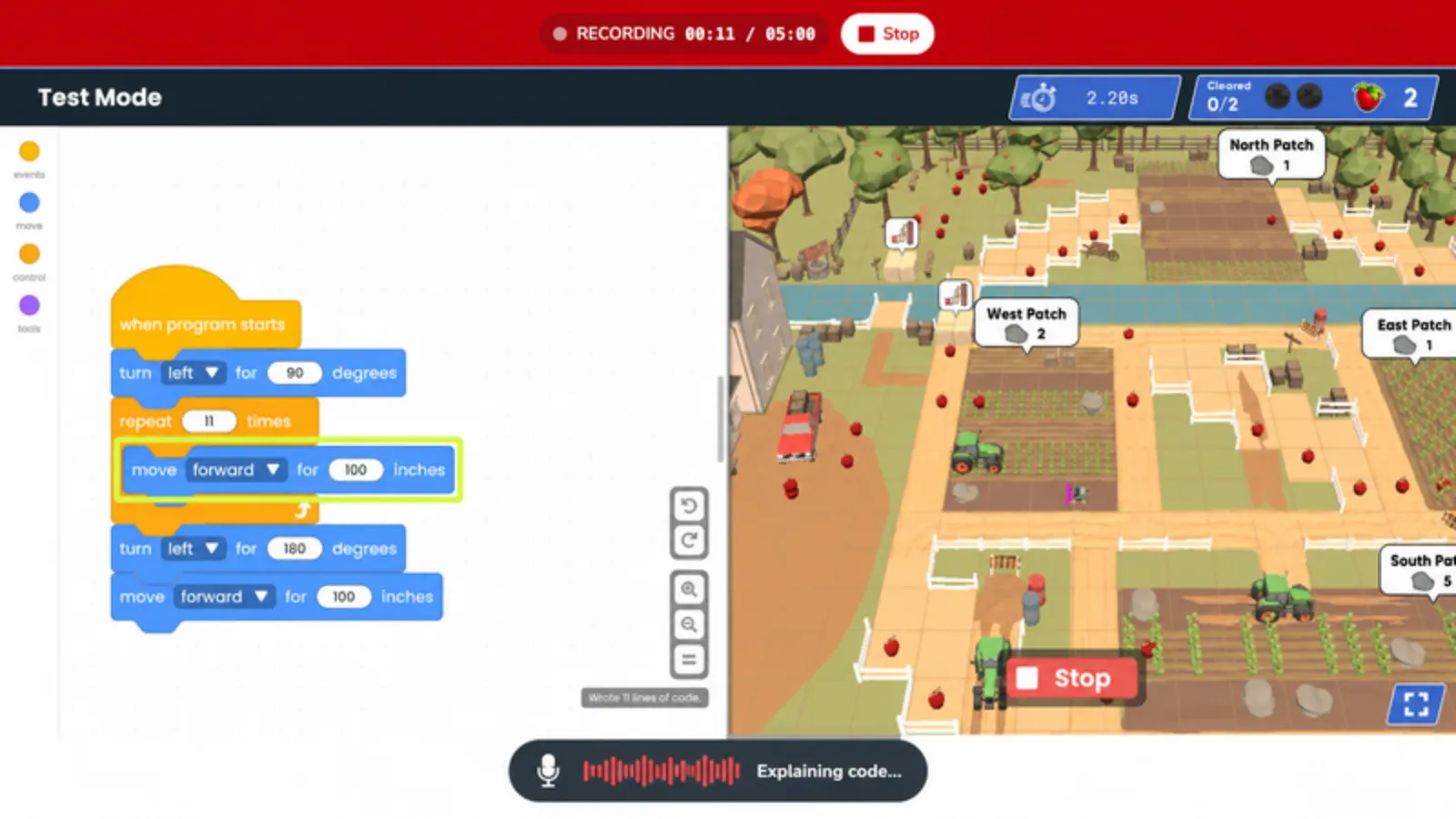
Students refine their robot's code, then create and submit a show-and-tell video where they showcase what they built and reflect on their work.
What Teacher Resources Are Included
Everything you need to prep, launch, and run the Farm Robotics - PickBOT project with confidence.
Teacher Slides
Ready-to-present Google Slides with built-in speaker notes.
Student Journals
Google Docs journals where students record observations, explanations, and reflections.
Built-In Qweebi Challenges
Interactive challenges build science intuition and prepare students for the final design challenge.
Step-by-Step Teacher Guide
A clear guide walks you through how to launch and run your Qweebi project.
What Other Teachers Are Saying
More than 100 teachers have brought the Farm Robotics PickBot project to their classrooms.
- Real-world coding
"What I like about this project, more than Code.org, is the real life application. Farm Robotics shows students that robots solve real-world problems and that barriers and dangers need to be taken into account."

Allison Hill
STEM Teacher
Bradley School
Connecticut, USA
- Good challenge
"The project has been good and challenging for the kids."
Johnna Hutchison
STEM Teacher
Liberty Creek Middle School
Tennessee, USA
- Student persistence
"My students are loving these lessons — and all the videos that come with the slides! Even though it is challenging, they're still trying to complete the tasks."

Kathryn Bedford
Teacher
Mount Hope Elementary
Missouri, USA
Frequently Asked Questions
Can I try the PickBOT project for free?
What grade levels is this project best for?
How long does the project take?
Do I need any supplies or kits?
What devices does it work on?
Do I need a coding or robotics background to teach this project?
Ready to Run the Farm Robotics - PickBOT Project With Your Students?
Try it free with your class — minimal prep, no supplies, and nothing to lose.