Grades 6–8
Online Rube Goldberg Machine Project for Middle School
Grades 6–83 hrs 20 minsNGSS aligned
Students design, build, and test their own Rube Goldberg machine in Qweebi's online Makerspace while learning how simple machines and energy transfers work together to create a chain reaction.
- No supplies needed
- No downloads or installs
- Ready-to-run lessons
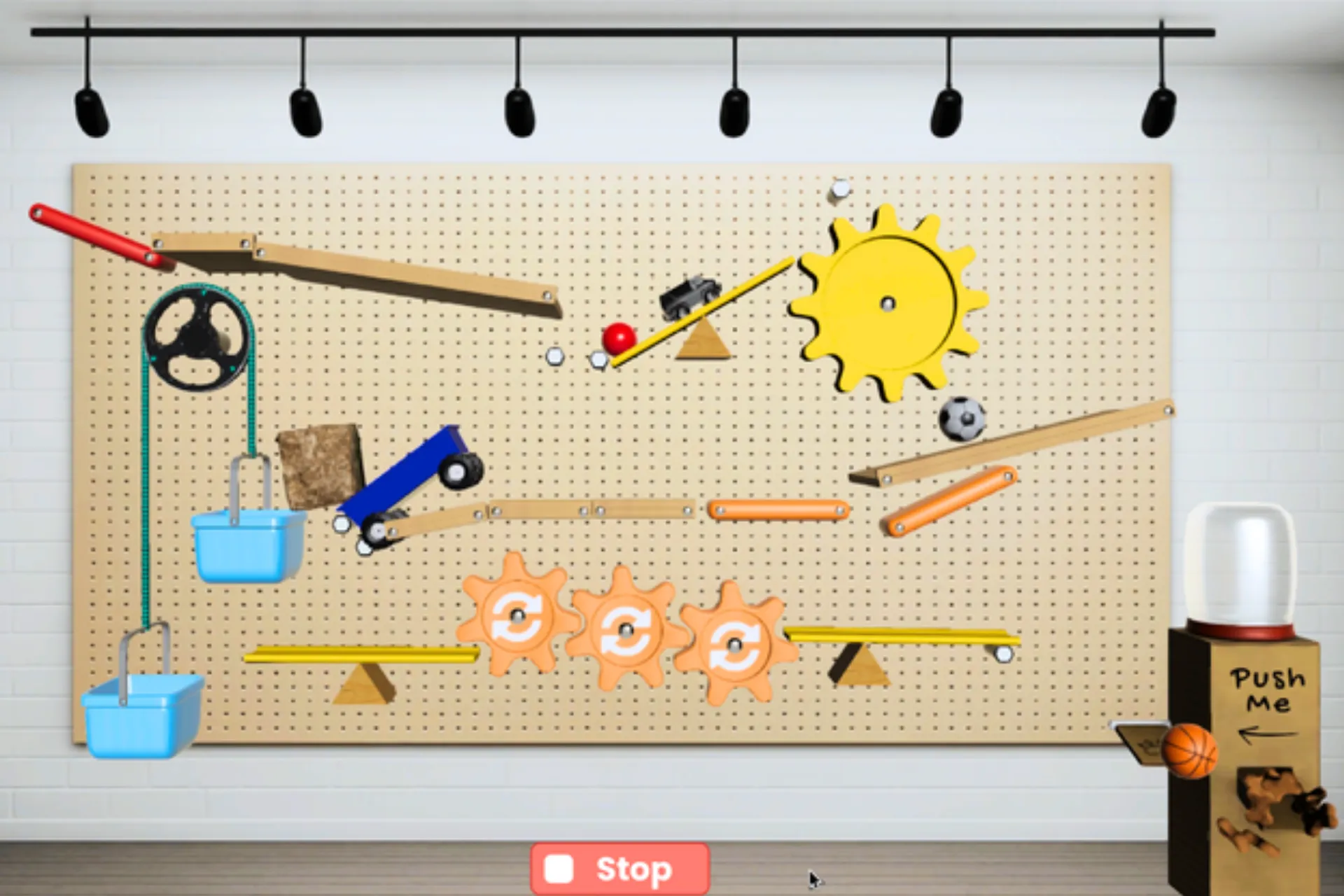
Works on Chromebooks, Windows, and Mac
Project Snapshot
Grade Level
Grades 6–8
Duration
3 hrs 20 mins
Teacher Prep
Under 30 minutes
Career Connection
Mechanical Engineer
Core Concepts
Simple Machines, Energy Transfer, Chain Reaction
Standards
NGSS: MS-PS2, MS-PS3, MS-ETS1
How This Project Works in Class
In just over 3 hours, students learn how simple machines and energy transfers work, then use the Engineering Design Process to design, test, improve, and share their own Rube Goldberg machine.
- 1
Intro to Rube Goldberg Machines
The Hook · 10 min
Students watch an entertaining Rube Goldberg machine in action, learn who Rube Goldberg was, and preview the challenge of building their own chain-reaction machine.
- 2
Learn Simple Machines and Energy Transfer
Science Bootcamp · 110 min
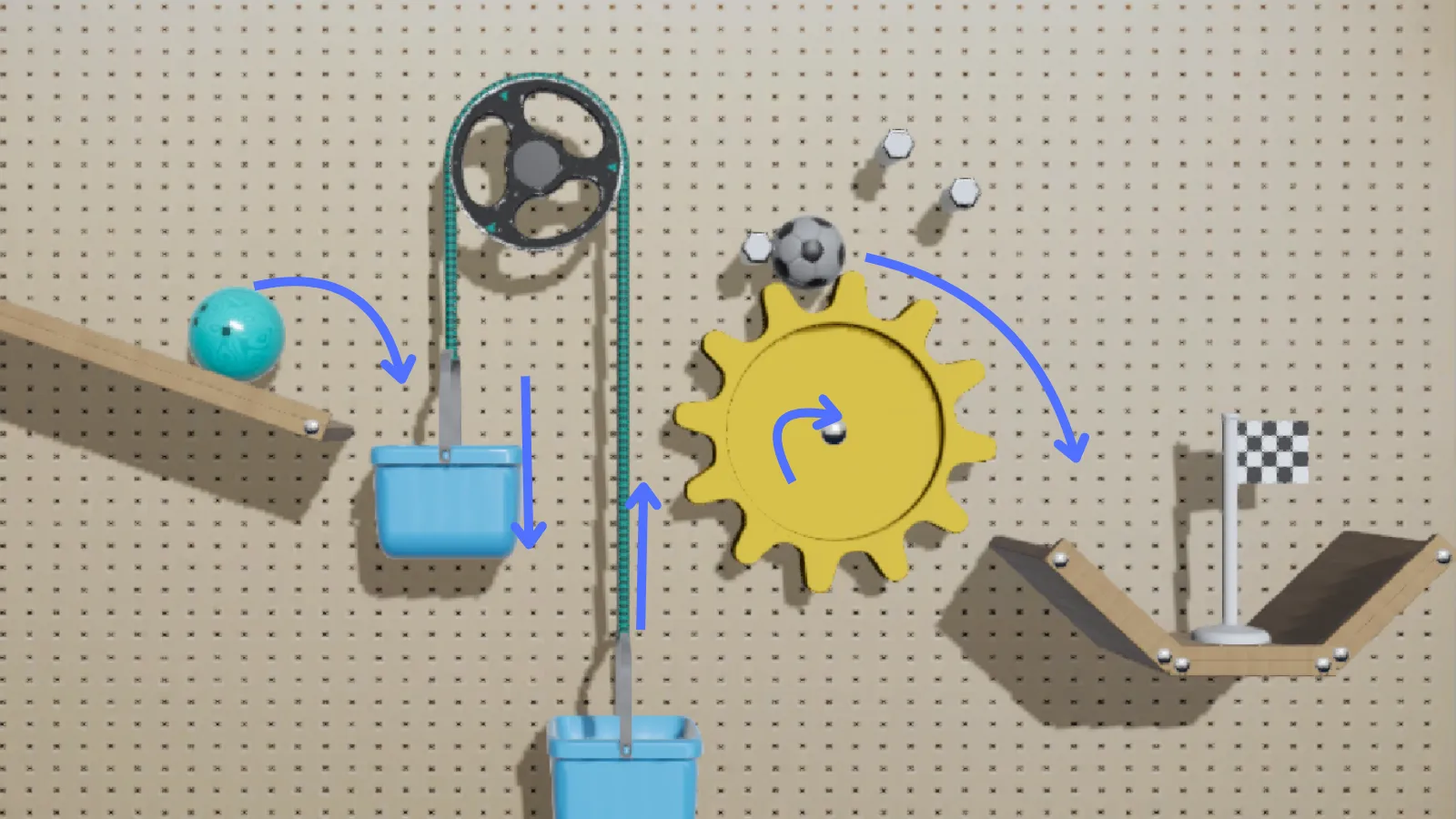
Students explore all six simple machines — inclined plane, wheel and axle, lever, pulley, screw, and wedge — while identifying how energy transfers through a Rube Goldberg machine.
- 3
Design Your Rube Goldberg Machine
Final EDP Challenge · 40 min
Students use the Engineering Design Process to plan and build their first Rube Goldberg machine prototype that can feed a pet.
- 4
Improve and Share Your Invention
Reflection · 40 min
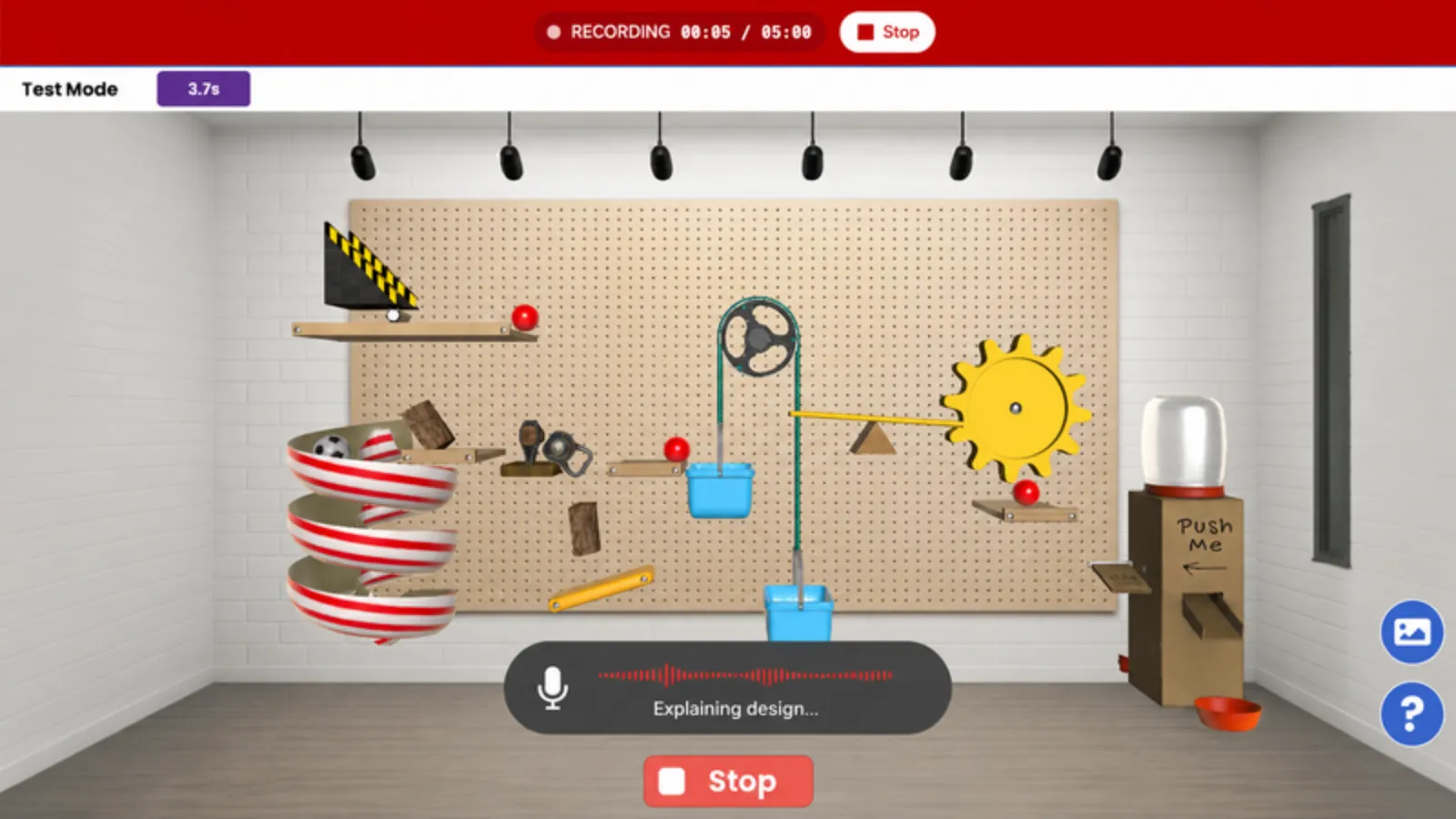
Students refine their Rube Goldberg machines, then create and submit a show-and-tell video where they showcase their invention and explain the challenges they overcame.
What Teacher Resources Are Included
Everything you need to prep, launch, and run the Rube Goldberg Machine II project with confidence.
Teacher Slides
Ready-to-present Google Slides with built-in speaker notes.
Student Journals
Google Docs journals where students record observations, explanations, and reflections.
Built-In Qweebi Challenges
Interactive challenges build science intuition and prepare students for the final design challenge.
Step-by-Step Teacher Guide
A clear guide walks you through how to launch and run your Qweebi project.
What Other Teachers Are Saying
More than 250 teachers have brought the Rube Goldberg Machine project to their classrooms.
- Strong foundation
"I had students build actual Rube Goldberg machines out of recyclable materials for their final project. The Qweebi lesson really set a solid foundation for student success."

Anne Miller
8th Grade Science Teacher
Big Walnut Middle School
Ohio, USA
- 8th grade engagement
"We love it! My room full of 8th graders is engaged and working hard, which is a rarity!"
Amanda Parashar
STEAM Teacher
Shawmont Elementary School
Pennsylvania, USA
- Perseverance
"The students are truly invested in the projects — even my Grade 7 and 8 students who are often 'too cool' for most tasks. It's great learning that lets them self-reflect as engineers and persevere."
Marena Gillen
Teacher
Central Public School
Ontario, Canada
Frequently Asked Questions
Can I try the Rube Goldberg Machine II project for free?
What grade levels is this project best for?
How long does the project take?
Do I need any supplies or kits?
What devices does it work on?
Do I need a STEM background to teach this project?
Ready to Run the Rube Goldberg Machine II Project With Your Students?
Try it free with your class — minimal prep, no supplies, and nothing to lose.