Six Engineering Challenges a Day Was Too Much. Here's How I Found a Better Balance.
A K-8 STREAM teacher on going from a supply cart and six challenges a day to a mix of hands-on and virtual engineering in 45-minute classes.
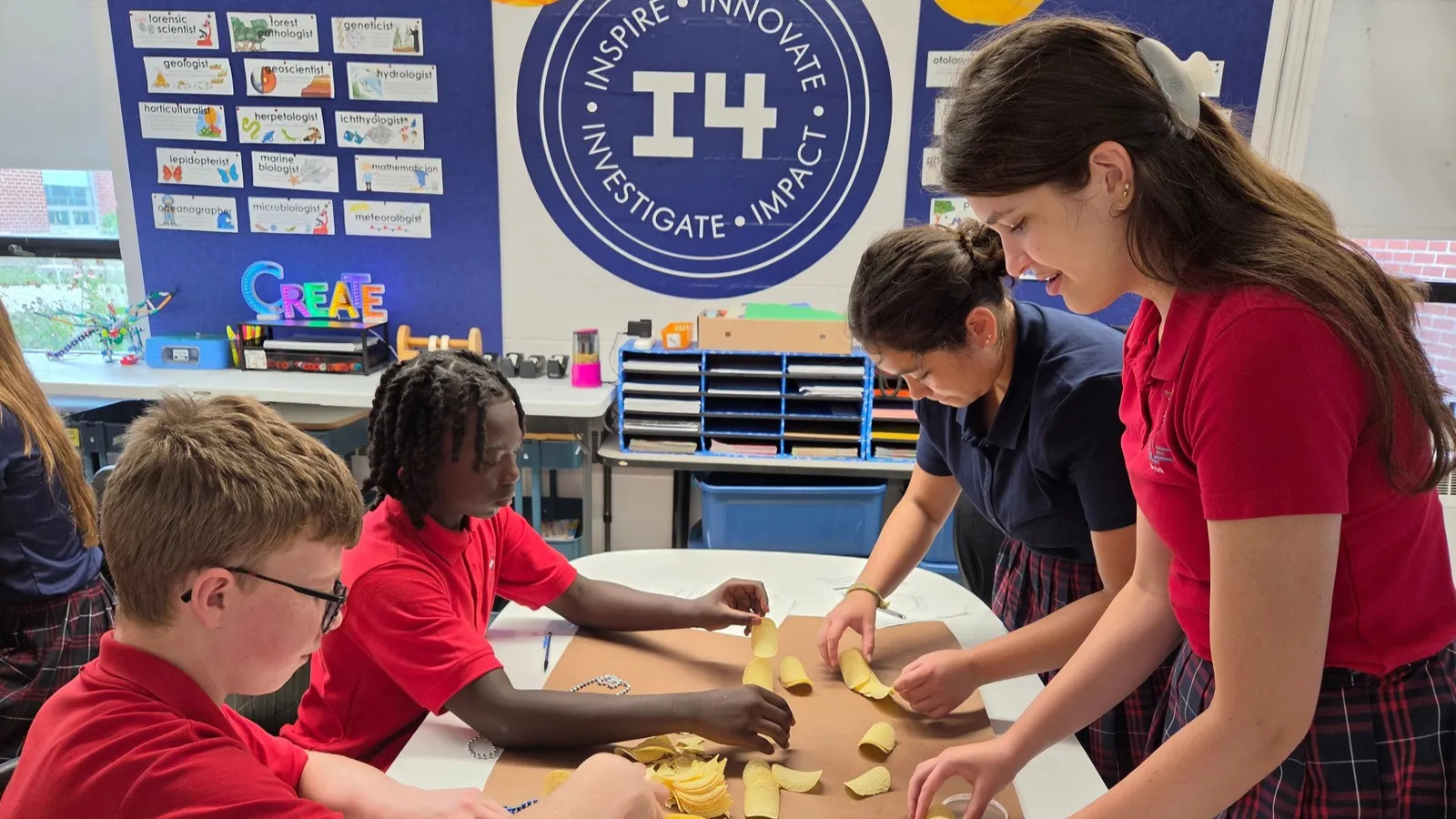
The first year I taught STEM, I was pushing a cart around the school filled with marshmallows, toothpicks, and whatever other supplies I needed for the day’s engineering challenges.
It was nuts.
I love watching students build things. But when you’re running six different engineering challenges in a day, that’s a lot of equipment, moving parts, and moving kids.
At some point, I remember thinking: I have to find another way to do this.
Today, my students still build bridges, design structures, and experiment with all sorts of materials. But some of our engineering projects happen on their Chromebooks instead.
And I’ve found that having both options makes my STEM classroom a lot more manageable.
I didn’t start out as a STEM teacher
I’ve been at my school for 25 years. For 15 of those years, I was the computer teacher. My background is actually in English, so when the school decided to eliminate the computer lab and turn my position into STREAM, I remember asking, “Are you sure you want me to do this?”
There wasn’t a set curriculum waiting for me. I spent a lot of time searching Teachers Pay Teachers for engineering activities, figuring out supplies, and learning as I went.
For the first couple of years, I was usually about one day ahead of my students.
Today, I teach kindergarten through eighth grade, seeing students twice a week for 45 minutes at a time. Qweebi starts in fourth grade for us. Younger students don’t keep a Chromebook with them, and I haven’t tried it with third graders. I’m not that brave. Most of them can barely log in.
“Wait, they can make something without trashing my room?”
I first heard about Qweebi at STEM CON and Beyond.
My initial reaction was pretty simple: “Wait, they can make something without trashing my room?”
That got my attention.
For someone teaching multiple grades and managing physical engineering supplies all day, it offered another way to give students a meaningful building experience.
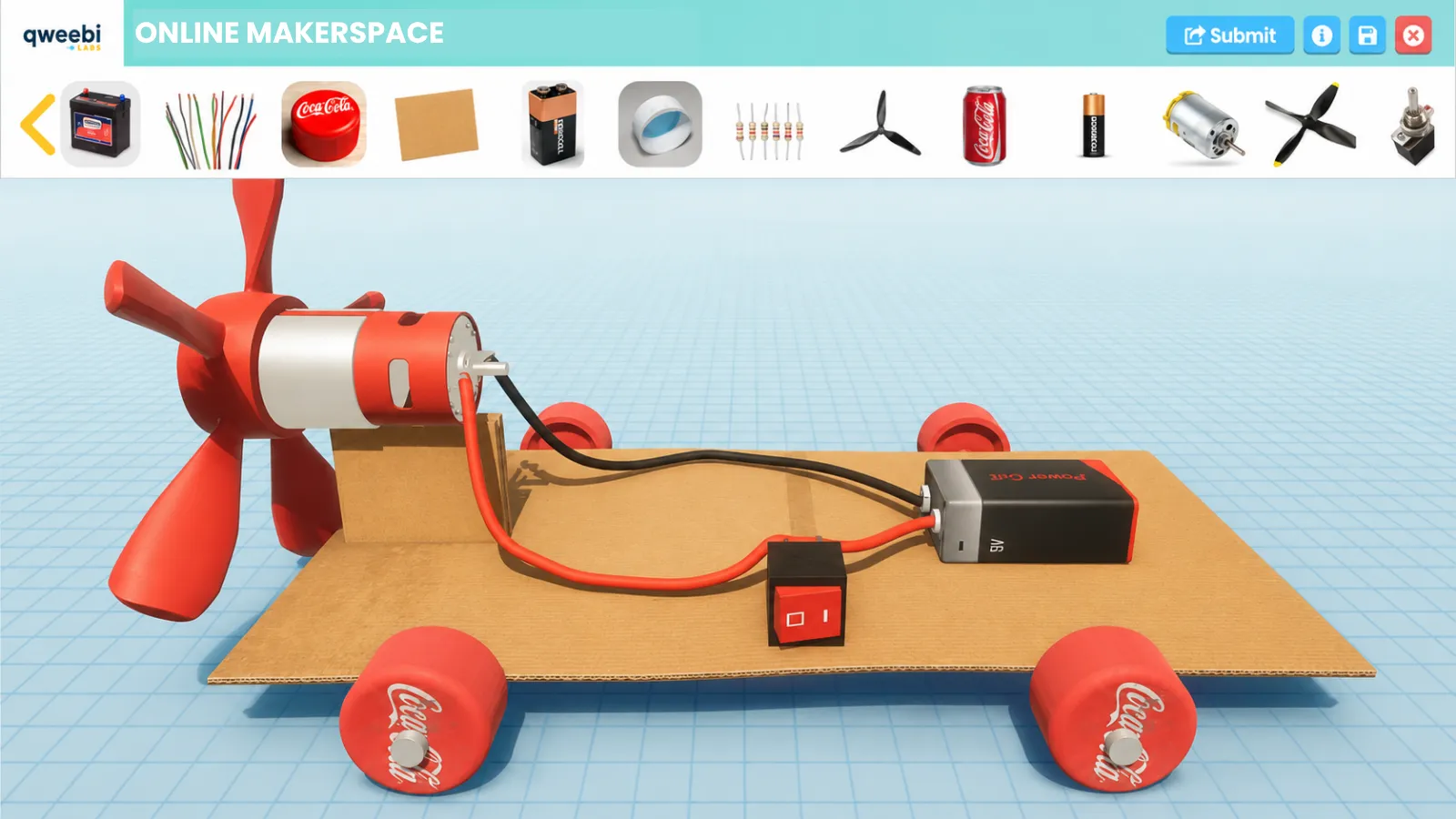
The first project I tried was Mars Rover. I’ll admit, it wasn’t the easiest beginning. I was learning to use the Makerspace alongside my students, and some of us struggled with the tools.
Some of my sixth graders hit their limit with the glue bottle, so I gave them a choice: build the rover in Qweebi, or build one in my room with cups and straws. Half the class went with Qweebi.
I remember one group finally getting their rover working. They were so excited that the whole class had to stop and see it. They’d struggled through something unfamiliar and managed to make it work.
Another class didn’t have nearly as much success, and that’s okay. I told them what I always tell them: you’re not supposed to get it right the first time. You’re supposed to try, figure out what worked and what didn’t, and learn from it.
Why I keep coming back three years later
Since then, I’ve used Qweebi for Roller Coaster, Rube Goldberg machines, and farm robotics.
What keeps me coming back is the students. They love it.
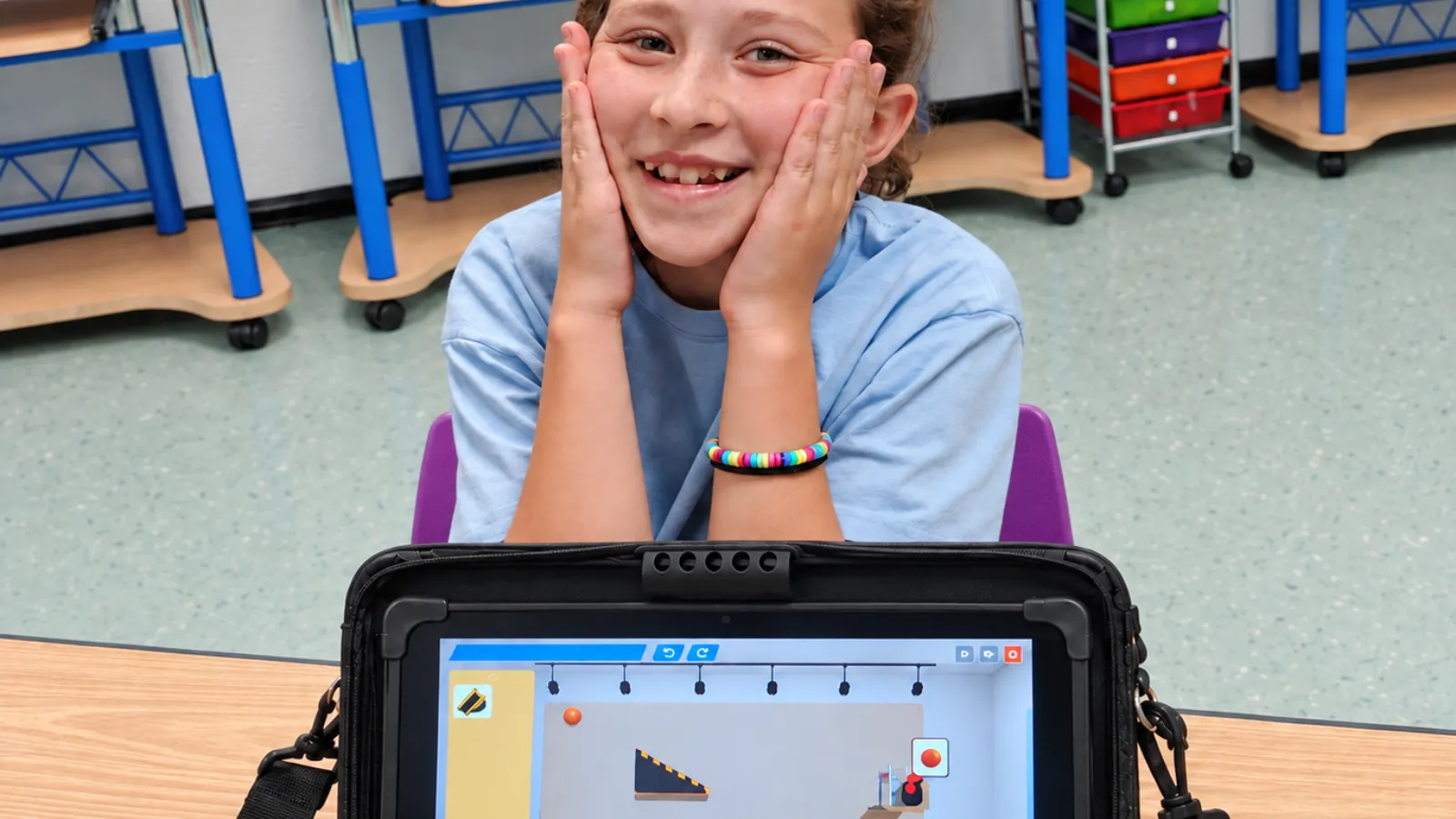
With Roller Coaster, they get competitive with the challenges and leaderboards. Some even go home and keep working on their designs because they want to.
Rube Goldberg is another good example. I’ve built physical Rube Goldberg machines with students before. It’s fun, but it’s difficult to finish one in a 45-minute class period. Every time students test their machines, they have to reset everything.
With Qweebi, they can save their work and pick up where they left off.
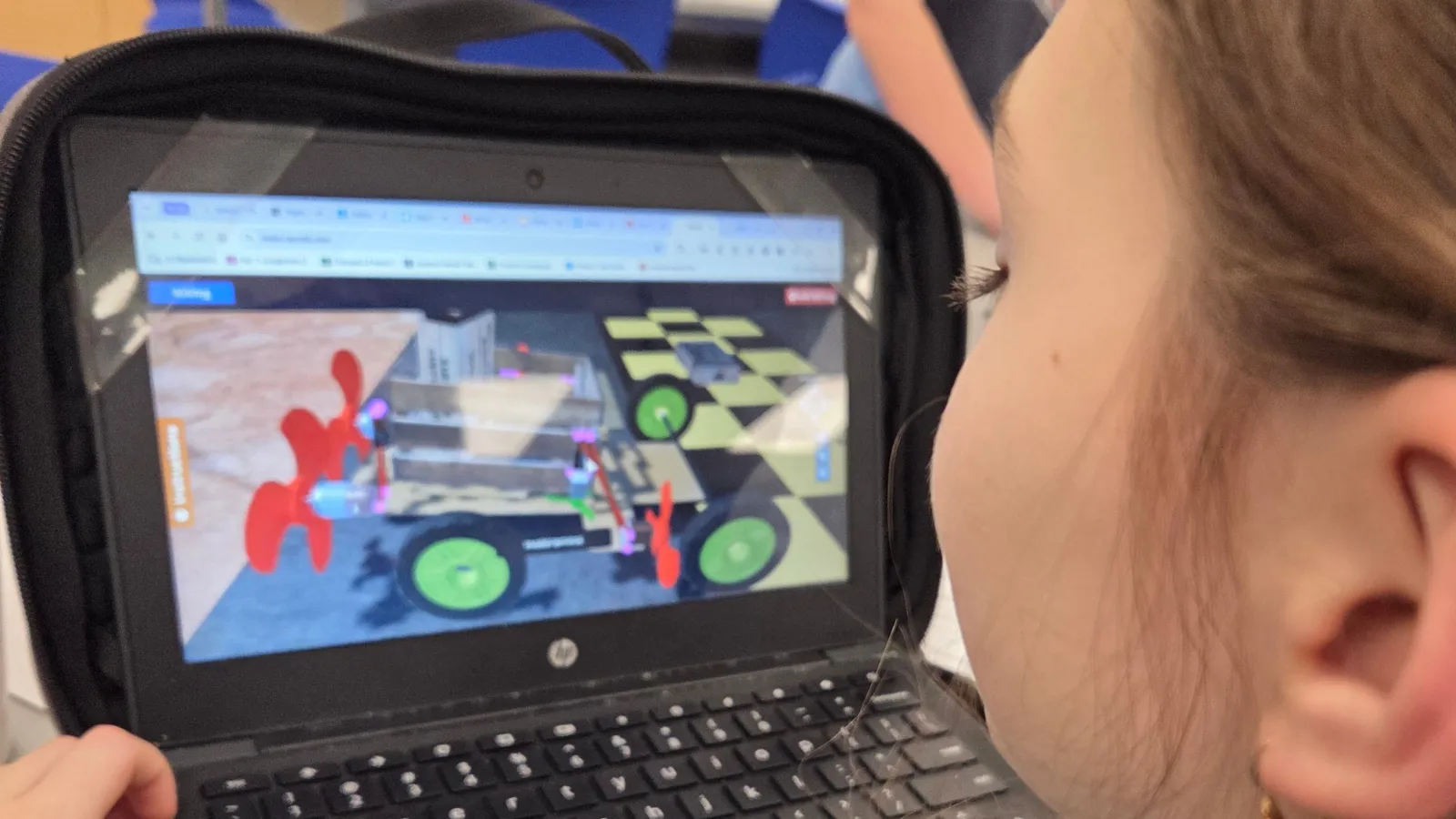
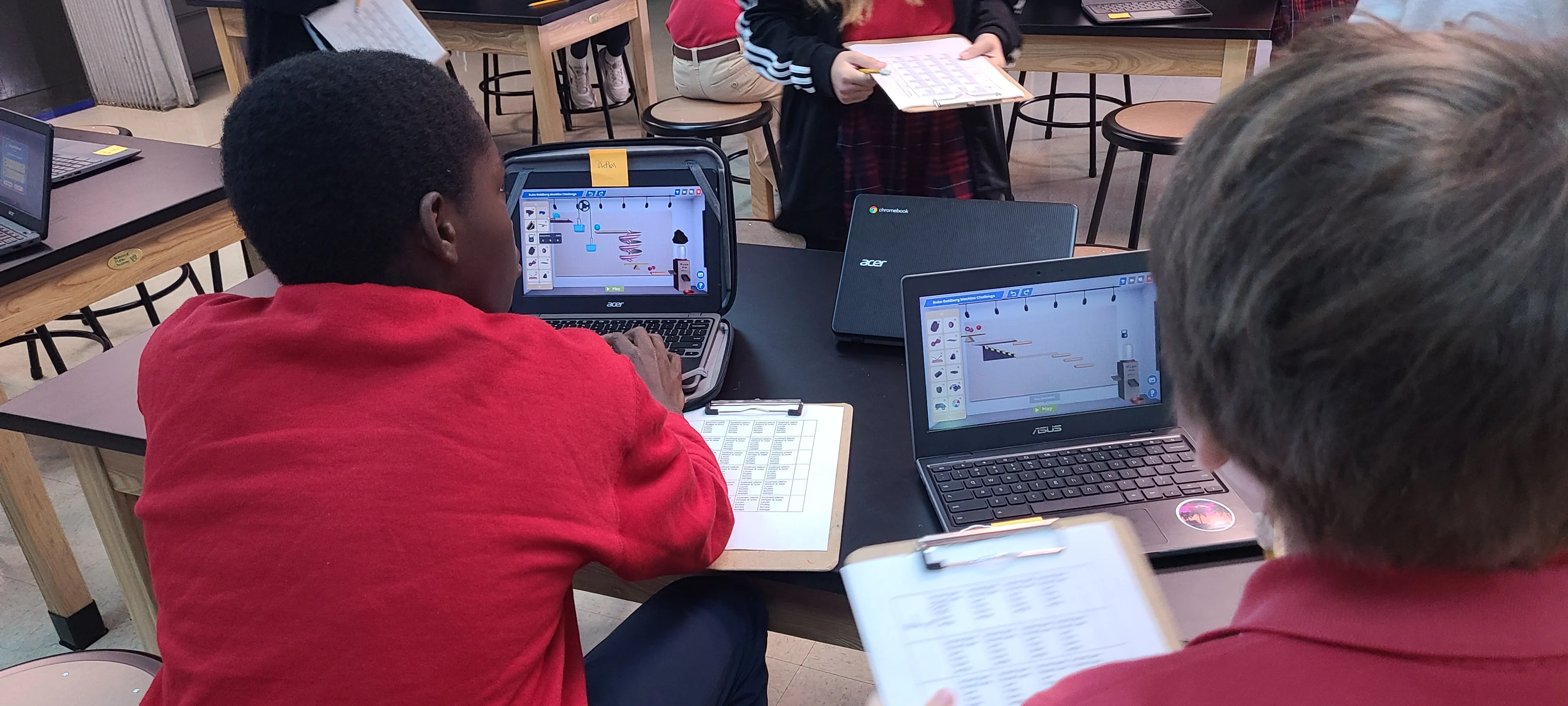 Students working on Qweebi’s Rube Goldberg Machine Challenge on Chromebooks.
Of course, that creates a different problem. Sometimes they don’t want to stop improving their machines! I’ll have to tell them, “Okay, we have to finish this project. We can’t just keep changing things.”
And eighth graders will always find a way to work the system. One let a platform bounce the ball 75 times to climb the leaderboard. “But you said I could do that.” That’s not what I meant.
One fifth grader working on Farm Robotics even went home and completed the final coding challenge because he couldn’t wait until our next class. He came in the following day and announced that he’d figured it out.
My first thought was that now he wouldn’t have anything left to do in class! But I couldn’t exactly penalize him for being too interested in what I was teaching.
How I fit Qweebi into my STEM curriculum
I don’t run every project with every grade. I usually start by looking at what students are learning in science.
For example, our fourth graders study forces. Their classroom teacher used to make roller coasters with tubing and marbles. When I told her we could build roller coasters online, she said, “You’re kidding.”
For the older students, I use robotics projects to introduce coding. My sixth graders are working on HaulBOT now, and most of them already used PickBOT last year, which has made the new challenges easier. They still find ways to have fun. A few decided it was hilarious to make the tractor spin 500 times. That’s one reason I like that the project limits the number of blocks. When someone runs out, we talk about loops.
I also spread the projects across the school year. I might have one grade using Qweebi this month and another grade next month. That way, I’m not trying to manage several virtual projects at once, and I can still run physical engineering activities with my other classes.
It’s still hands-on. Just a different kind.
I haven’t stopped doing physical engineering projects. My students still build bridges, structures, and all kinds of inventions with real materials.
But I’ve learned that not every engineering project has to involve physical supplies.
There’s a lot of discussion about how much time kids spend on computers, and I agree with some of those concerns. But with Qweebi, they’re not just sitting there consuming media. They’re using their computers as an actual tool to design, build, test, and improve their ideas.
And practically, when you only have 45 minutes, and 10 of those can disappear getting supplies out and cleaning up, that flexibility makes a real difference.
It’s still hands-on. Just a different kind.
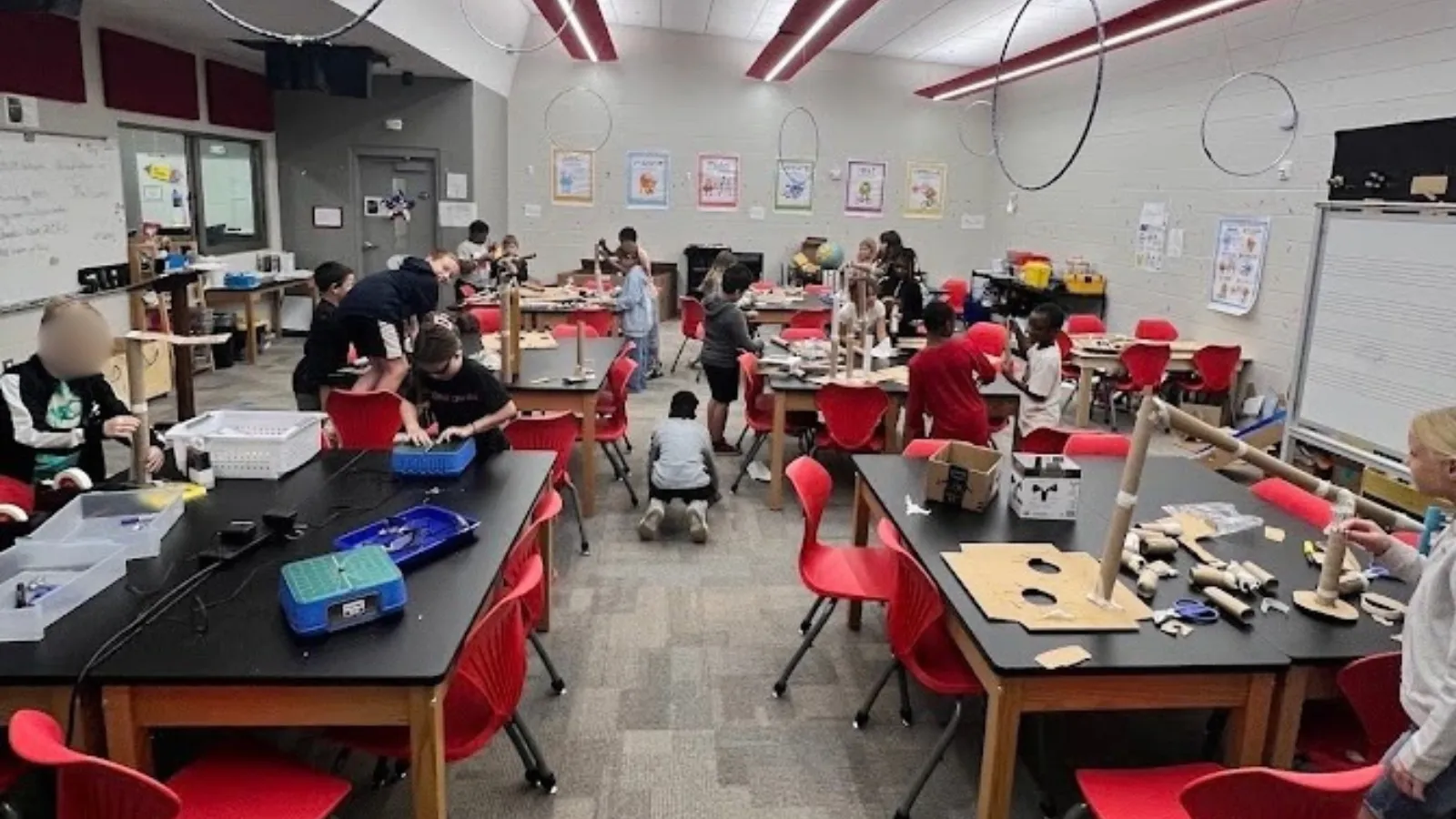
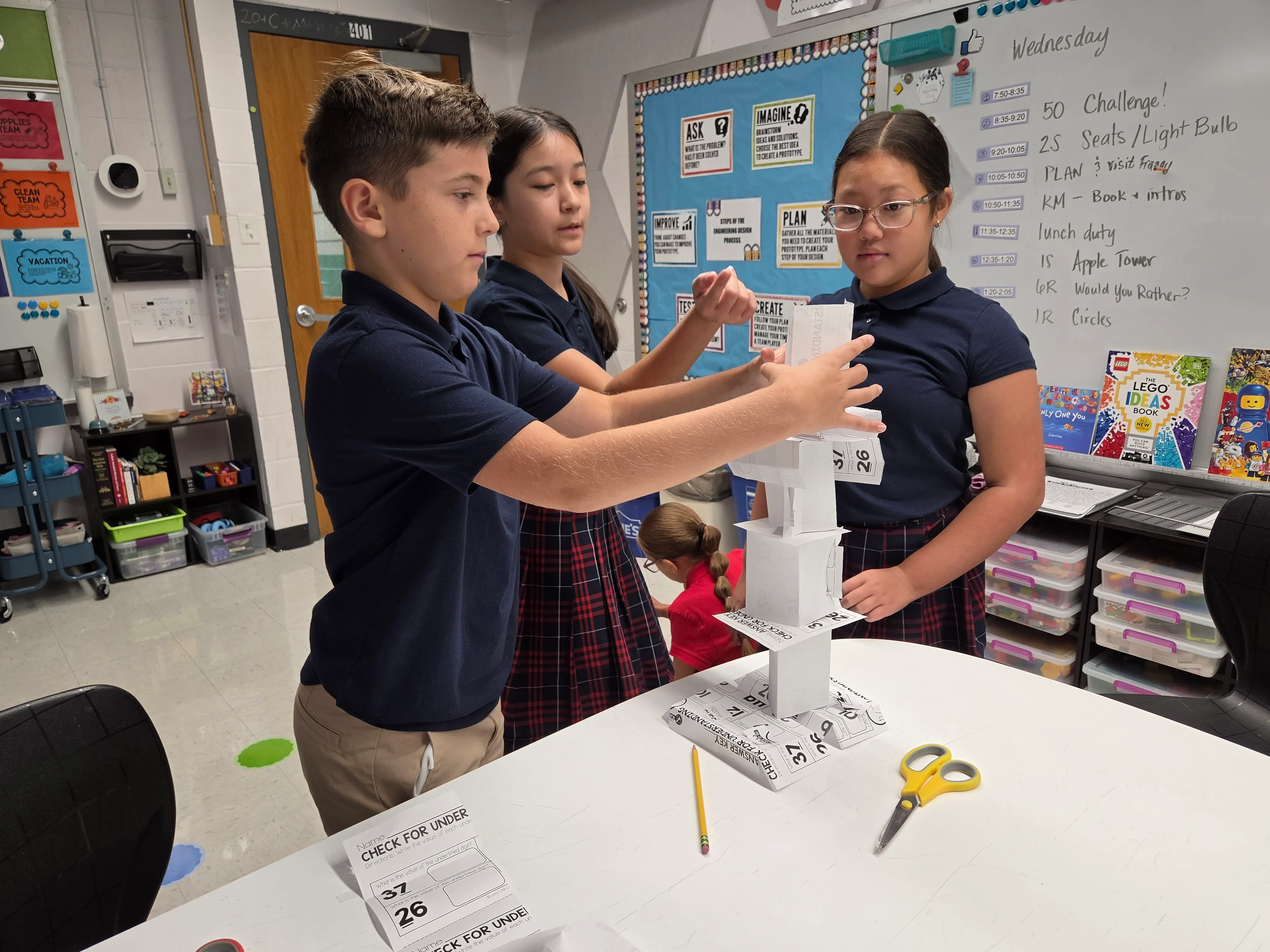 Three students building a paper tower in a hands-on engineering challenge.
My advice? Start small and give it a go.
If you’re thinking of trying Qweebi, my biggest advice is to try the challenge yourself first. I do that with everything.
Before I introduced HaulBOT to my students, I sat down and worked through the challenges. I wanted to understand how the code worked so I could help students when they got stuck.
And if you’re nervous about trying something new with a large class, start smaller. The first time I tried Qweebi, I chose a class with about 13 students. I figured that would be easier to manage than 30 students all learning something new at once. You could even start with a small group or a learning center.
But ultimately, just give it a go.
I always tell my students that not everything they try is going to work. Sometimes they’ll figure it out. Sometimes they won’t. That’s part of STEM. We’re teaching them to solve problems, persevere, and keep going when something gets difficult.
And if I can give them those experiences without having to clean up six engineering projects every day, that’s even better.
What you need
-
Any Chromebooks, Windows, or Mac computers. Qweebi runs in the browser
-
A Qweebi account (several of these projects can be run on the 2 free projects)
-
45-minute class periods, two a week
-
Time to try the challenge yourself first
Ready to bring hands-on STEM to your classroom?
Try 2 Qweebi projects free and see how students design, build, test, and improve, without kits or supplies.