Our Roller Coaster Project in Four Photos — 30-Minute Classes, 720 Students, Zero Supplies
A K–6 STEM resource teacher shares her roller coaster unit in four photos — 30-minute classes, district approval in a week, and zero supplies to store.
I found Qweebi the way teachers find most things — scrolling late, planning fourth quarter, searching for STEM activities my upper graders hadn’t done before. I made a free teacher account to look around, and then accidentally spent the whole weekend doing the projects myself. I wanted to complete the challenges and see those green checks. If a challenge captivated me for a weekend, I knew my students would love it.
For my school, in particular, I’m the only STEM and technology teacher for about 720 students, preschool through 6th grade. I teach eight 30-minute classes a day on a five-day rotation — so if a class starts a project, I don’t see them again for six days. I learned early on that I can’t run a real hands-on build in 30 minutes and then store it somewhere for a week. Qweebi provided a project where my students could stop and restart digitally, with nothing to store, which solved the actual constraint of my job.
Instead of describing what happened when we ran the Roller Coaster project, let me show you. I take a lot of photos in my room. These four tell a portion of the story.
Photo 1: Day two, fourth grade
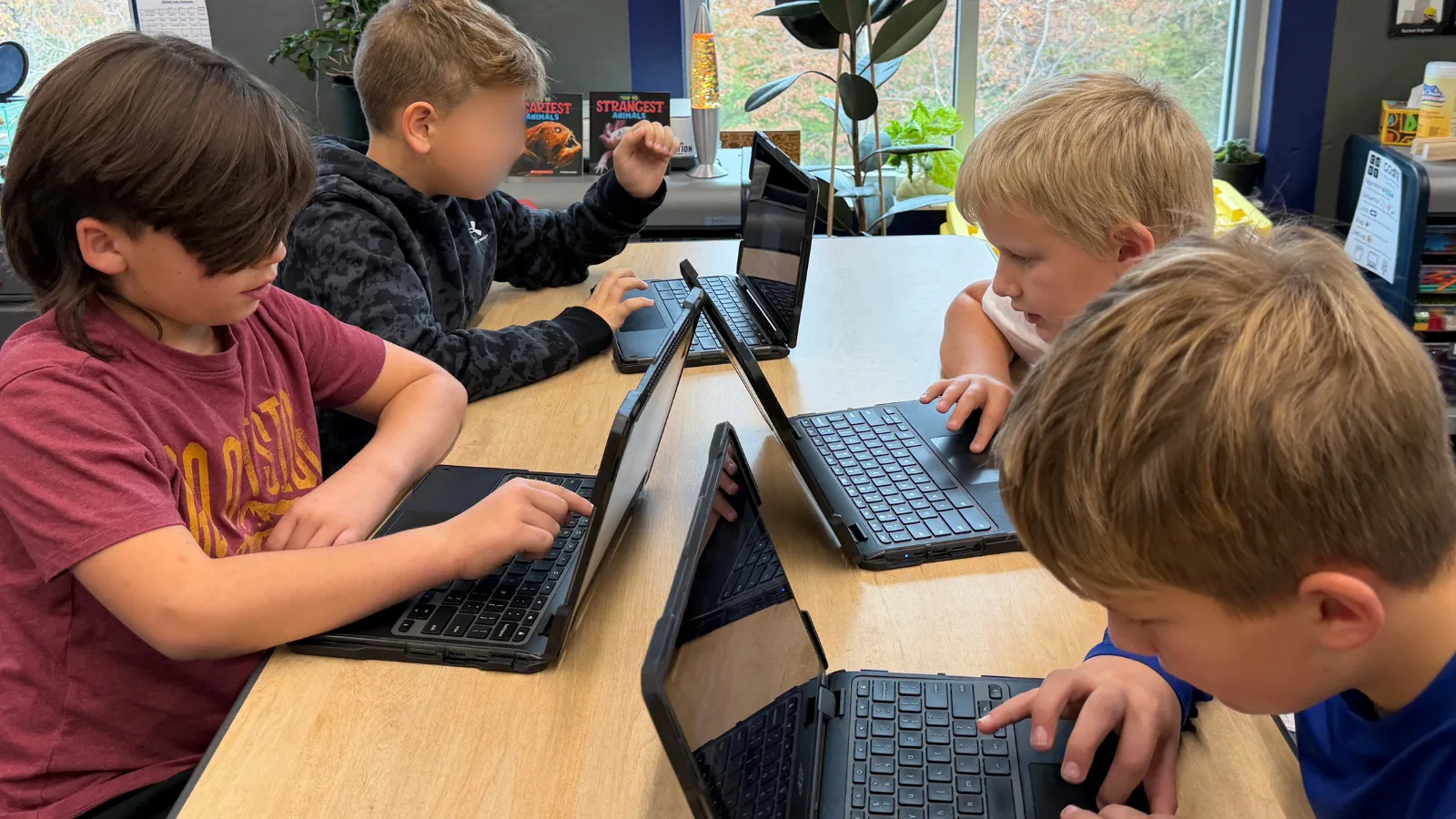
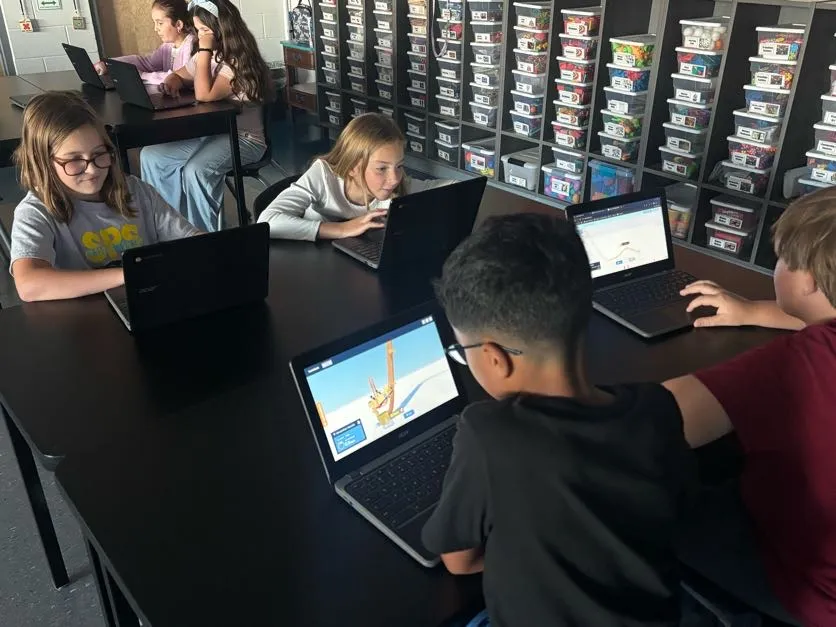 Day two: Fourth graders designing roller coasters in the Qweebi online makerspace on Chromebooks.
This is a fourth-grade table group, mixed abilities, just after we connected accounts and opened the first challenge. Day one had been on the carpet with the teacher slides. Day two, they build — and almost all of them tried to start the track going straight up. We live in Florida and the majority of my students are familiar with roller coasters with a few theme parks nearby. In their minds a coaster starts flat and gets pulled up before the fun begins. Discovering that doesn’t work in the Qweebi challenge and that you have to start high to allow gravity to pull and then build the energy to continue through the track was the best conversation of the opening week. There were many hands raised asking for help to complete the first challenge, but in letting them discover on their own and share with each other, the learning unfolded.
Photo 2: “You’re not an airplane”
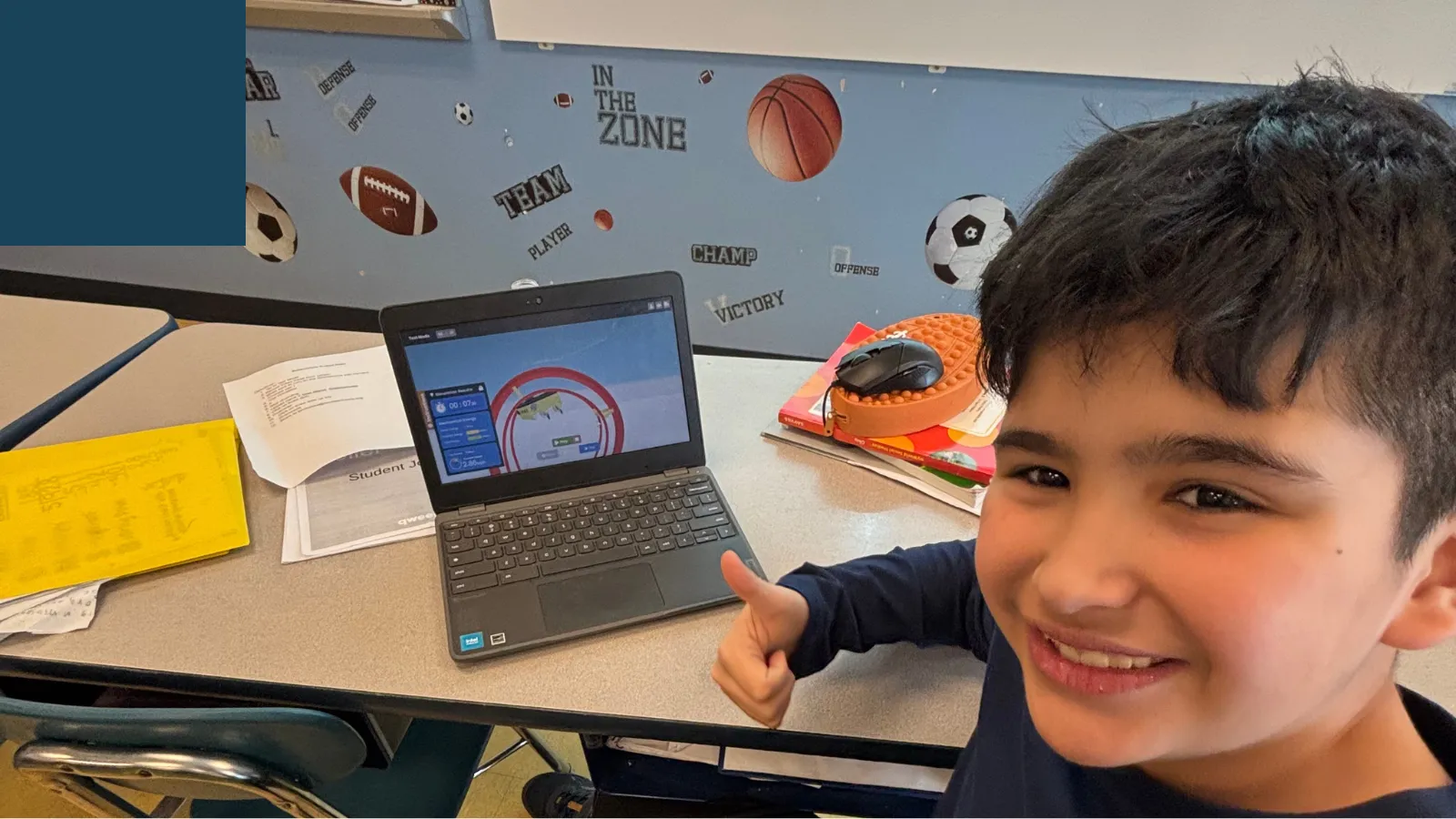
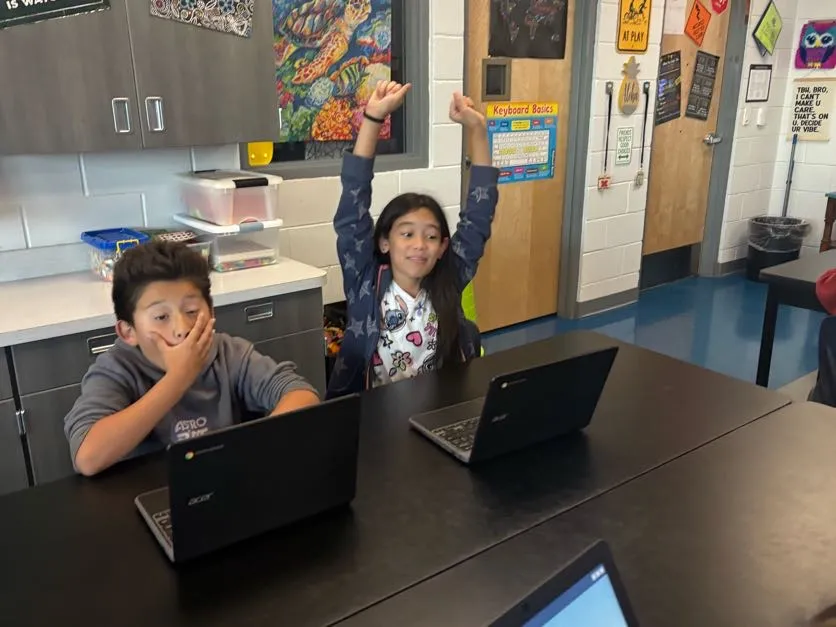 Elementary students reacting to a roller coaster challenge in the Qweebi online makerspace; one successful, one a little defeated.
These two are good friends and spent nearly a full class stuck on challenge two. She kept starting her track straight up, and he leaned over and told her — I heard it walking past — “You can’t start going straight up. You’re not an airplane.” That is a kid explaining slope and energy in his own words, mid-argument, because he was trying to help her. Moments after this photo: she passed the challenge before he did. He was devastated. She was not. In the end, they both completed the final challenge before the class ended strategizing together.
Photo 3: The collaboration I work all year for
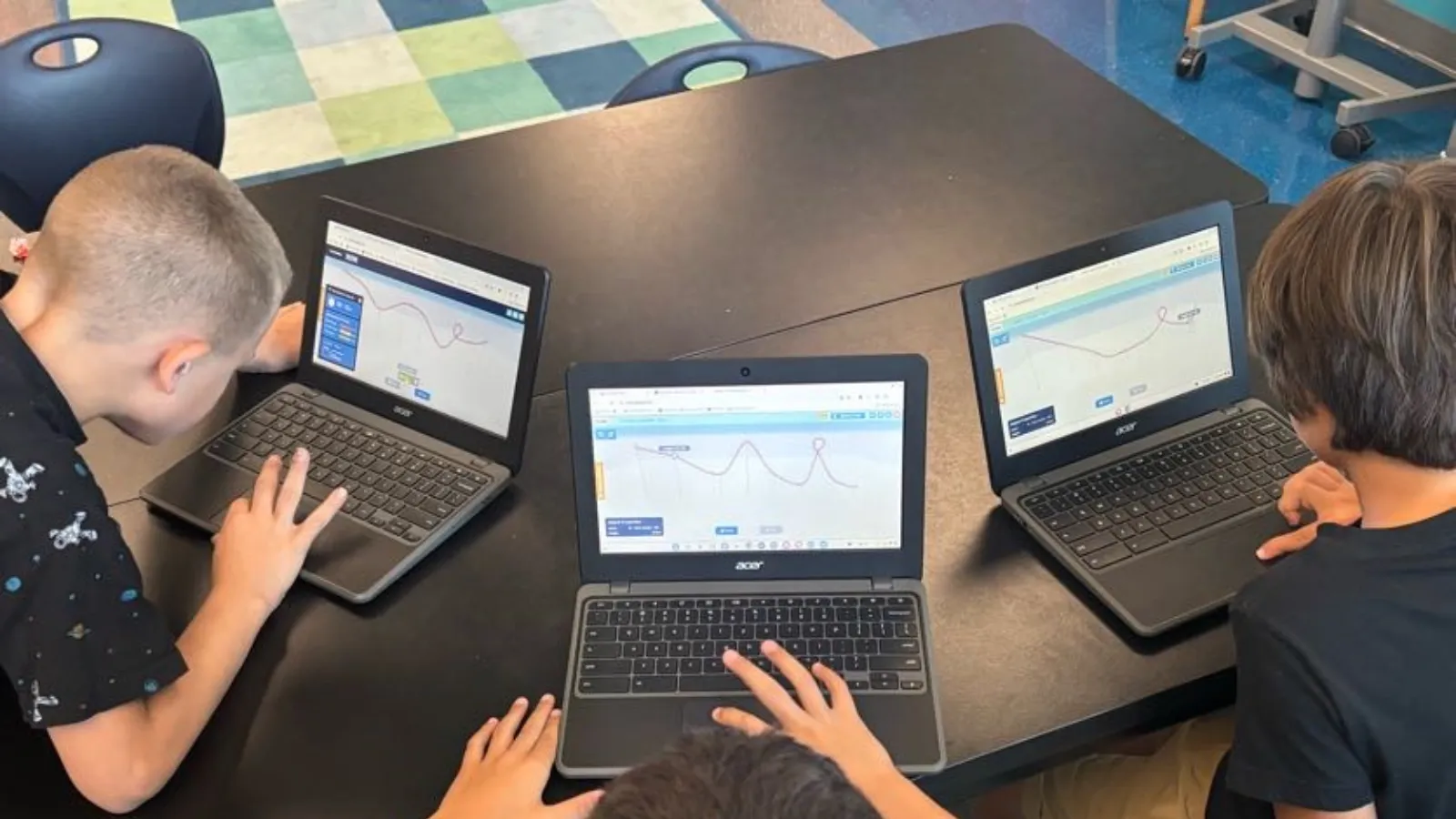
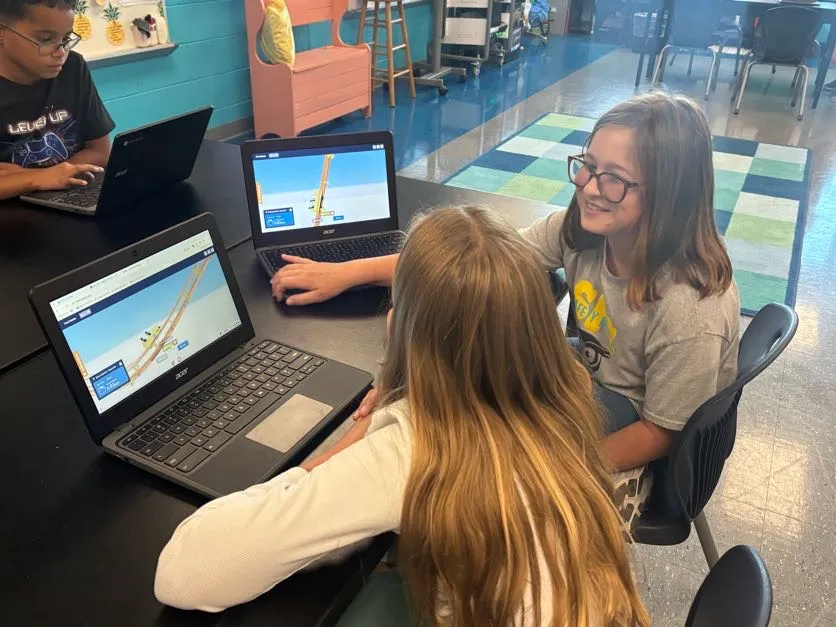 Third grade. “You do a high hill, I’ll do a small one — let’s see whose goes farther.”
I spend the first quarter of every year teaching communication, because kids genuinely struggle with it. When we do physical STEM stations, groups try to be discrete and hide their builds and get defensive when another group is watching and begin stating “they’re copying us!” We discuss this a lot in STEM and I have to keep re-teaching that engineers copy and improve each other’s ideas all the time; that’s the whole profession. This unit was the first time I didn’t have to say it. They compared coasters, borrowed ideas, and set up their own experiments: you build one with a high hill, I’ll do a small one, let’s see which goes farther. My favorite debate amongst groups in trying to complete the last challenge with the 12 second constraint: how do we make the ride last longer if we can’t make the track longer? That question is physics.
Photo 4: The one that made me proudest
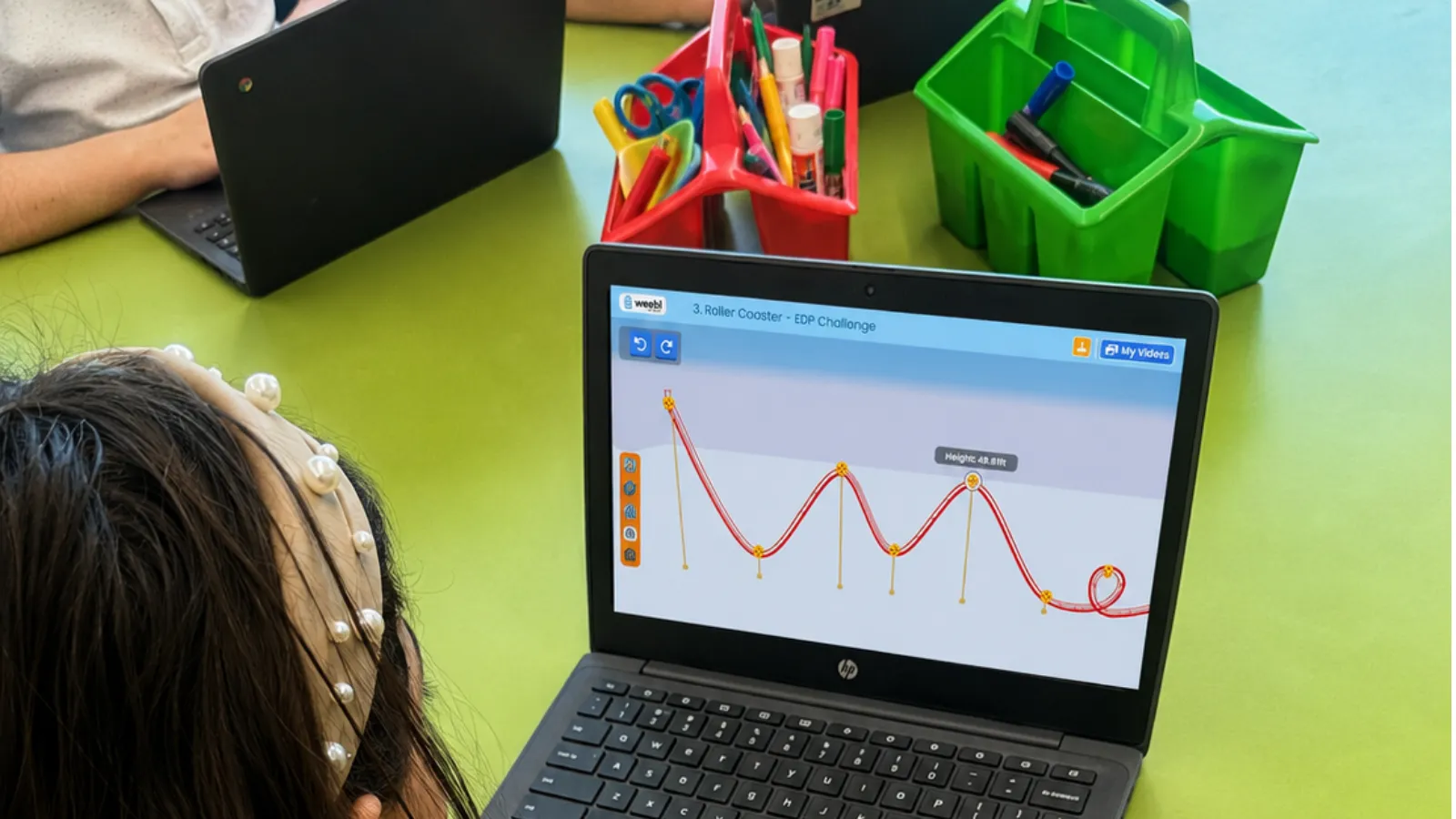
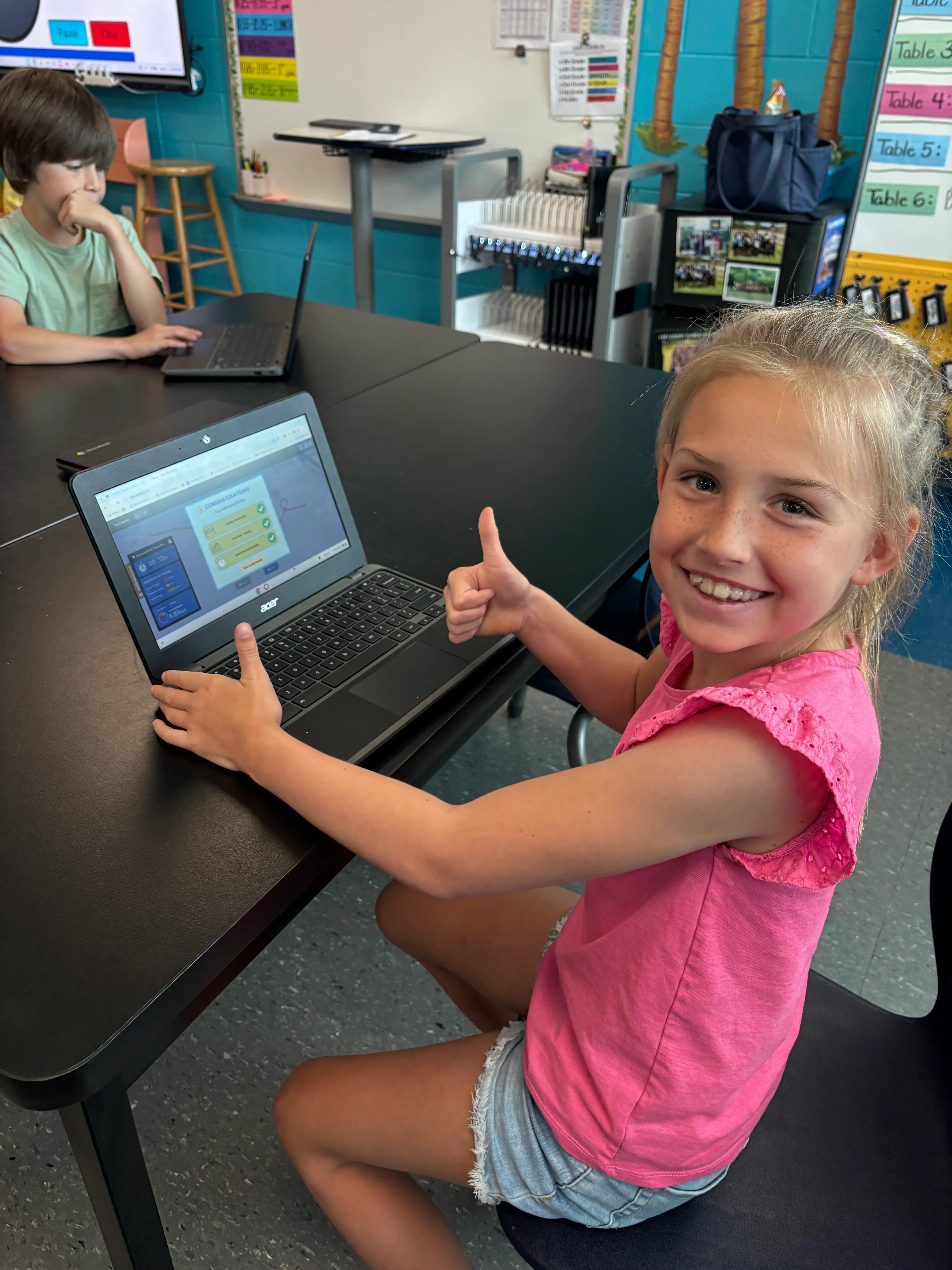 First in her class to finish challenge three.
Academics are hard for this student. Reading and math was a real struggle for her in the classroom. However, with this project, she was one of the first in her class to finish challenge three — and everybody was shocked, including, honestly, the kids who are used to being first at everything. Several of my “high” students were still stuck, unable to get past a loop that kept falling over. This project gave every ability level the same playing field: something you figure out by trying, failing, and trying again — not by reading fastest. That smile is why I teach and watching the classroom celebrations brought me so much joy through teaching these projects.
The sidebar every teacher asks me about: getting it approved
Fair warning: I discovered Qweebi at home, and when I tried to show a coworker at school, it was blocked on our managed devices. I also serve as my school’s instructional application facilitator, so I knew the process. Here’s how it went:
-
Presented it to our school curriculum council — a short form, the benefits, and the standards it supports. Approved within a day.
-
Because students needed a log in account, it also needed county IT approval. I requested our county’s required form from Qweebi by email; they filled it out and sent it back, and I submitted it.
-
Start to finish: about a week. Then I linked the projects in my Google Classroom — we’re a Google county, and students signing in through their existing school accounts (no new usernames or passwords) is a big part of why approval went smoothly.
My advice: start the process earlier in the year than I did. My students got one project and wanted more, and we ran out of time in the school year. This year I’m starting with Rube Goldberg in quarter one and planning to complete at least a project per quarter this year.
What stuck
After the unit, carts flying off the track were “too much energy,” not “oops.” The science teachers down the hall asked me what this roller coaster thing was, because kids kept talking about it in their classes. Students went home and made their parents try the challenges — I got Monday reports on which parent passed and which one got stuck. And when a student told me roller coaster engineer isn’t a real job, we got to talk about mechanical engineering as an actual career. My own son is studying mechanical engineering in college; that conversation matters to me. Helping students discover what they are passionate about and how to channel that into a plan for their future is very important to me.
What you need
-
Any Chromebooks, Windows, or Mac computers — it runs in the browser; Google sign-in supported
-
A free Qweebi account (the Roller Coaster project can be one of your 2 free projects)
-
30-minute classes work — students pick up exactly where they left off
-
District approval if your devices are managed — see the sidebar; budget about a week
Ready to try the Roller Coaster Project in your class?
Students design, build, test, and improve in Qweebi, with minimal prep and no supplies.