I Let My Third Graders Judge My Fourth Graders' Roller Coasters. Here's What Happened.
A veteran 4th grade teacher shares how having third graders vote on the winning roller coaster design turned a STEM project into a schoolwide event.
I’m all about healthy competition. At nine and ten years old, it lights a fire under kids — they give a stronger effort the moment there’s something on the line. So when I ran the Roller Coaster project with my two fourth-grade homerooms, I added a twist: I sent the finished show-and-tell videos to our third-grade teacher, and her class voted on the winning coaster. Completely my own idea, and one I’ve used every year since. It gives my current students something to look forward to, and it gives next year’s fourth graders a reason to get excited about a class they haven’t started yet.
Why I picked Qweebi over a physical build
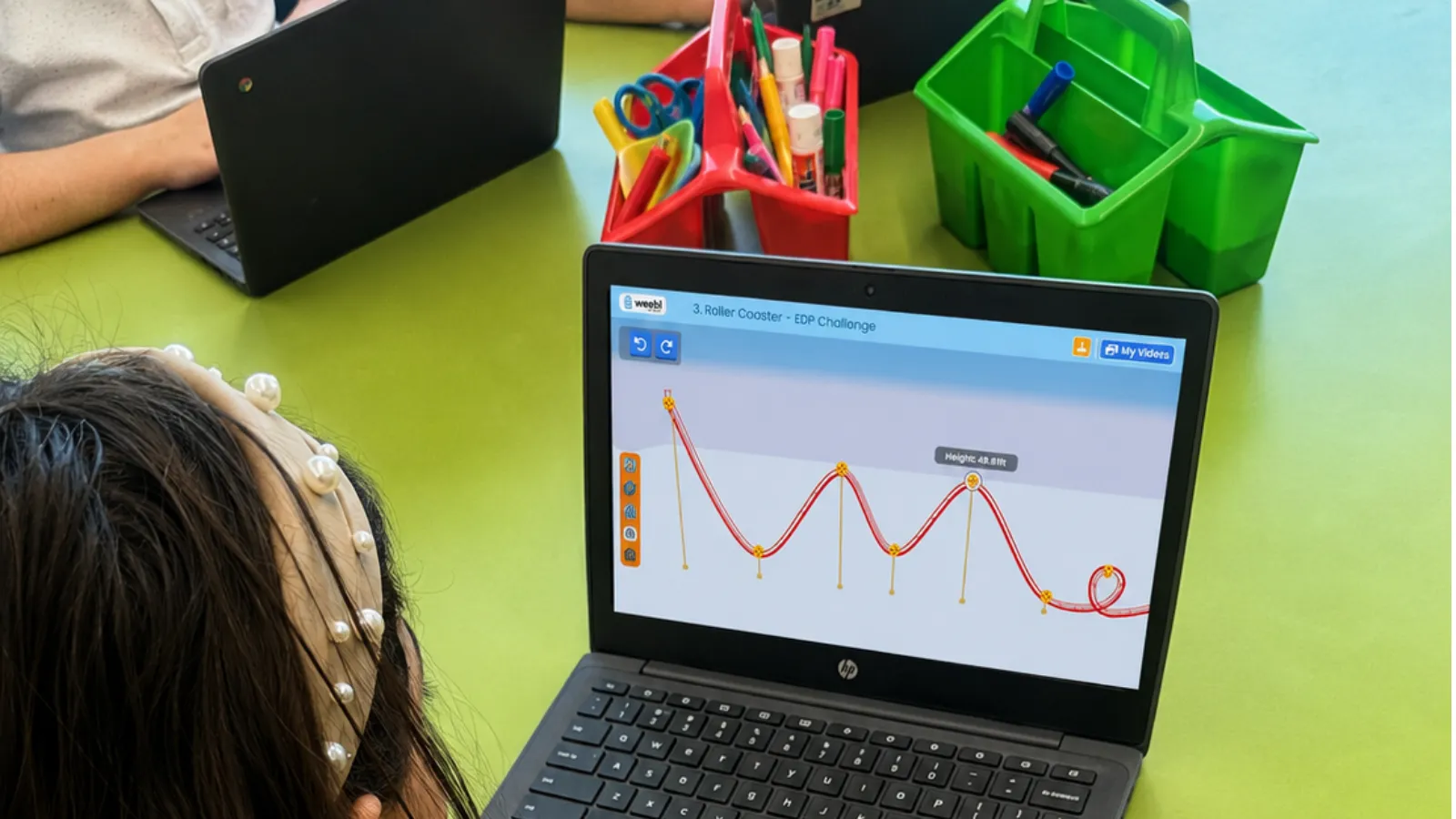
Before Qweebi, we built roller coasters with household materials — foam, tape, whatever families could send in. It was more time-consuming, not everyone could donate supplies, and kids got frustrated working in teams, the way nine-year-olds do. I found Qweebi through a STEM Facebook group two years ago, tried the two free projects on my own, and it was exactly what I needed — my district doesn’t have a science textbook, so I’m already piecing together resources to hit our learning targets. This was my third year running it, virtual only, no physical build. It’s smoother, more real for them, and every kid builds their own coaster instead of arguing over one team’s.
How it runs across two homerooms
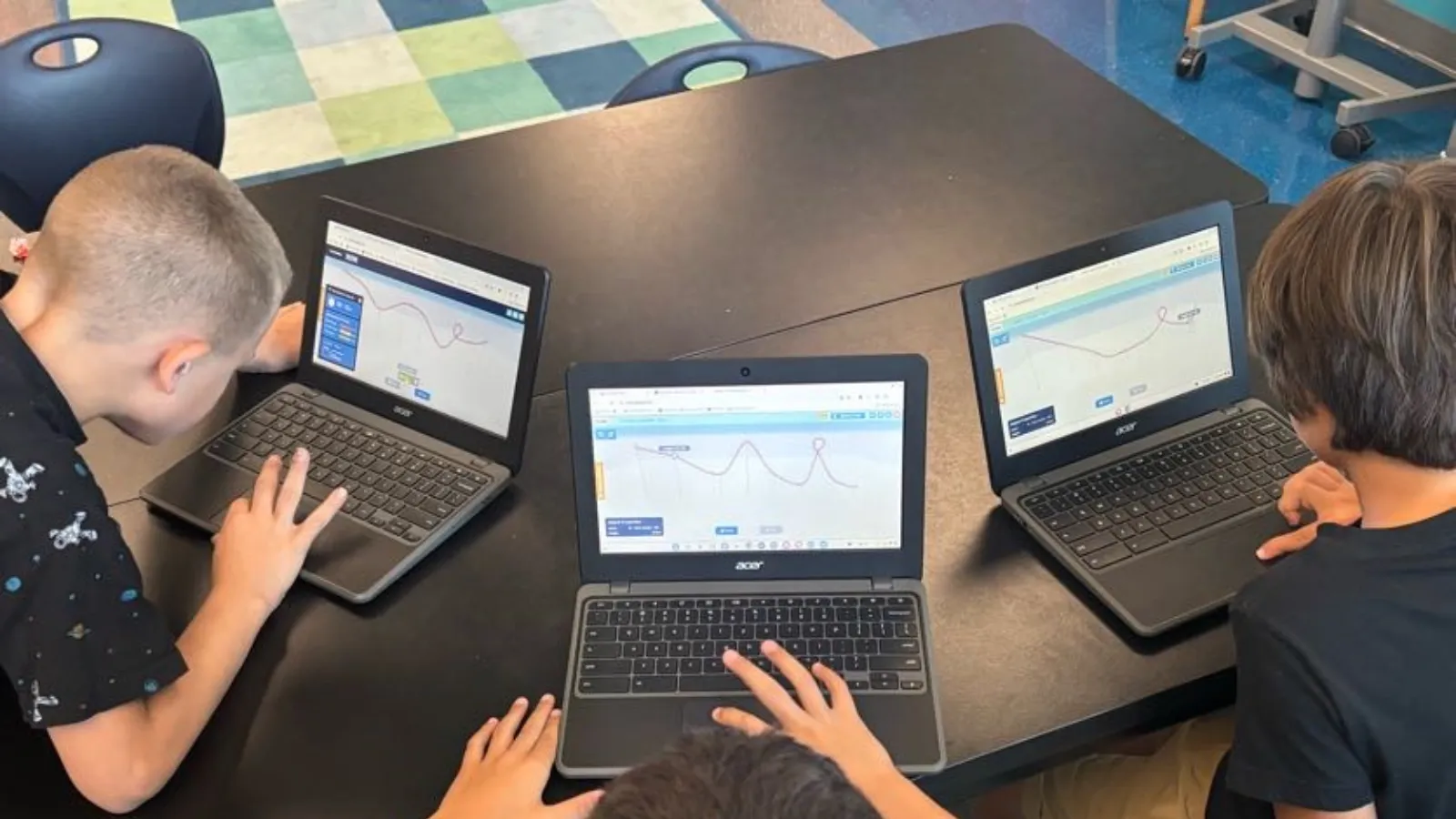
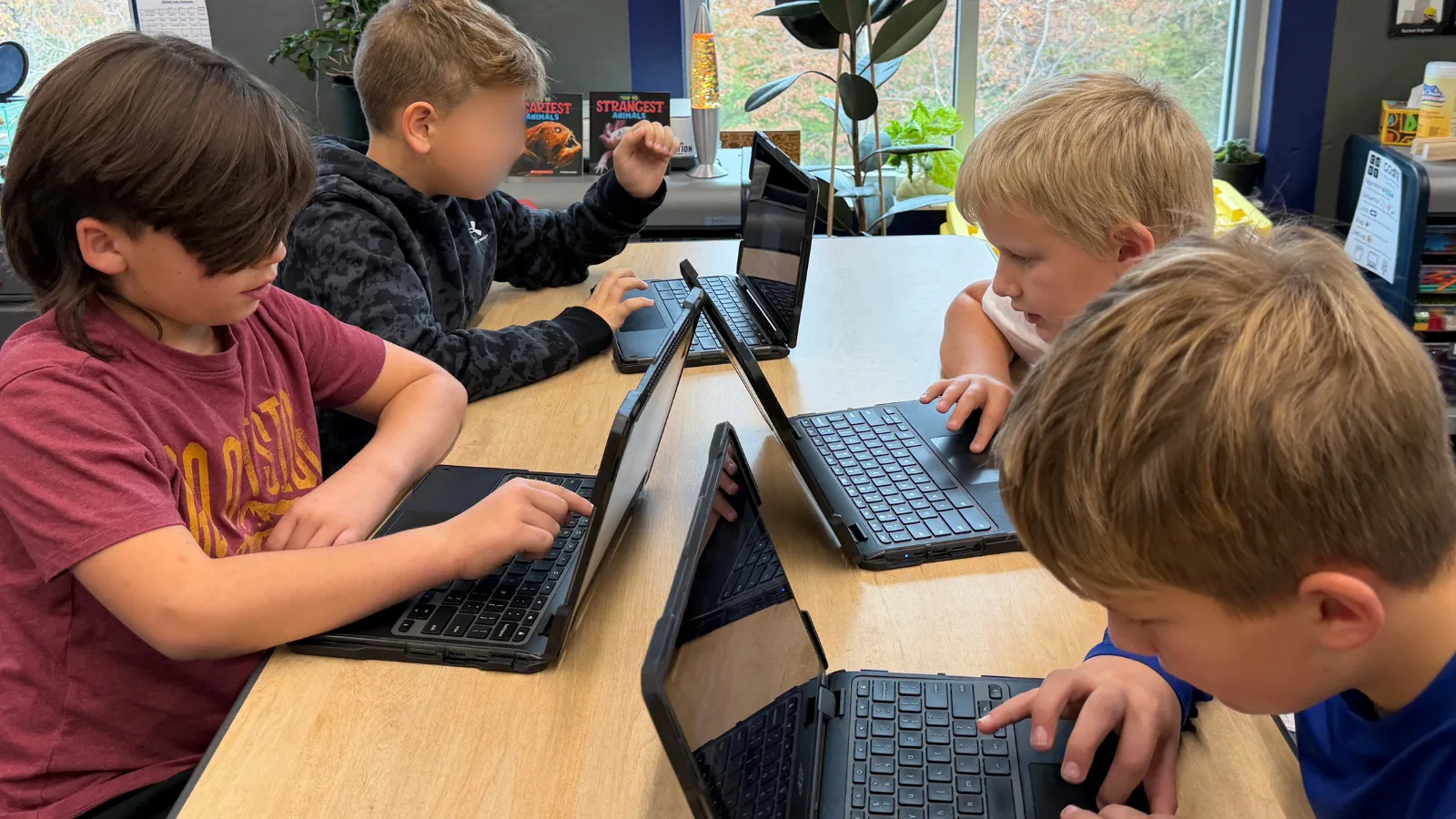
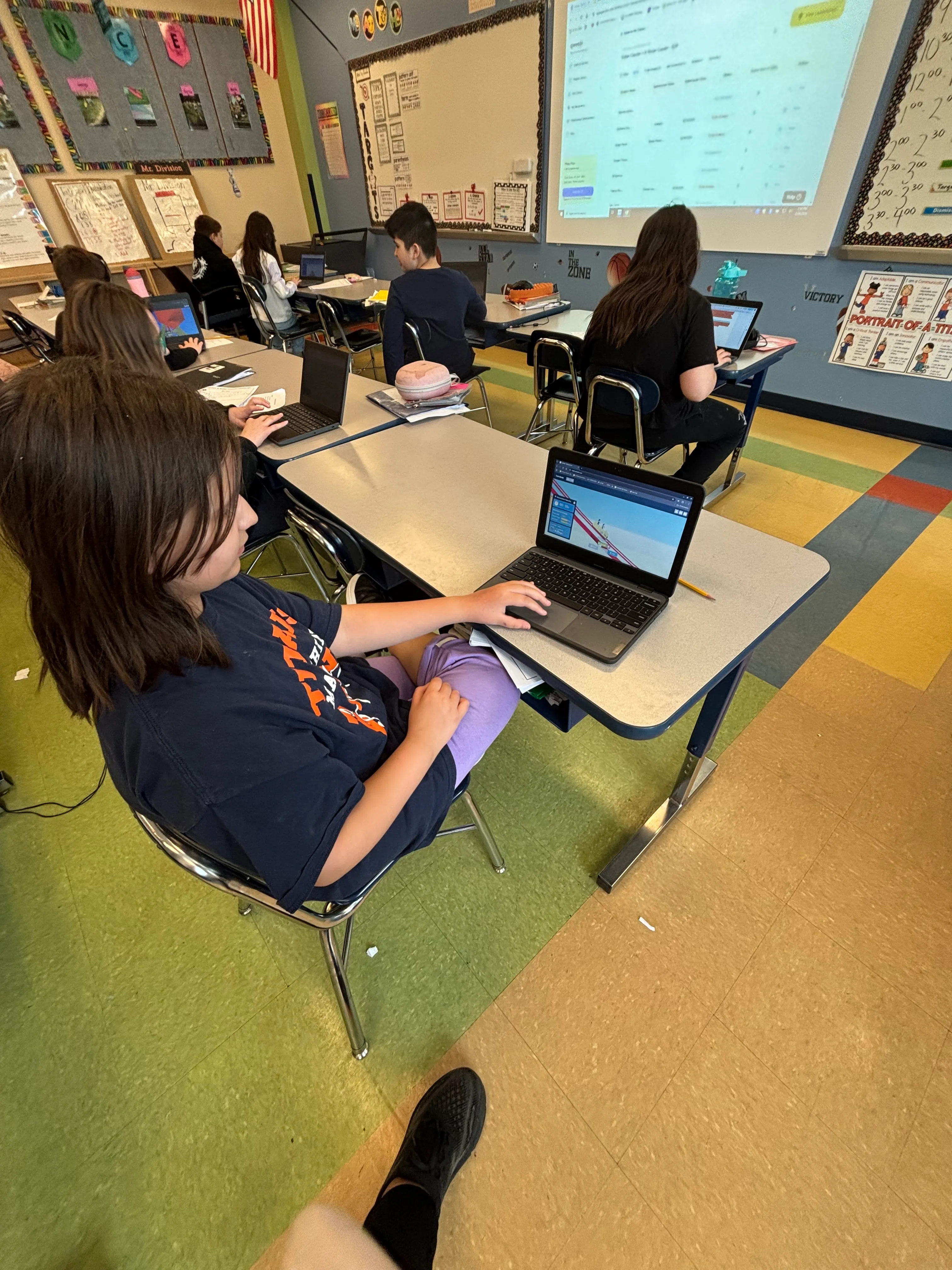 Fourth grade students building STEM projects on Chromebooks in the Qweebi online makerspace.
I teach math and science to two homerooms of 28 to 30 kids each — one in the morning for math, the other in the afternoon for science. I ran the roller coaster project as the culminating activity at the end of our science unit, using the teacher slides and assigning pieces of the project across my 30–45 minute blocks. Kids worked at their own pace with a deadline, and more than a few tried to sneak the tab open during math or language arts when they were supposed to be doing something else. When they were done, I graded with the built-in rubric, then repeated the whole process with my second homeroom.
The voting ritual
Once both homerooms finished, I shared the class Showcase link with our third-grade teacher, and she played it for her class on the classroom screen — 27 or 28 videos, so they spread it across two or three afternoons, since kids lose focus trying to watch that many in one sitting. Each third grader filled out a checklist based on the same rubric criteria. The winner in each homeroom got a $25 gift card. I always give kids the option to opt out of having their project shared — only one student across both classes ever has.
I don’t think the third-grade judging changed how hard my students worked — they were already fully engaged from the start. What it added was the payoff at the end: I waited until later in the day to announce the winner, because the anticipation is part of the fun for them. When I finally announced it, the whole class stood up and clapped for the winning student — a boy who doesn’t always get a chance to shine. According to the third graders, what won them over was the actual design and how much enthusiasm he brought to his video.
Recording day
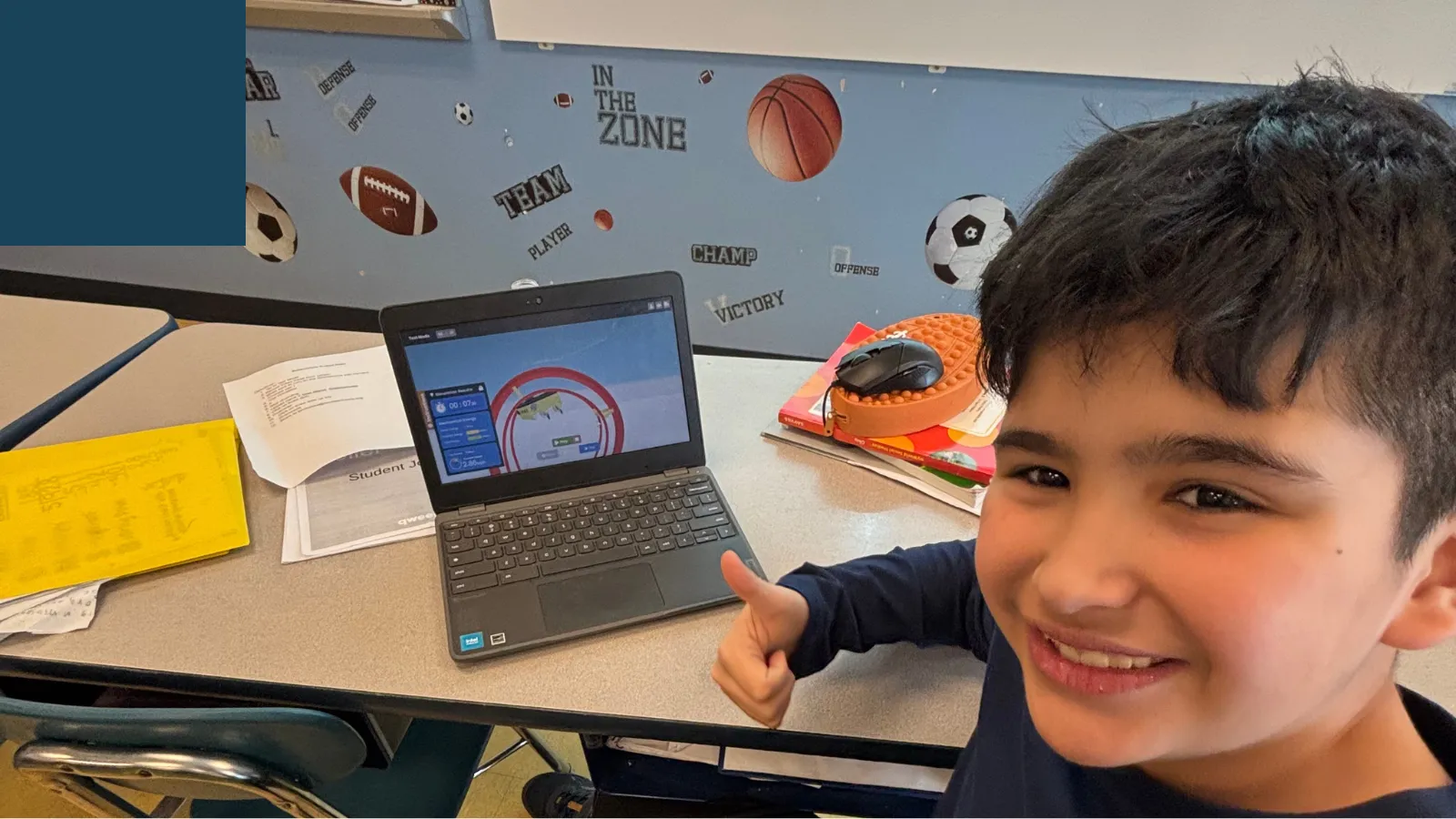
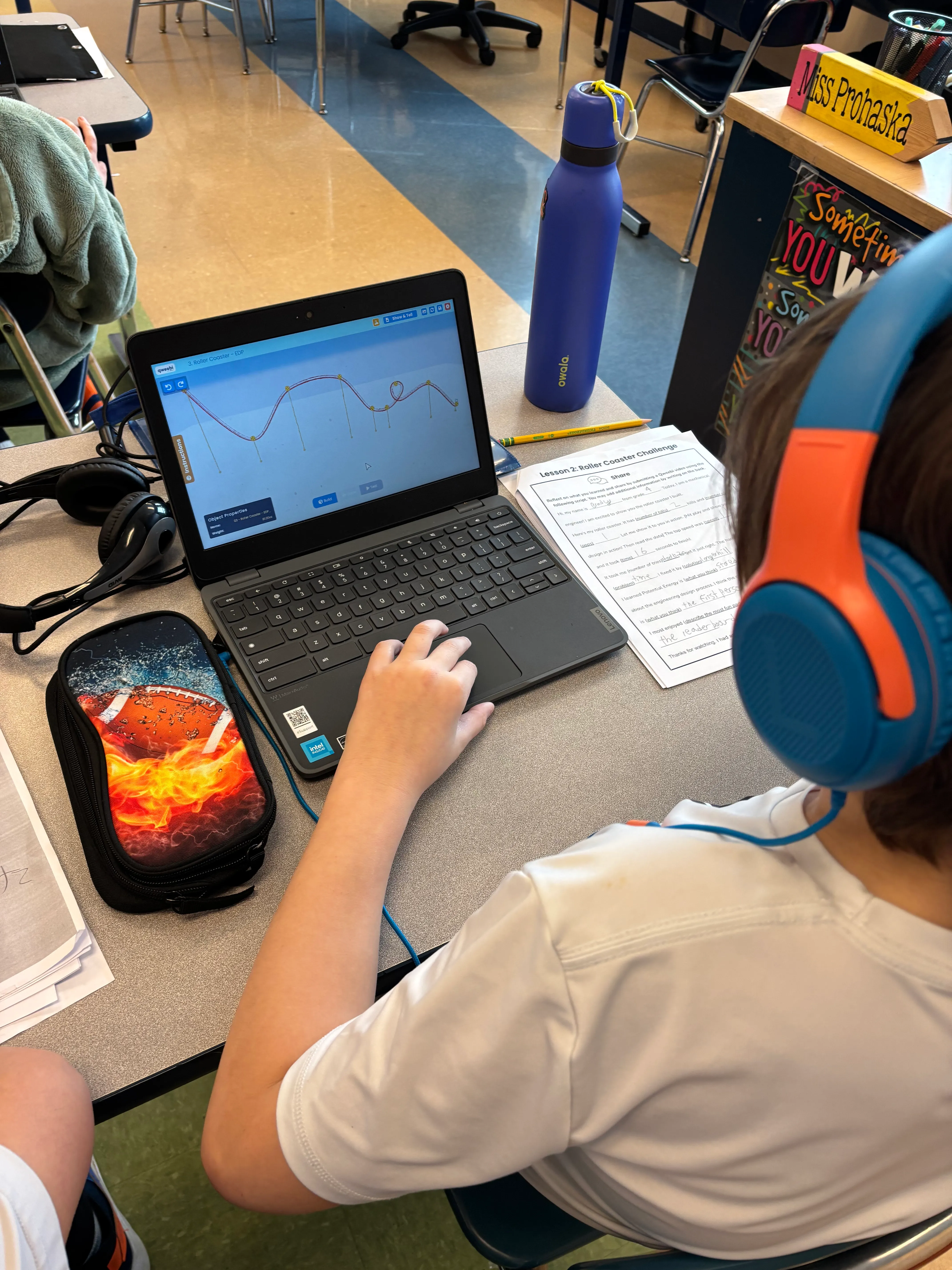 Recording a show-and-tell video.
Students record their show-and-tell videos in school, using the platform’s own tutorial to figure out the process — they don’t need much from me. They find a quiet spot in the hallway or a silent corner of the room, put on their Chromebook headphones, and record. If they don’t like their first take, they record again; some kids did it two or three times until it looked the way they wanted. One of my last students to finish discovered the first-person camera view — the one that makes it feel like you’re actually riding the coaster — and immediately asked if she could redo her video to use it. Of course I said yes.
What surprised me
How much they wanted to help each other, even mid-competition. I’d call up two or three “engineers of the day” to share tips at the front of the class — using real vocabulary from our word wall, terms like inertia and force — and if a student was stuck, I’d pair them with a stronger builder, just to get them moving, not to solve it for them. And the girls in my classes were just as engaged as the boys, which isn’t always true of mechanical engineering projects. A girl won in one of my homerooms; a boy won in the other.
What parents and other teachers said
I heard from parents whose kids brought their Chromebooks home just to show off their coaster — more than one email calling it a wonderful opportunity their child couldn’t stop talking about. And once other fourth-grade teachers at my school saw what we’d built, all three of them signed up and tried the Roller Coaster project themselves using their own two free projects.
My advice
You don’t need to be an expert, and you don’t have to run it exactly the way it’s suggested — tweak it to fit your schedule. I’m not an engineer, and I’m not a gamer, and I was genuinely nervous the first time. But the kids figured out more than I expected on their own — some of them tried 30 or 50 times before landing a design that worked, and I’d remind them: real engineers don’t get it right on the first try either. Take the time up front to get familiar with the platform yourself, then trust your students more than you think you should.
What you need
-
Any Chromebooks, Windows, or Mac computers — everything runs in the browser
-
A free Qweebi account (the Roller Coaster project can be one of your 2 free projects)
-
A 30–45 minute class block, run at students’ own pace with a deadline
-
Optional: a partner class in a younger grade to vote on the winners
Ready to try the Roller Coaster Project in your class?
Students design, build, test, and improve in Qweebi, with minimal prep and no supplies.