Three Years In, My Students Still Beg to Skip Recess for This STEM Project
A 20-year STEM teacher shares how a below-grade-level student became the class expert — and why her kids still ask for this project years later.
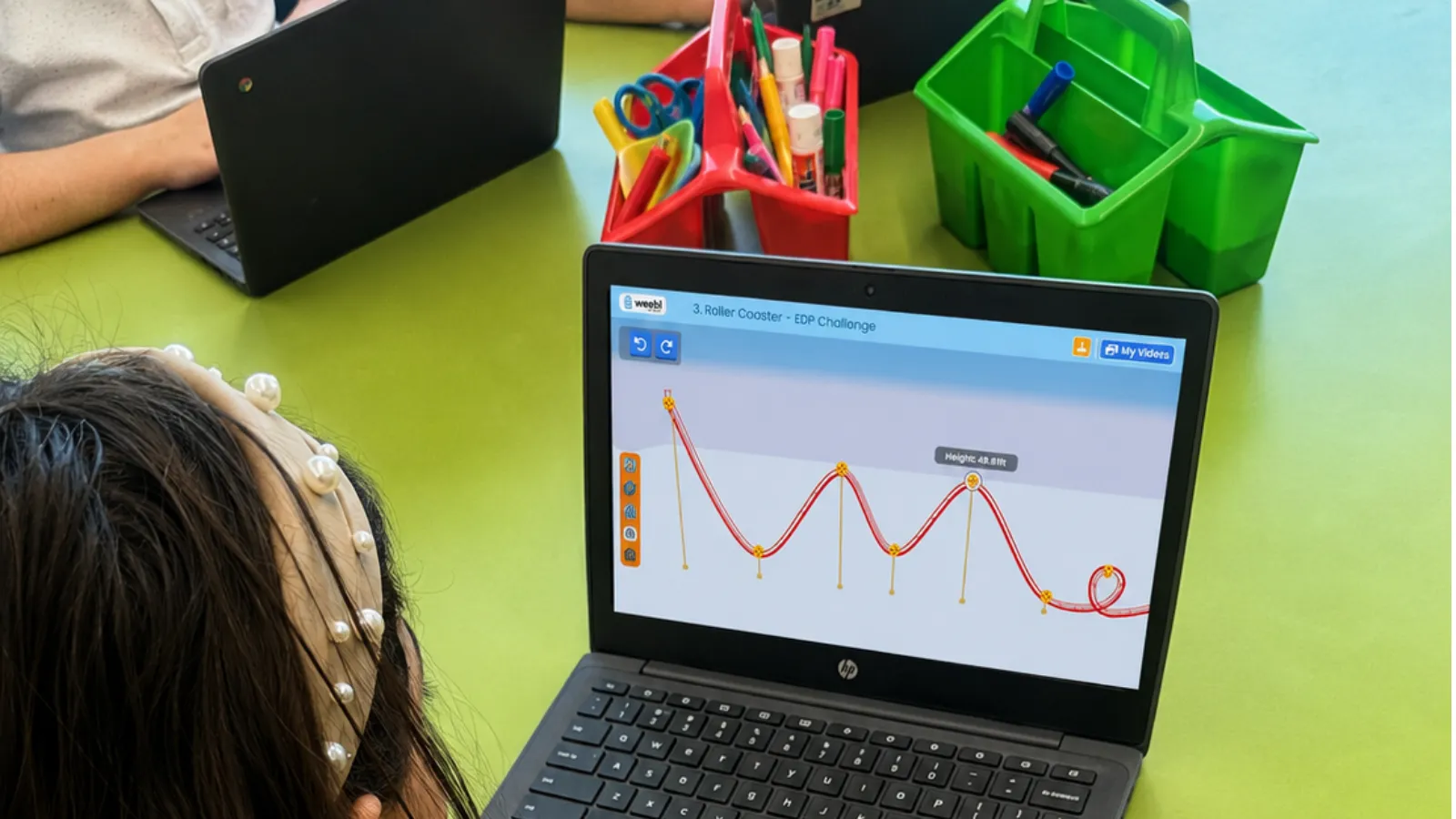
The first time I ran the Roller Coaster project, kids asked if they could skip recess to keep working. It was a beautiful day outside, and they didn’t want to go. That’s never happened with anything else I’ve taught. Every one of them was engaged — no behavior issues, nobody off task, no matter what level they were normally at. And the following year, the same kids who’d already finished it went back on their own to try to beat their old time.
My classroom, for context
I’ve been teaching for about 20 years — ten in kindergarten, five in fifth grade, one in gifted and talented — and I’ve run the STEM program at my K–5 school for the last four years. I see every class once a week for 45 minutes, split between straight science and hands-on STEM, integrating real applications of whatever we’re covering: force and motion, prosthetics, bridges, coding. My school is one-to-one with Chromebooks for grades 3–5, which matters, because my own classroom is set up with iPads.
Why Roller Coaster, and why it stuck
Force and motion, kinetic and potential energy — those are concepts I already teach every year. I went looking for a hands-on way to cover them without needing a stockpile of materials I don’t have room to store, since I only see each class once a week and can’t leave half-finished projects lying around between sessions. Running it on a computer solved that completely — no materials to bring in, nothing to store.
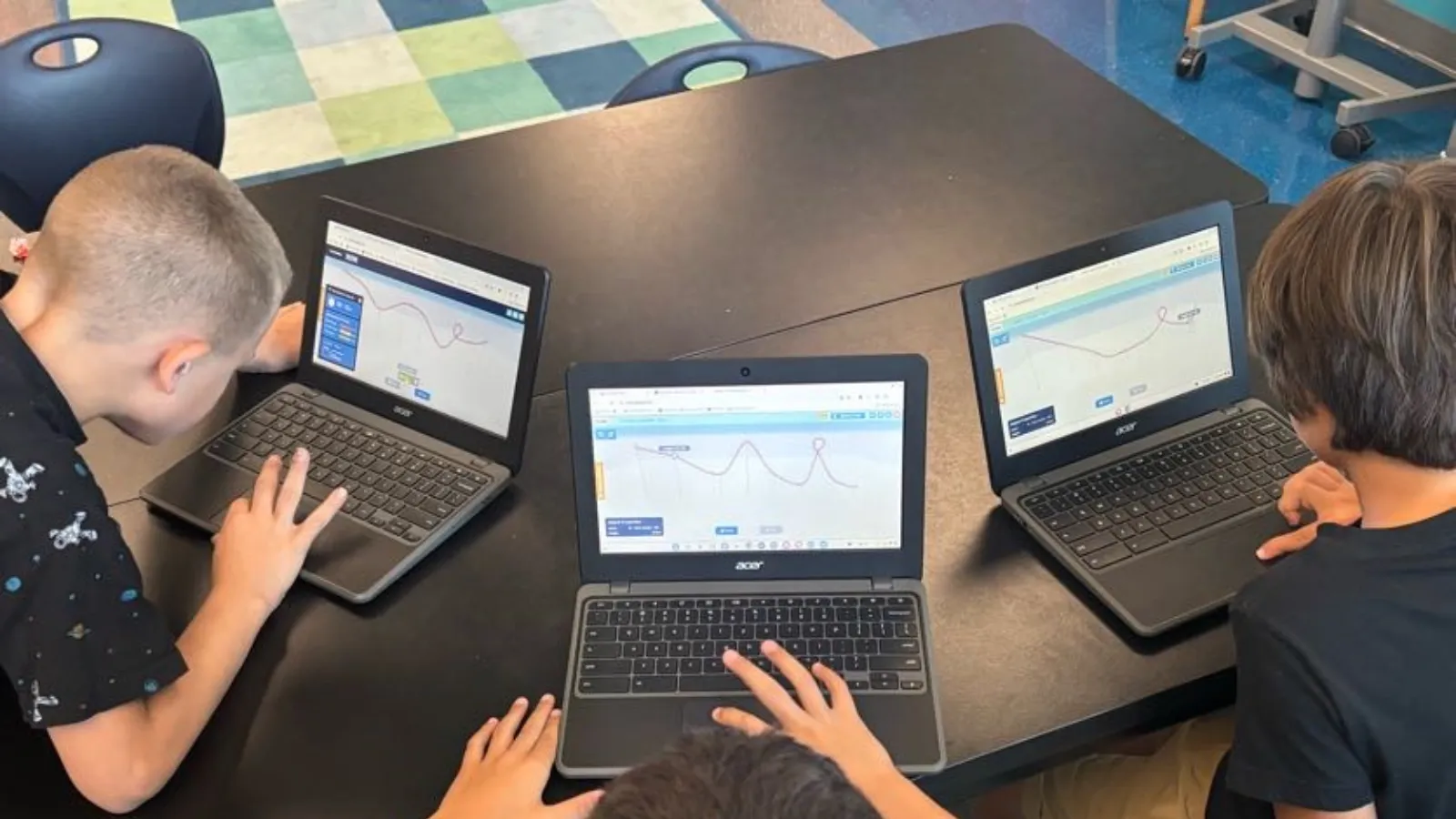
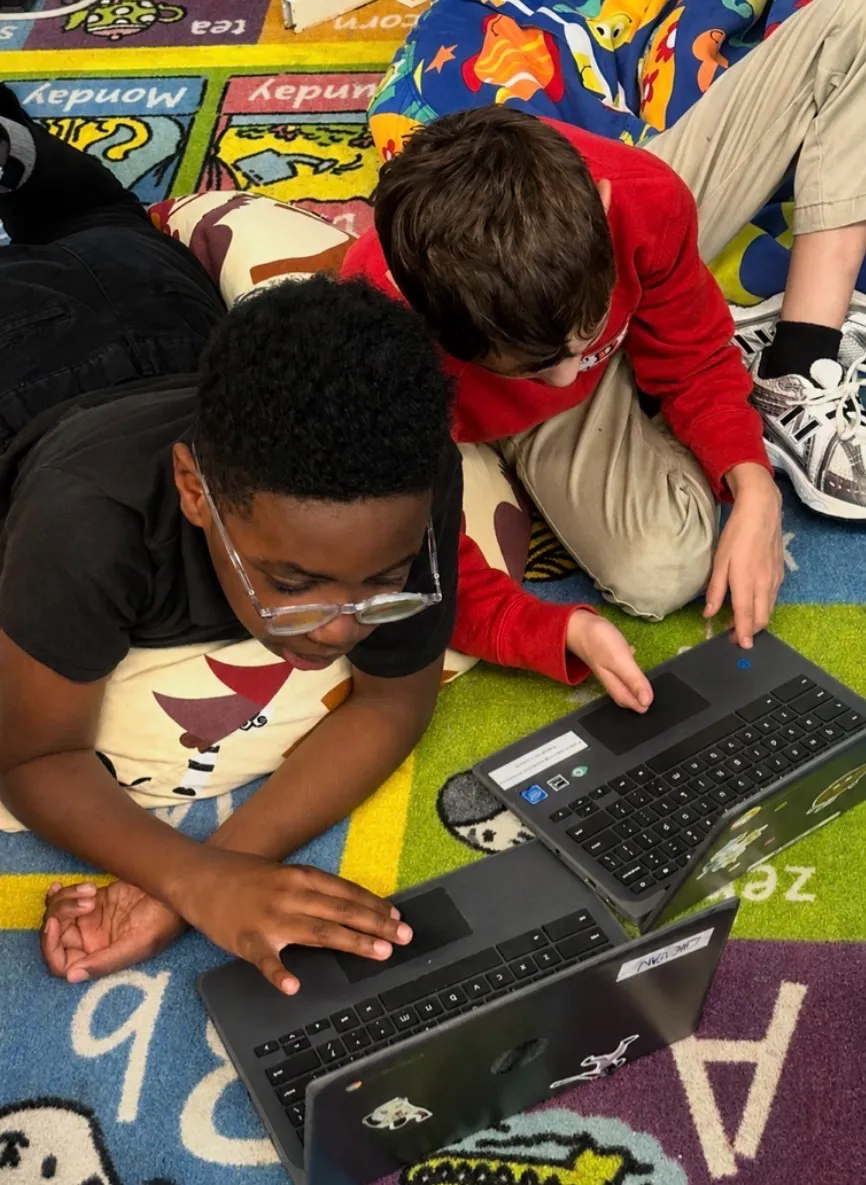 A quick assist between classmates.
What surprised me was watching which students it worked for. A couple of kids in that first group were reading at a first-grade level, and I genuinely wondered if they’d struggle with the instructions. Instead, some of them finished before students who were normally stronger academically — and I got to turn to them and say, can you show so-and-so how you did that? Watching a student who doesn’t usually get to be the expert become the one helping someone else was one of the best moments I’ve had teaching this.
The leaderboard did exactly what I hoped
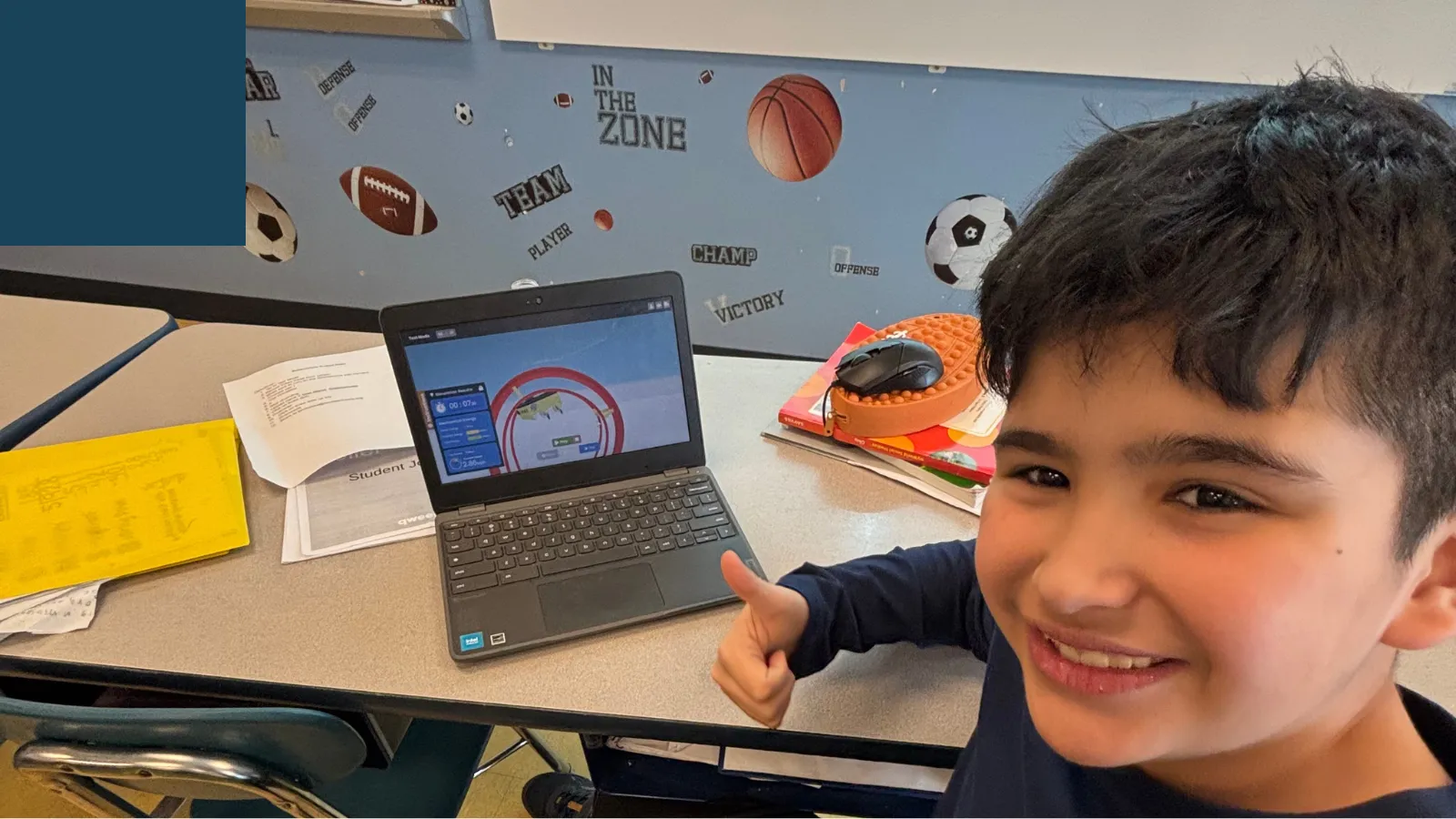
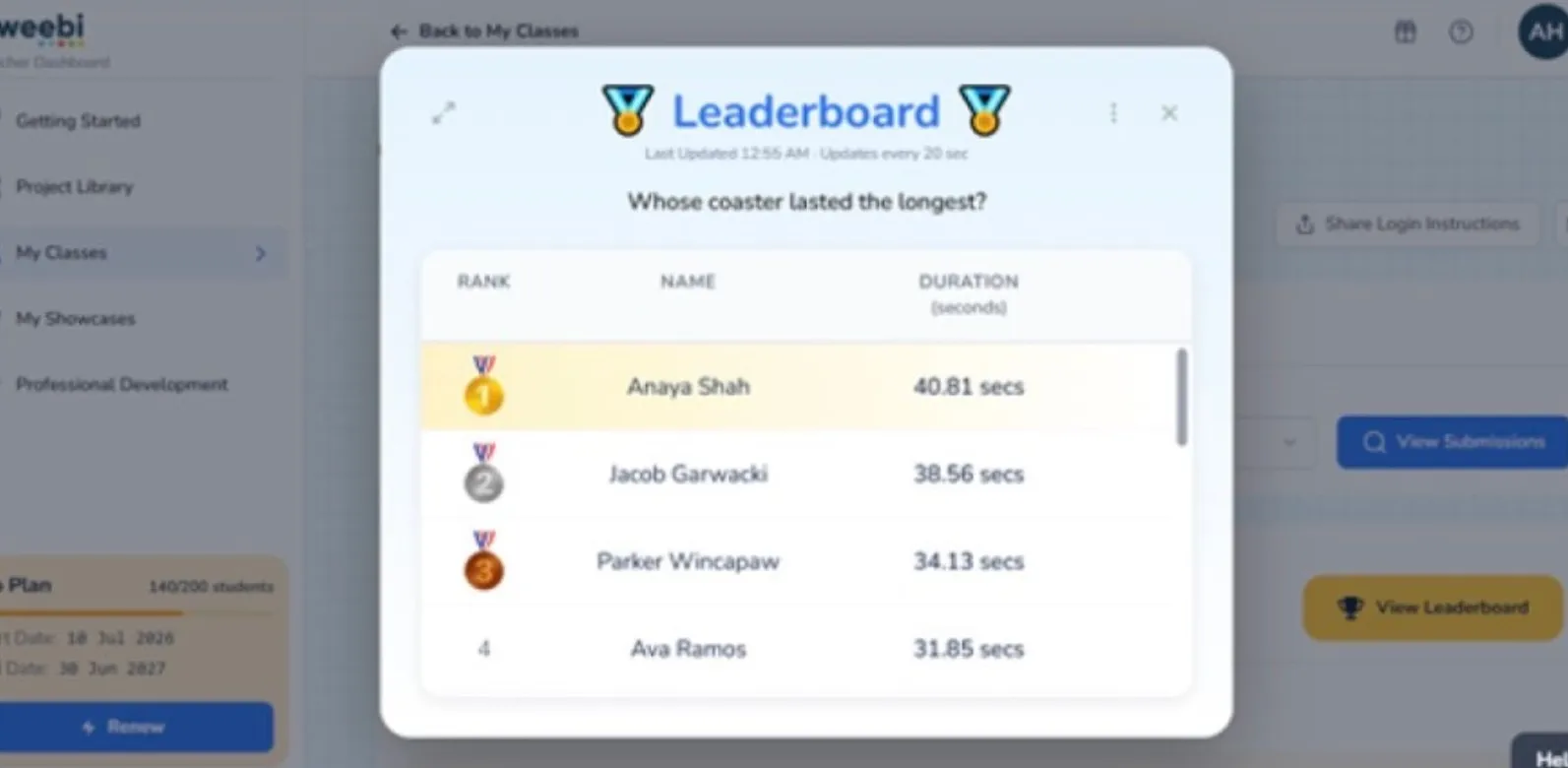 The leaderboard — ranked by whose ride lasted longest.
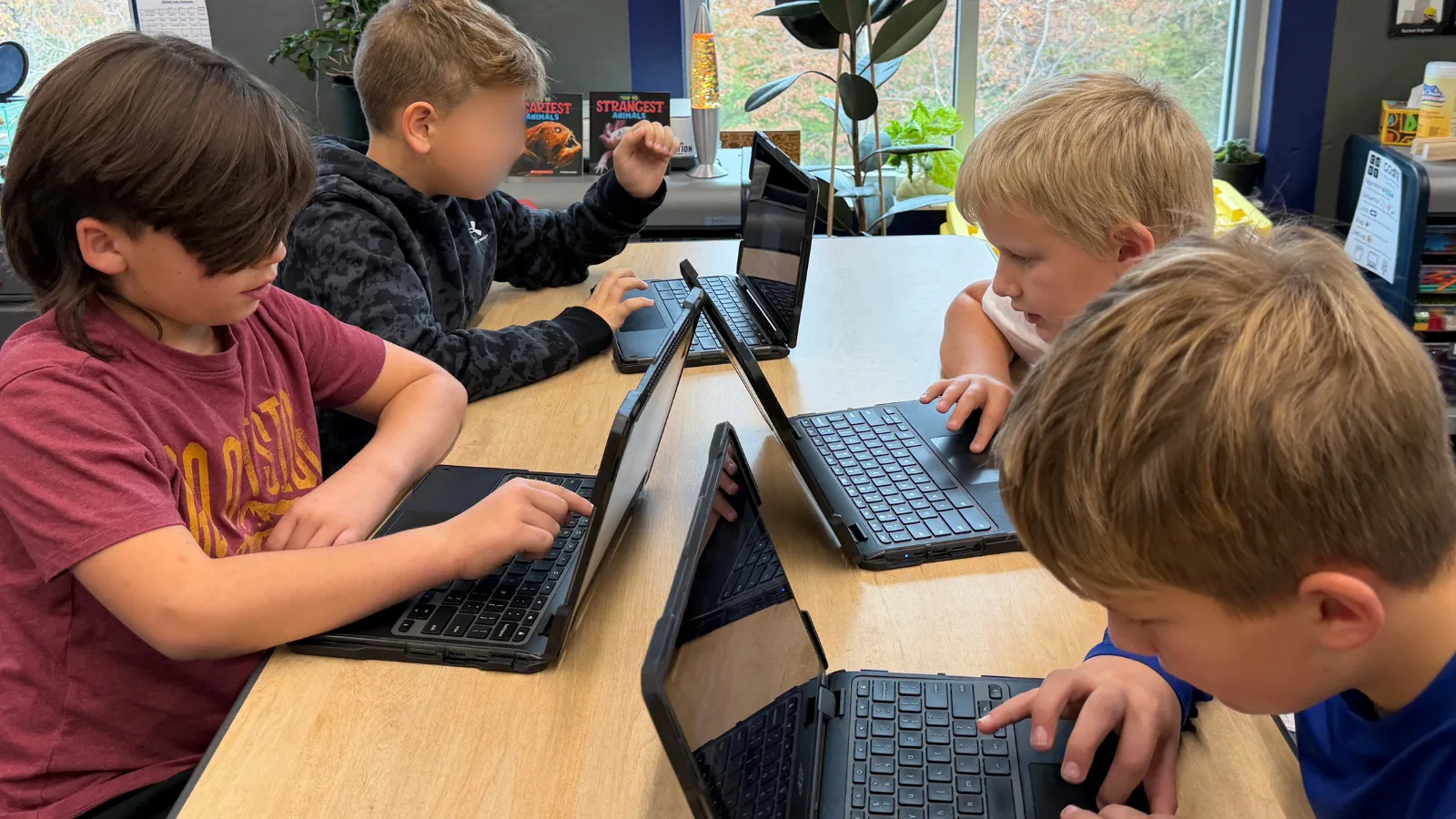
I’m competitive myself, so the timer and leaderboard were an easy sell for me — but they did more work than I expected with the kids too. Watching their eyes light up over wanting to be at the top, watching them beg to keep going instead of stopping to move to the next topic — that’s not a reaction I get from much else I teach. Some kids started keeping their own scrap-paper logs of their times before I even knew there was a built-in way to track that, just because they wanted to see what worked and what didn’t.
How it’s found a real place in my year
The first time I ran it, honestly, I just squeezed it in whenever I remembered — not necessarily when we were covering the matching science concepts. Now it’s embedded directly into the unit: I teach the concepts, then bring in the project, and I’ve been experimenting with whether it lands better before or after the lesson. Either way, it puts a positive, hands-on ending on whatever we just learned, and that seems to help it stick.
I’ve now run every project available for grades 3–5 — Roller Coaster, Rube Goldberg, Mars Rover Explorer, and Farm Robotics PickBot — and my students have enjoyed all of them, not just the first one they tried.
What Farm Robotics changed about how kids see coding
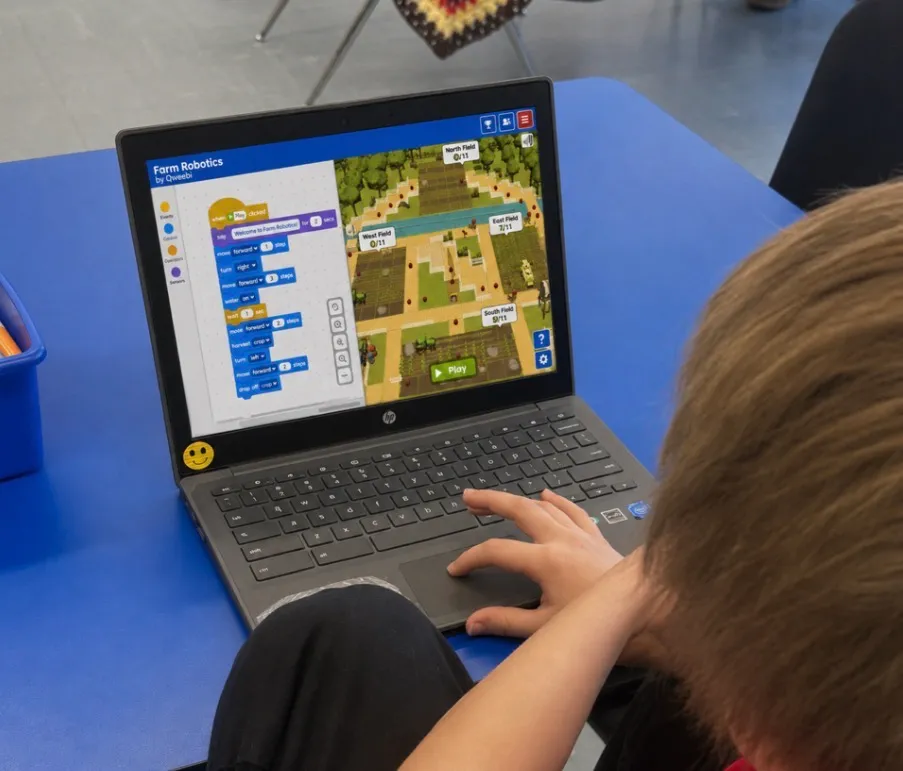 Programming a robot in the Farm Robotics project.
I already teach coding with code.org, Ozobots, and Dash and Dot robots, and kids love all of it — but in their minds, it’s still just a fun robot game, the same category as Angry Birds or Minecraft. They weren’t making the connection that coding is something you’d actually use. When they got to Farm Robotics, that changed. They started realizing coding isn’t just for games — it’s for solving real problems, the kind that show up in the actual world, not just on a screen. Getting them to make that connection, that this could apply out in their own backyard, was something none of my other coding tools had done.
One roadblock worth knowing about
My only real obstacle has been that Qweebi doesn’t work on iPads, and my classroom is set up with iPads, not Chromebooks. My students have to bring a Chromebook from their homeroom, which occasionally frustrates the classroom teachers when I ask for them every week — and it means we can’t do it spontaneously if a Chromebook wasn’t already part of the day’s plan. Worth knowing if your own room isn’t a Chromebook room by default.
What other teachers noticed
My students’ homeroom teachers came to me on their own, half-amused and half-exasperated, to say their kids were sneaking onto Qweebi when they were supposed to be doing something else. We had to have a conversation about appropriate timing — but every teacher who brought it up was really commenting on how excited their students were, not complaining about the platform itself.
My favorite part
From my side, it’s that running it takes almost no prep — the slides, the videos, the pacing are already built, and teachers are stretched thin enough that anything removing that burden matters. From the students’ side, it’s still that same student: the one who wasn’t considered strong academically, discovering she had something to teach someone else. Realizing you can be behind in some things and still be the one who helps — that was the highlight of the whole experience for my class.
My advice
Just do it. It’s easy for a teacher to implement, and you’ll see a side of your students you don’t normally get to see.
What you need
-
Chromebooks or a computer with a browser — note: does not currently work on iPads
-
A free Qweebi account (Roller Coaster or another project can be one of your 2 free projects)
-
As little as 45 minutes a week — it fits around whenever your science unit lands
-
No physical supplies or storage space required
Ready to try the Roller Coaster Project in your class?
Students design, build, test, and improve in Qweebi, with minimal prep and no supplies.
Related articles
View all blog posts