What Is an Online Makerspace?
A plain-English guide to what an online makerspace is, how a class actually uses one, and why schools are choosing it over physical kits.
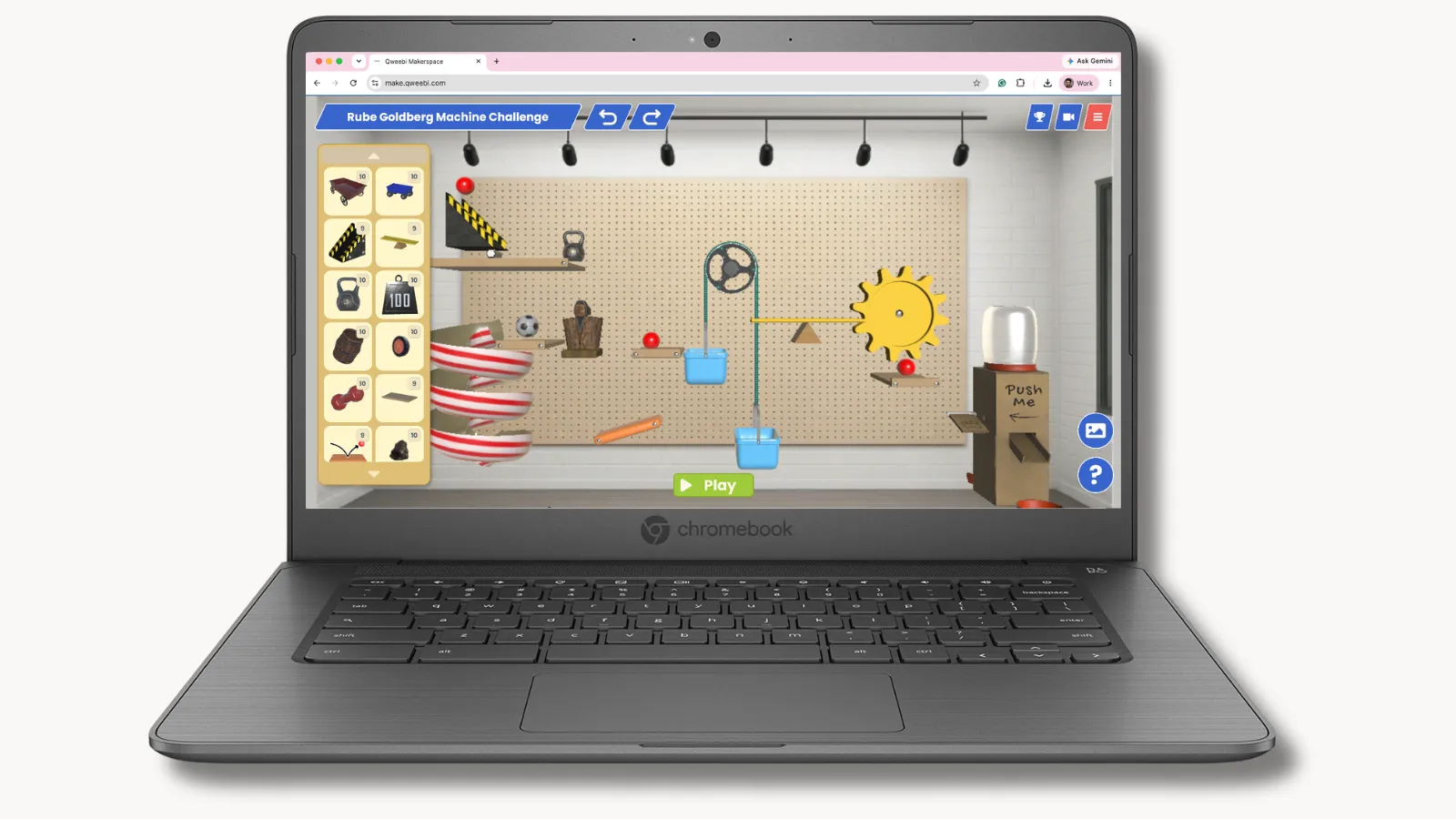
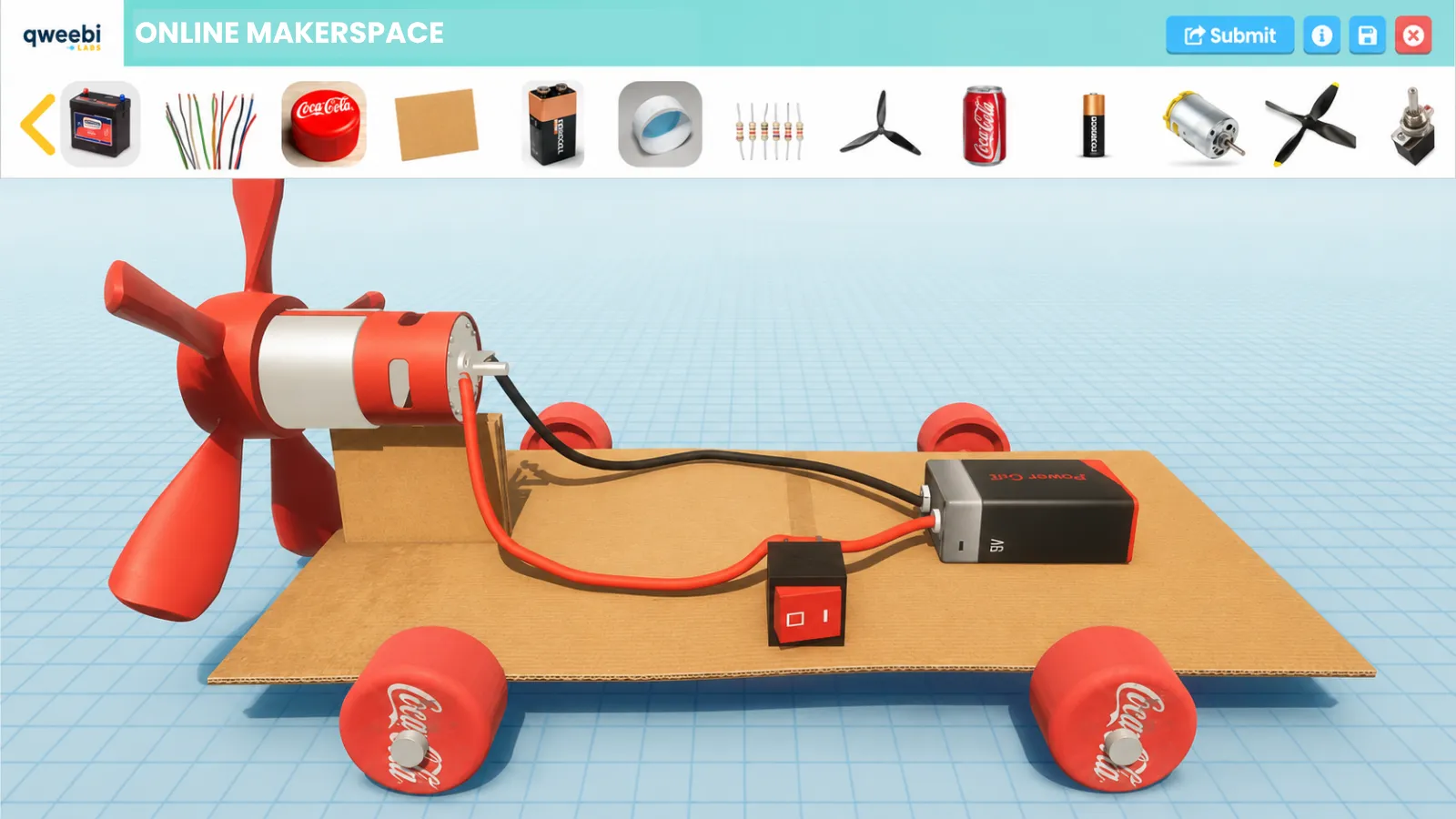
An online makerspace is a digital environment where students design, build, and test engineering projects — just like a physical makerspace, but with zero supplies, setup, or storage. Instead of cutting cardboard or wiring a breadboard, students work in the browser: they adjust a design, run it, see whether it works, and try again. The engineering is real. The mess isn’t.
What a class actually looks like
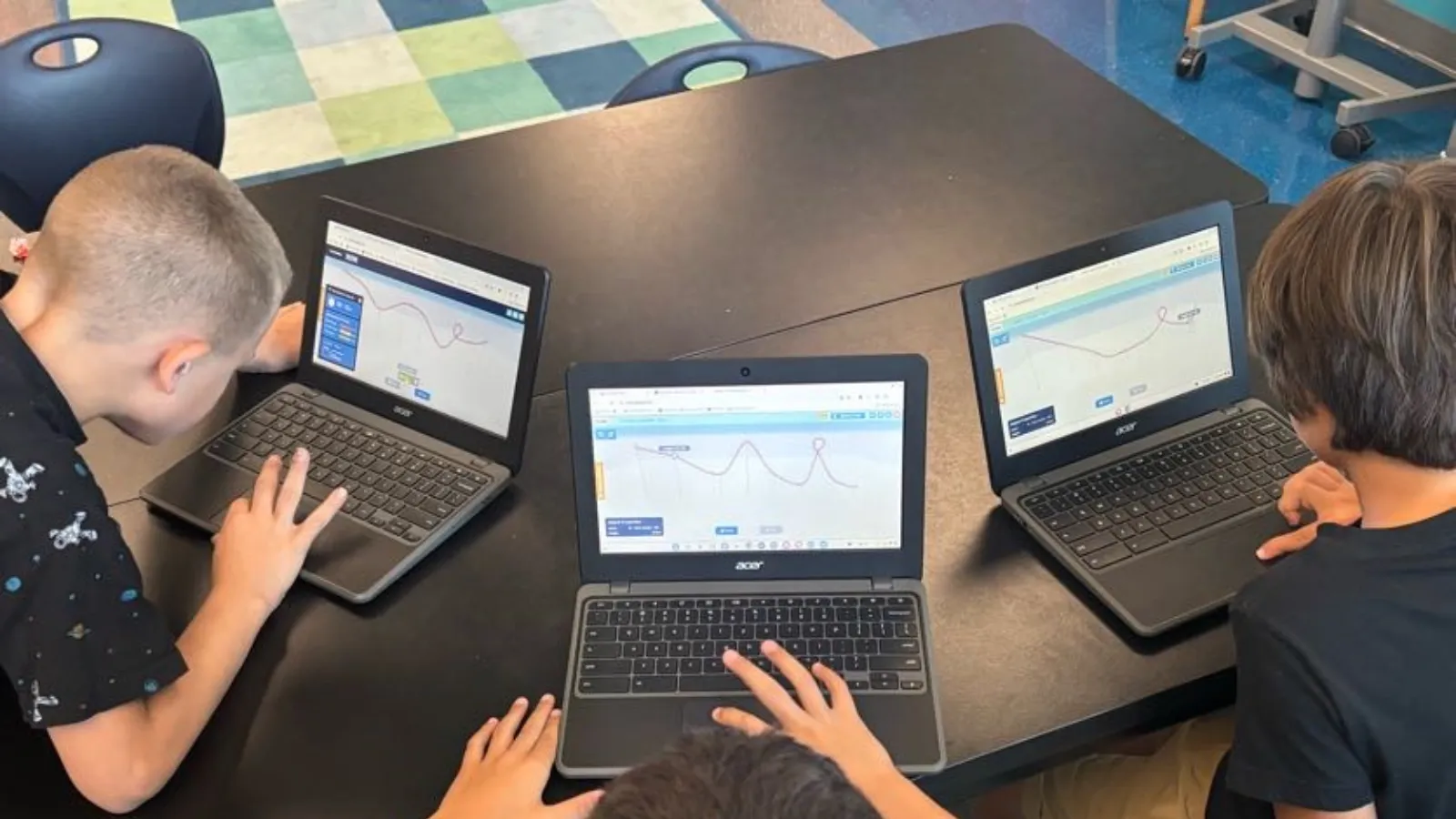
A typical project runs 2–3 class periods. Students meet a real-world problem — design a roller coaster that’s thrilling but safe, program a rover to survive Martian terrain, build a chain-reaction machine using all six simple machines. They watch a short hook video, then start building: dragging track pieces, adjusting a slope, wiring a circuit, testing whether their design actually works. When it fails, they see why immediately and try again — no wasted glue, no waiting a week for more supplies to arrive.
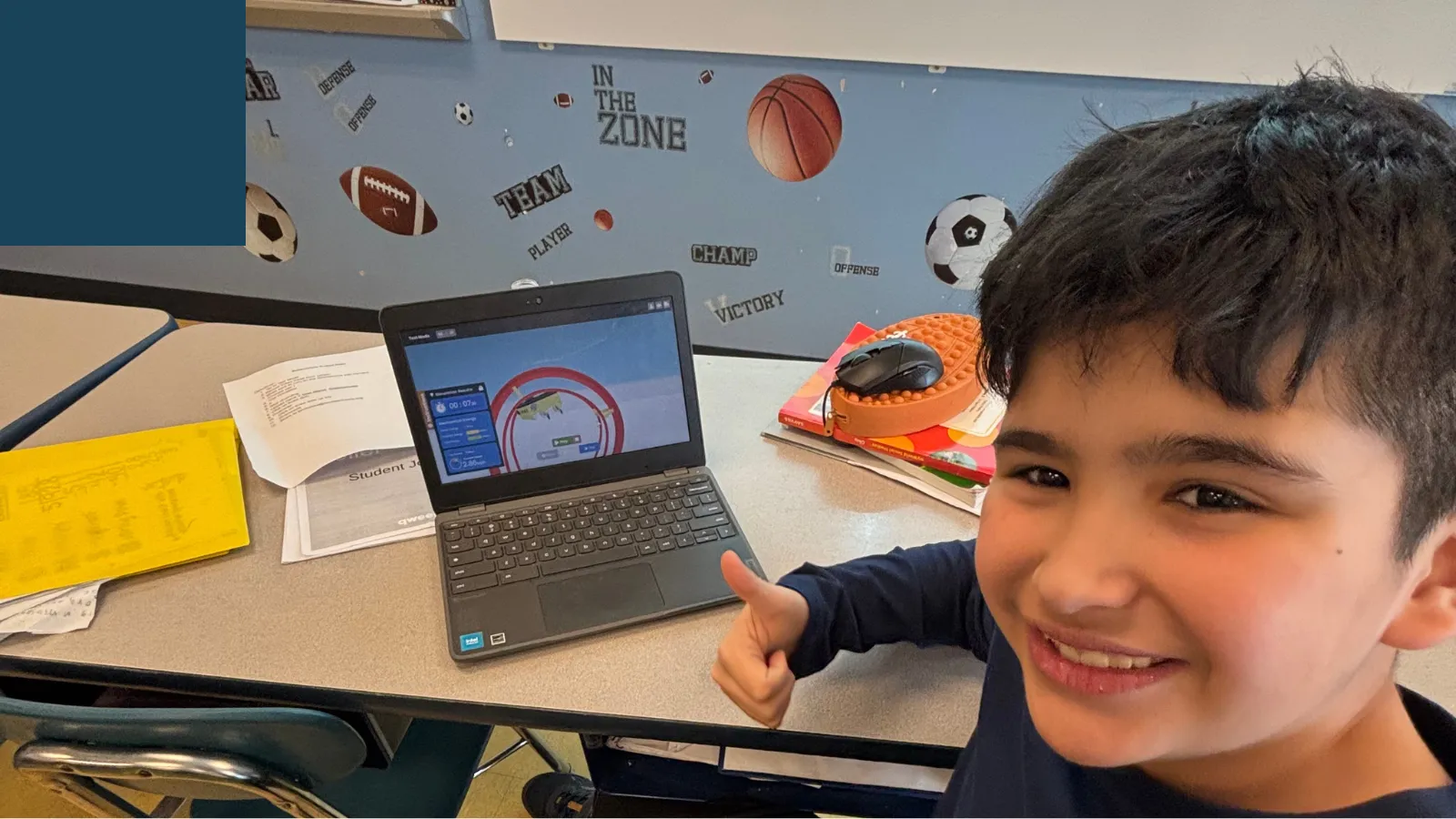
That instant test-and-iterate loop is the part a worksheet or a single video can’t offer. Students don’t memorize that potential energy has to be greater than what a cart has to climb — they discover it, because their coaster won’t make it over the hill until they fix it themselves. A student can try, fail, and rebuild a design a dozen times in one class period — something no physical build allows, since every rebuild there costs new materials and new time.
How it’s different from a physical makerspace
A physical makerspace teaches the same engineering concepts, and there’s real value in hands-on building — cutting, taping, and troubleshooting with your hands is its own kind of learning. But it asks a lot of a classroom: kits or raw materials, a place to store half-finished projects between classes, and enough time for the parts that have nothing to do with the science — measuring, cutting, waiting for glue to dry.
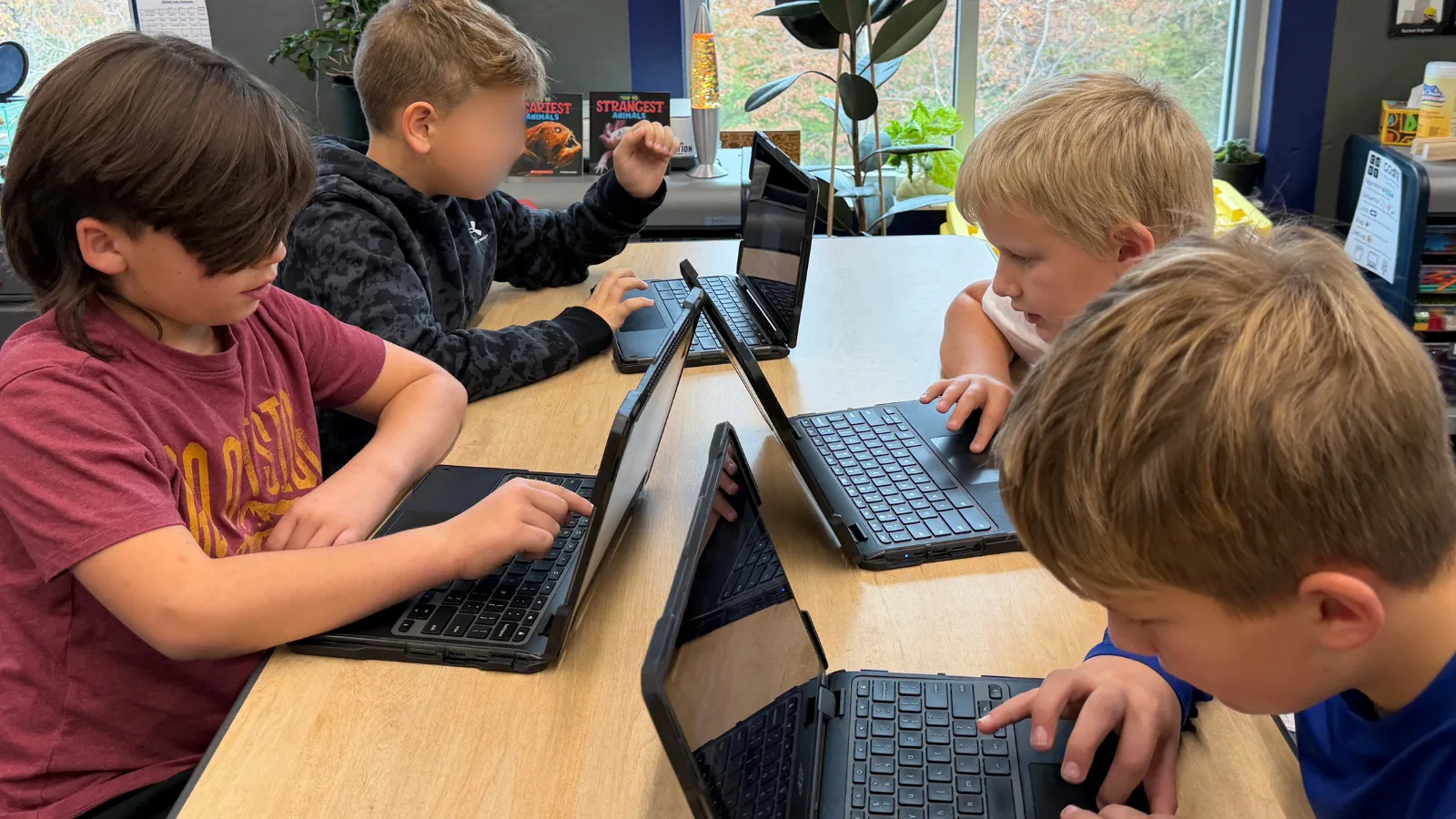
An online makerspace removes those constraints without removing the engineering. Every student gets their own build instead of sharing one kit between four. A class that only meets for 30 minutes can still make real progress, because nothing needs to be packed away and reopened next week. And a teacher without an engineering background can run it with the same confidence as any other lesson — the platform carries the science, the teacher runs the classroom.
Who it’s for
Online makerspaces work well for elementary and middle school STEM, STEAM, science, and technology teachers — grades 3 through 8 — including gifted and enrichment programs, after-school clubs, and homeschool groups. They fit especially well into short class periods, rotating specials schedules, or any classroom where storage space and prep time are in short supply. You don’t need a technical background to run one: the projects are built to be taught, not just assigned, with teacher slides, guides, and built-in rubrics that do the heavy lifting.
What’s inside Qweebi’s online makerspace
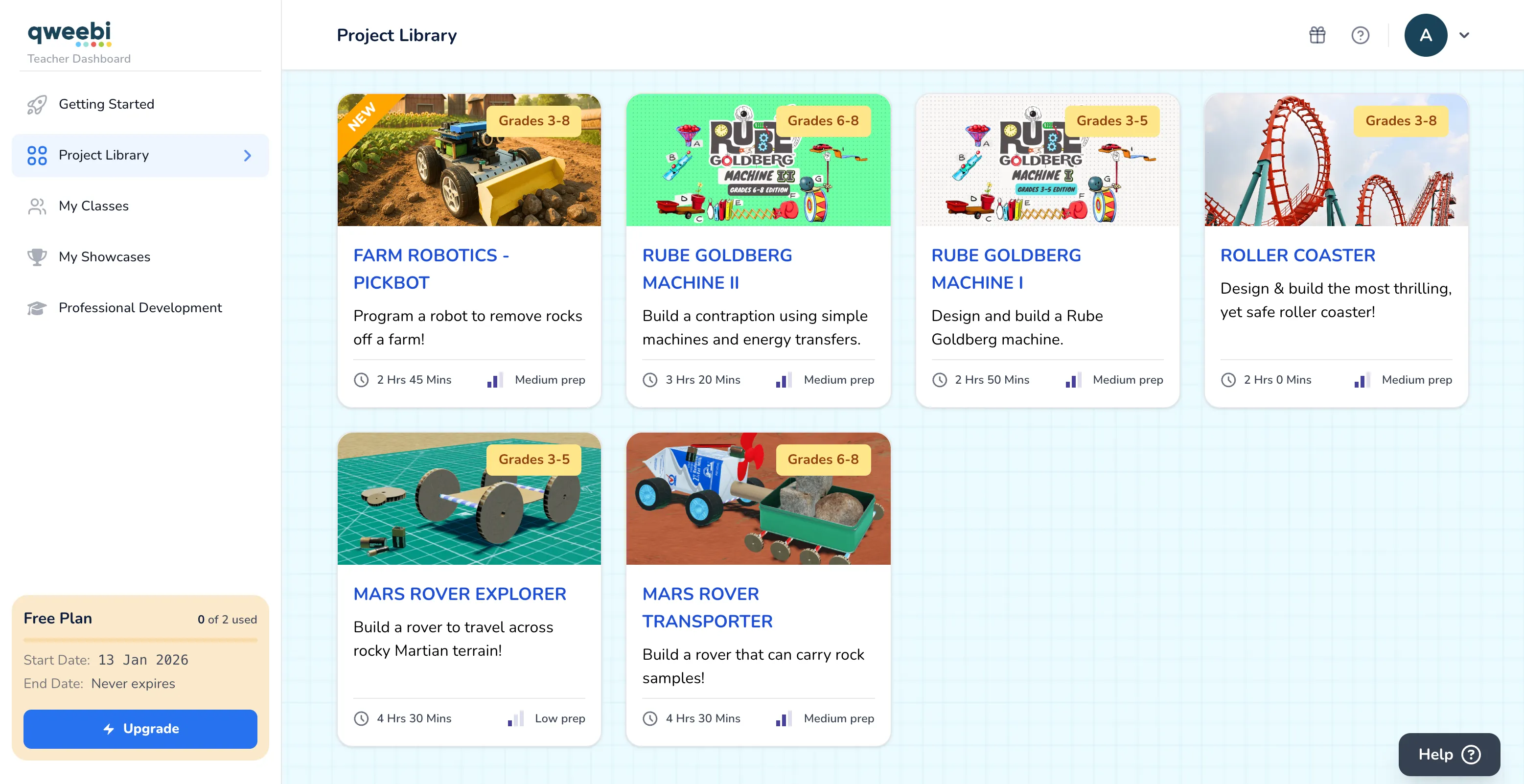 The Qweebi project library — 13+ projects across grades 3–8, each with a time and prep estimate.
Qweebi is a browser-based online makerspace for grades 3–8, with 13+ ready-to-run projects across engineering, robotics, electronics, and renewable energy, all aligned to NGSS standards (and CSTA for coding and robotics projects). Each project is built as three lessons — a real-world hook, a short science bootcamp, and an engineering design challenge — so a class can pick up and put down a project across whatever schedule they have. Teachers get a dashboard to assign work, track progress, and assess with built-in rubrics; students get their own build, plus a show-and-tell feature to present what they made. It runs on any Chromebook, Windows, or Mac computer — no download, no installation.
Try it yourself
Qweebi gives every teacher a free account and 2 full projects to try with your own classes — no credit card required to start.
Ready to bring hands-on STEM to your classroom?
Try 2 Qweebi projects free and see how students design, build, test, and improve, without kits or supplies.
Related articles
View all blog posts